
Breadcrumbs: qué son y para qué sirven
Por Tiago CostaActualizado el 2 de julio de 2026
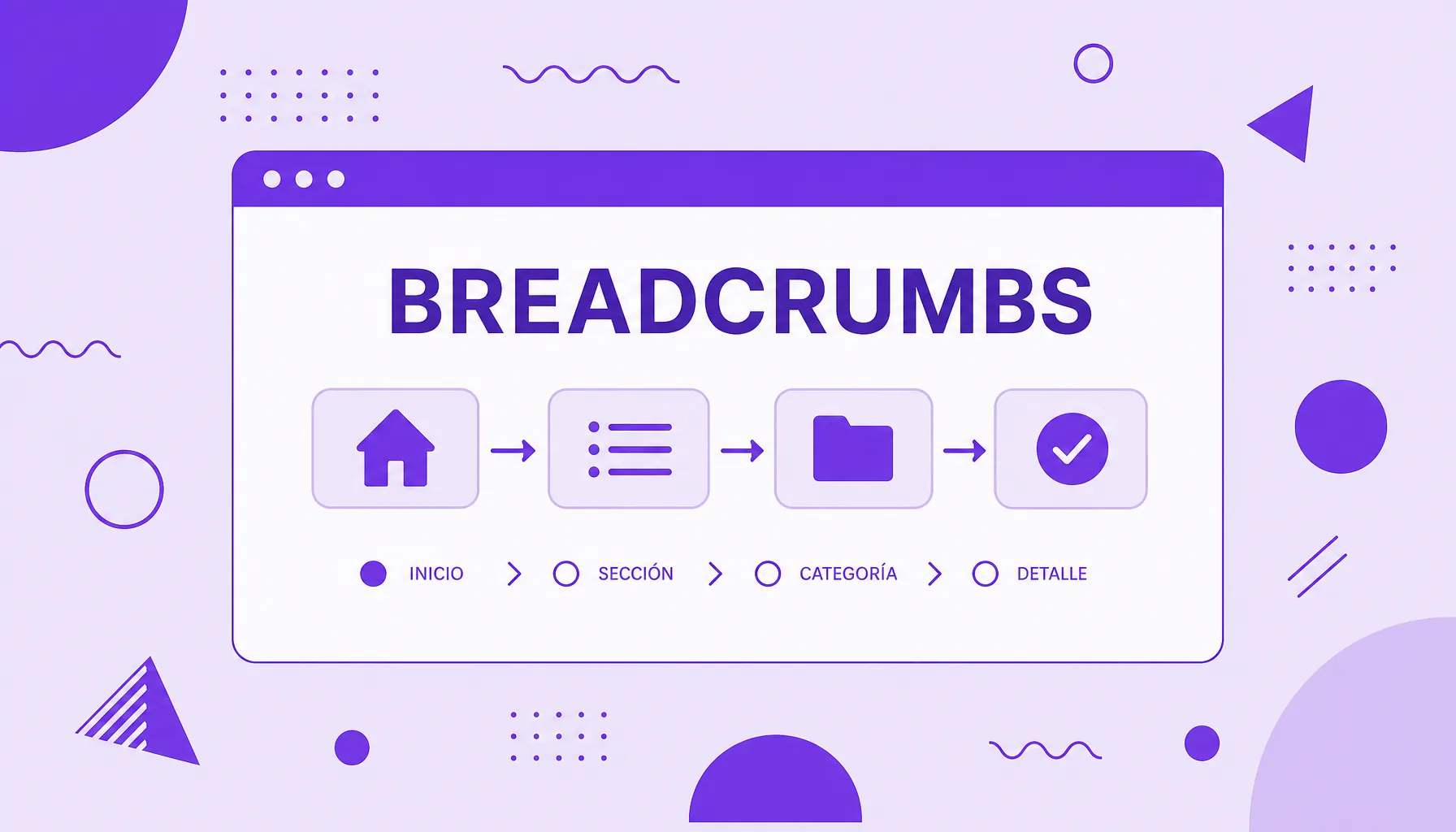
Los breadcrumbs (la ruta de navegación) son la línea de enlaces que muestra la posición de una página en la jerarquía del sitio. Sirven para:
- orientar al visitante sobre dónde está;
- permitir volver a categorías anteriores con un clic;
- reforzar la estructura del sitio para los buscadores;
- aparecer como ruta de navegación en el resultado de búsqueda.
Qué son los breadcrumbs (la ruta de navegación)
Los breadcrumbs, en español ruta de navegación, son una línea de enlaces mostrada cerca del inicio de una página que muestra el camino hasta ella dentro del sitio. Un ejemplo común: Inicio > Blog > SEO > Breadcrumbs. Cada elemento, menos el último, es clicable y lleva de vuelta al nivel correspondiente.
El nombre viene del cuento de Hansel y Gretel, en el que los niños dejan migas de pan para encontrar el camino de vuelta. La idea es la misma: la ruta marca por dónde pasó el usuario y cómo puede volver. Es un elemento pequeño en la pantalla, pero con un papel grande en la orientación, sobre todo en sitios grandes con muchas categorías y subcategorías.
Tipos de breadcrumbs
No todos los breadcrumbs funcionan igual. Existen tres modelos principales, y entender la diferencia ayuda a elegir el correcto para cada sitio:
| Tipo | Cómo funciona |
|---|---|
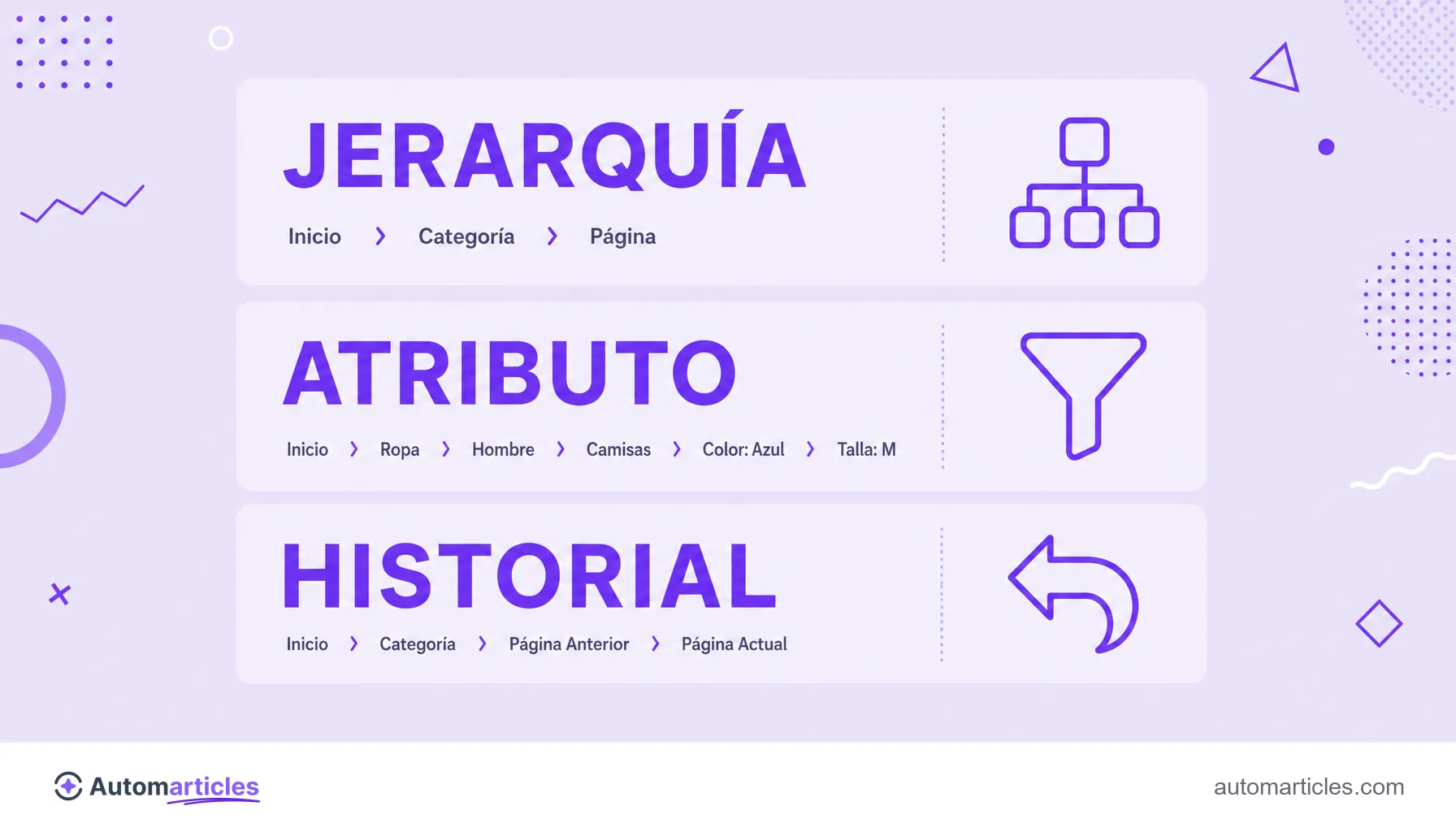
| Basado en jerarquía | Muestra la posición de la página en la estructura del sitio (Inicio > Categoría > Subcategoría). Es el más común y el más útil para SEO. |
| Basado en atributos | Común en e-commerce, refleja los filtros aplicados (Portátiles > Marca > hasta 16 pulgadas). |
| Basado en historial | Reproduce el camino que recorrió el usuario, al estilo de un botón volver (Anterior > Página actual). |
En la mayoría de los blogs y sitios institucionales, el modelo jerárquico resuelve. En tiendas online, la buena práctica es combinar más de un tipo. Según un estudio del Baymard Institute, el 68% de los sitios de e-commerce analizados tienen implementaciones de breadcrumb por debajo de lo ideal, en general por ofrecer solo un tipo de ruta cuando el usuario necesitaría más de uno para navegar con fluidez.
Para qué sirven: beneficios de UX y SEO
Los breadcrumbs entregan valor en dos frentes al mismo tiempo. Para la experiencia del usuario, ellos:
- Ubican al visitante: responden la pregunta dónde estoy dentro del sitio sin esfuerzo.
- Facilitan la navegación: permiten subir de nivel con un clic, sin depender del botón atrás del navegador.
- Reducen la tasa de rebote: quien llega desde una búsqueda externa encuentra caminos para explorar más páginas en vez de salir.
Para el SEO, las ganancias vienen de la estructura. La ruta crea una malla de enlaces internos coherente, que ayuda al buscador a entender la relación entre las páginas y a distribuir relevancia. También mejora la escaneabilidad de la parte superior de la página, dejando claro el contexto de entrada. Y, como veremos, aún puede aparecer en el propio resultado de búsqueda.
Breadcrumbs y Google: la ruta en el resultado
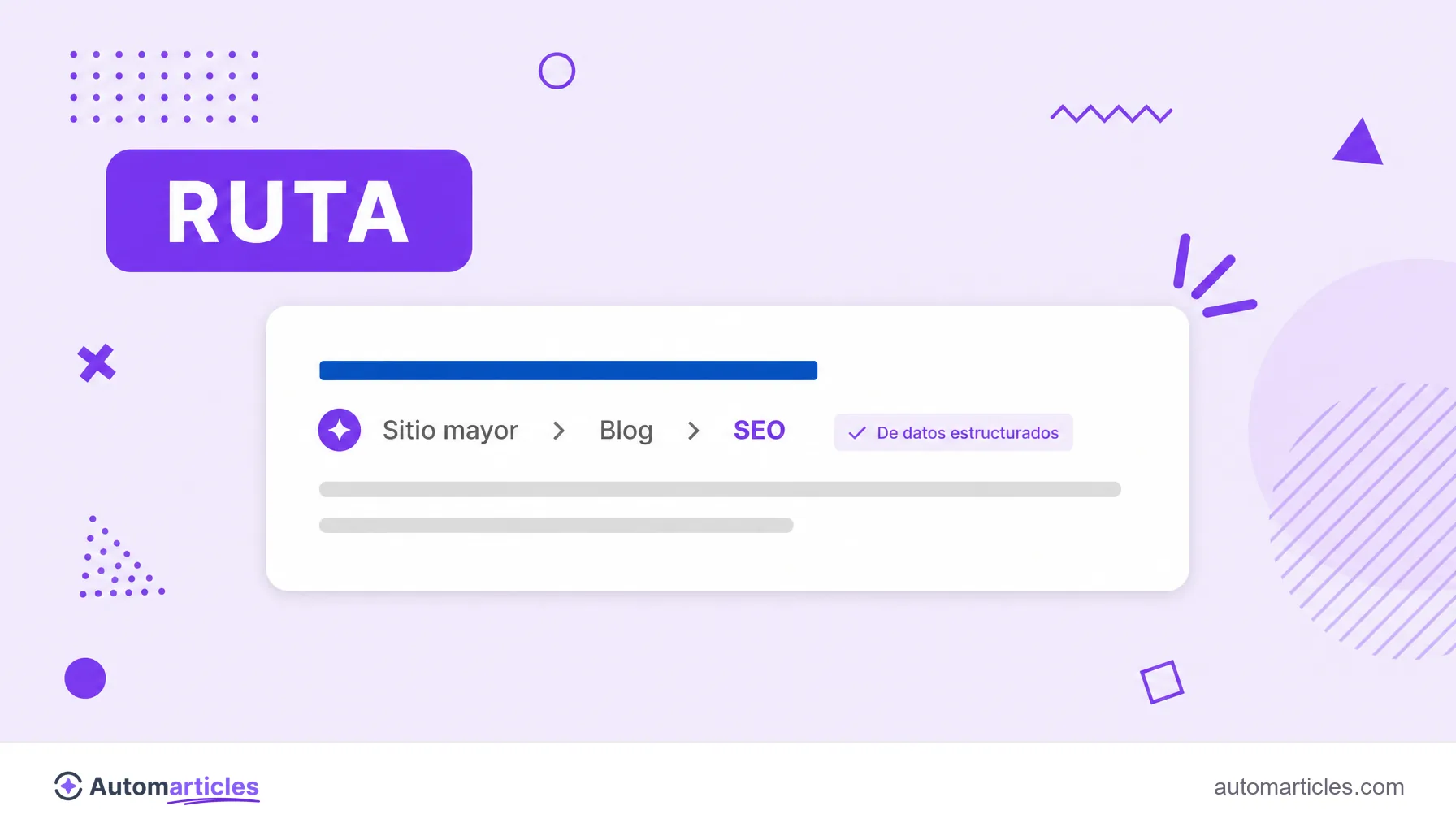
Cuando están bien marcados, los breadcrumbs salen de tu página y aparecen en la SERP. En lugar de la URL cruda, Google muestra la ruta de navegación debajo del título del resultado, algo como sitio.com > blog > seo. Ese formato es más legible, da contexto antes del clic y suele mejorar la tasa de clics.
Para que esto ocurra, la ruta necesita describirse con datos estructurados. El marcado específico para este fin es el tipo BreadcrumbList, aplicado mediante schema markup, que informa al buscador cada elemento del camino y el orden entre ellos. Vale recordar que los breadcrumbs son distintos de los sitelinks: mientras la ruta muestra la jerarquía de una única página, los sitelinks son enlaces extra a varias secciones del sitio mostrados debajo del resultado principal.
Cómo implementar breadcrumbs en tu sitio
Poner una ruta de navegación en línea es más simple de lo que parece. El camino básico involucra pocos pasos:
- Define la jerarquía: mapea la estructura del sitio en niveles lógicos (Inicio, categoría, subcategoría, página) antes de programar nada.
- Colócala arriba: muestra la ruta encima del título principal (H1), en un tamaño discreto, para orientar sin competir con el contenido.
- Haz los elementos clicables: todos los niveles, menos la página actual, deben ser enlaces funcionales que lleven al nivel correcto.
- Agrega los datos estructurados: incluye el marcado BreadcrumbList para que el camino tenga posibilidad de aparecer en el resultado de búsqueda.
- Alinéala con la URL: la ruta debe reflejar la estructura de carpetas y el slug de la página, manteniendo la coherencia entre lo que ve el usuario y la dirección.
La mayoría de los CMS y plataformas de e-commerce ofrecen breadcrumbs listos o vía plugin, muchos ya con los datos estructurados integrados. En esos casos, el trabajo es más de configurar la jerarquía que de programar desde cero.
Buenas prácticas y errores comunes
Una ruta mal hecha estorba más de lo que ayuda. Para acertar, sigue algunos principios simples:
- No sustituyas el menú principal: el breadcrumb complementa la navegación, no es el menú del sitio.
- Mantén la página actual sin enlace: el último elemento de la ruta indica dónde estás y no debe ser clicable.
- Usa etiquetas claras: los nombres de las categorías deben ser cortos y descriptivos, iguales a los que aparecen en el resto del sitio.
- Cuidado en el móvil: en pantallas pequeñas, una ruta larga puede partirse en varias líneas; acórtala o muestra solo el nivel anterior cuando sea necesario.
- Evita rutas demasiado profundas: muchos niveles confunden; si la jerarquía es larga, repiensa la arquitectura en vez de apilar categorías.
Bien aplicados, los breadcrumbs son uno de esos detalles que pasan desapercibidos cuando funcionan y se echan de menos cuando desaparecen. Cuestan poco de implementar y mejoran, a la vez, la experiencia de quien navega y la lectura que el buscador hace de tu sitio.