
Google Business Profile: what it is and how to use it
By Tiago CostaUpdated on July 2, 2026
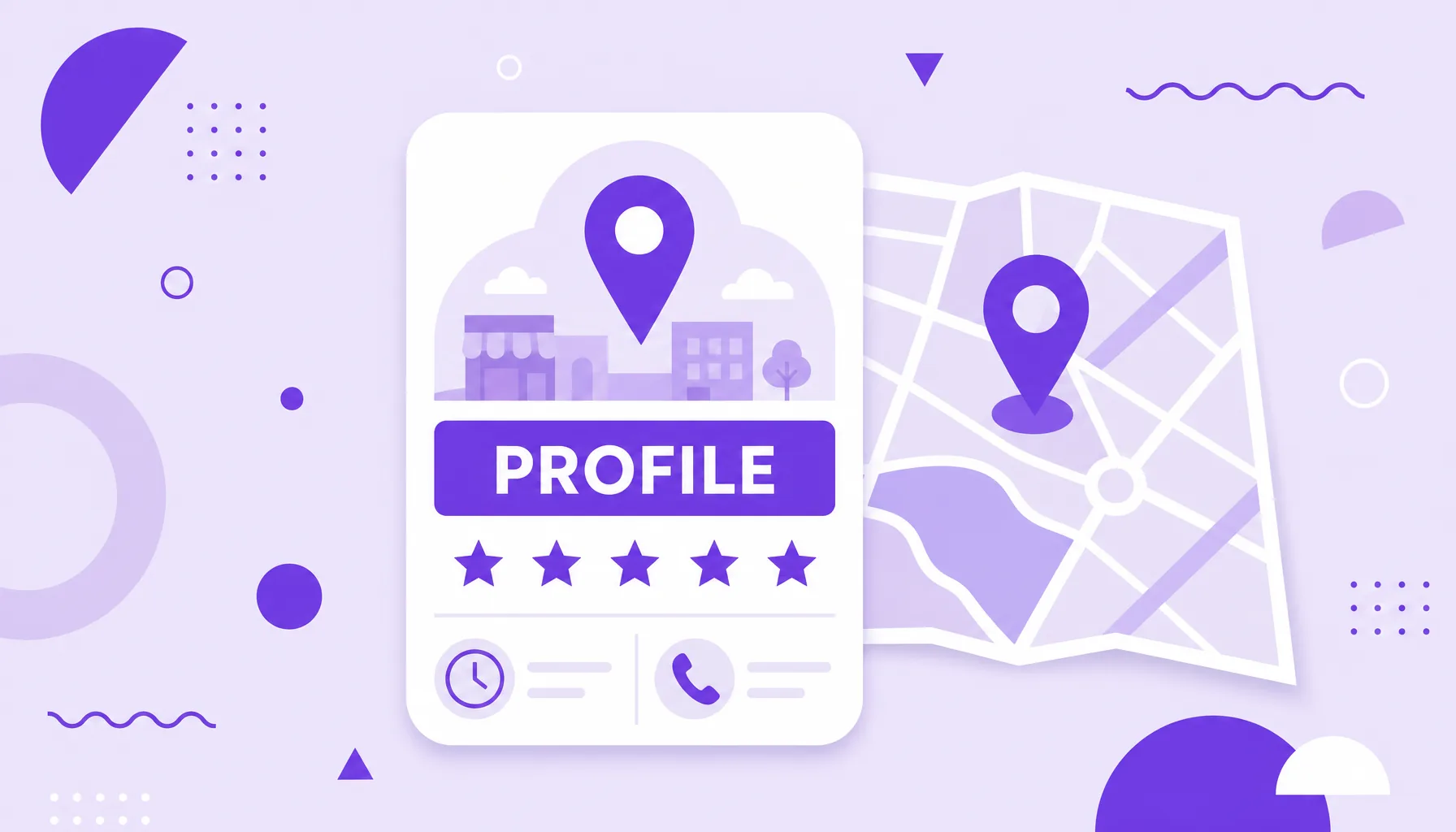
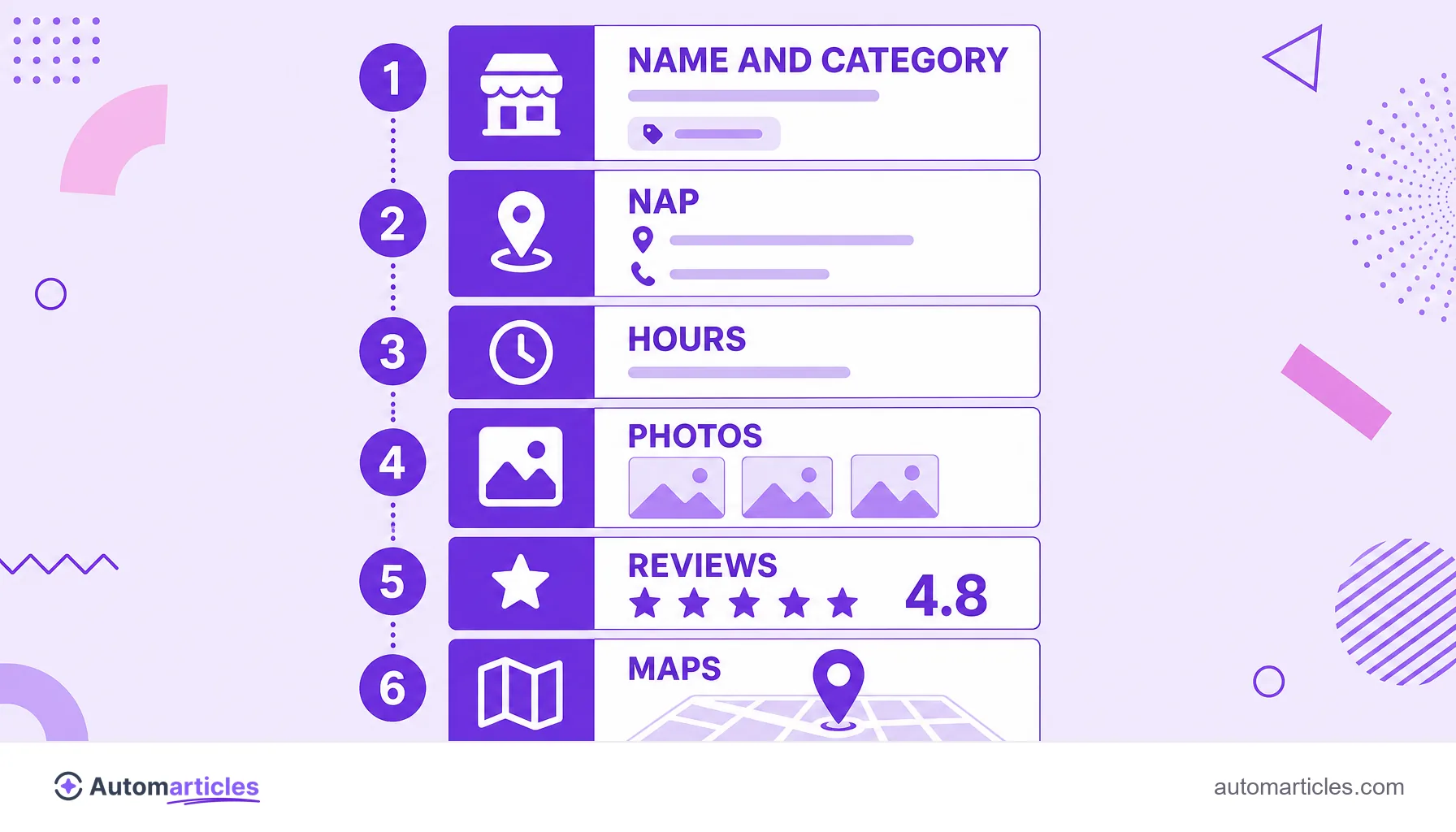
Google Business Profile (formerly Google My Business) is a free listing that puts a company on Search and on Google Maps. On the profile, the business shows:
- name, address and phone (the NAP);
- opening hours and website;
- photos, products and services;
- customer reviews and ratings;
- posts and direct messages.
What Google Business Profile is (and why the name changed from My Business)
Google Business Profile is the free listing that shows a company directly on Google, both on Search and on Google Maps. Back in 2022, Google retired the old name Google My Business and renamed the tool to Google Business Profile. The old app was discontinued, but the service is the same and most people still look it up by the former name.
In practice, the profile works as the official record of the business inside Google. It holds the name, address, phone number, opening hours, website, photos and customer reviews. All of that shows up for free to anyone searching for the company or for similar services in the same area.
An important point for anyone searching: the listing is free from start to finish. There is no fee to create, verify or maintain the profile, and Google never charges for it. What is paid are the ads (Google Ads), a separate and optional feature.
How Google Business Profile works in practice
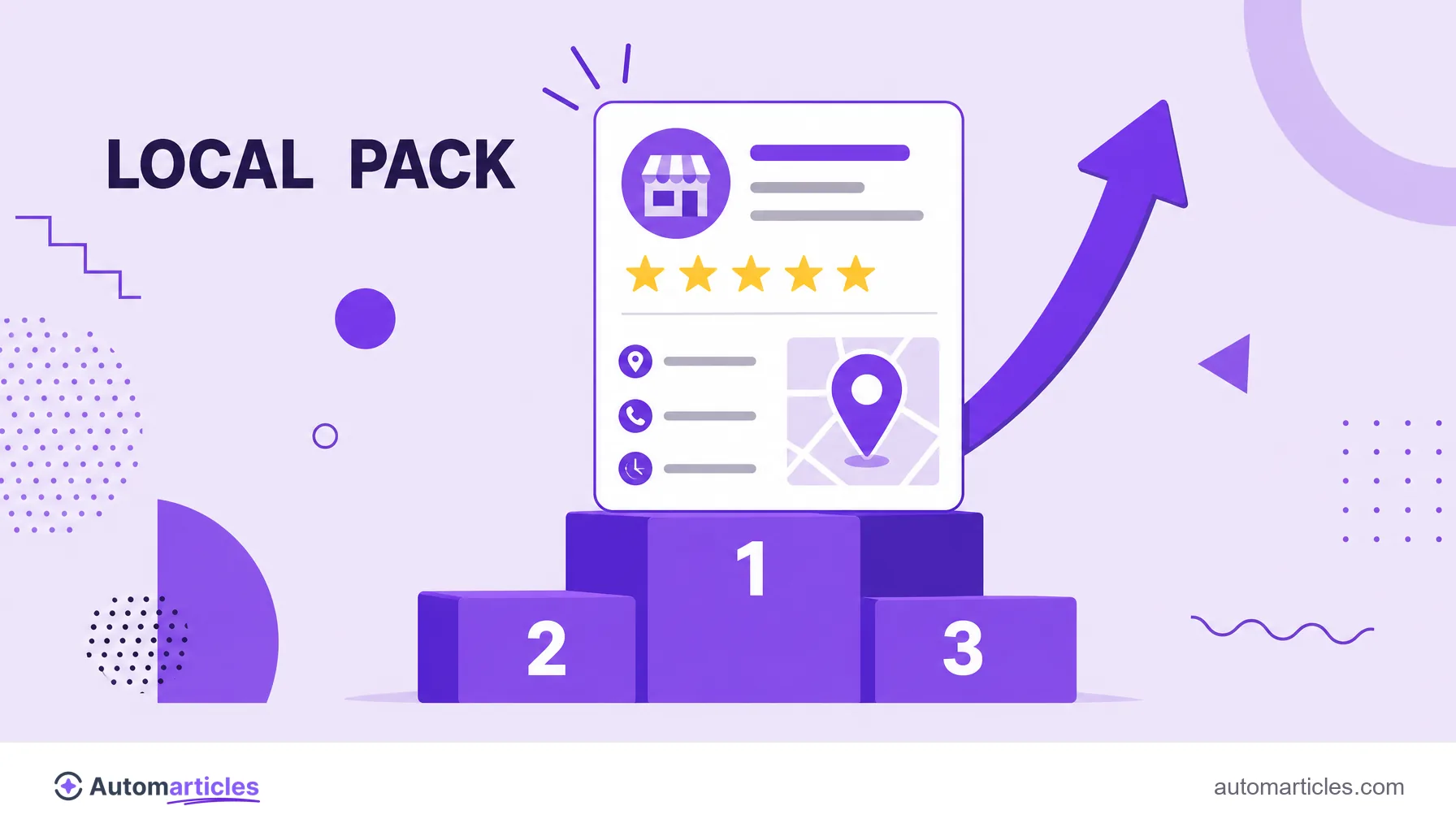
When someone searches for a service with local intent, such as dentist near me or pizza downtown, Google builds a special block at the top of the results. That block, called the local pack, shows a map and three highlighted business profiles, each one powered by Google Business Profile.
The same listing feeds other touchpoints:
- Google Maps: the profile appears on the map with directions, phone and hours.
- Side panel on Search: when you search the company name, Google shows a panel with photos, reviews and action buttons, connected to the Knowledge Graph.
- Category searches: generic terms with local intent trigger the local pack with competitors side by side.
This space is valuable because it concentrates clicks. According to a study by Backlinko, around 42% of users click on the local pack results in searches with regional intent, which reinforces how much it pays to rank well in that local SEO block.
How to create a free Google Business Profile step by step
Creating the profile takes just a few minutes and has no cost. The steps are straightforward:
- Open the sign up: go to google.com/business or search for your company name on Google and click Claim this business.
- Enter the name and category: use the real business name and pick the main category that best describes the activity.
- Add address and service area: set whether you serve at the location, at the customer's place or both.
- Fill in the contacts: phone, website and opening hours.
- Verify the business: Google confirms the business is yours, usually with a code sent by postcard, phone, email or video.
Verification is the step that unlocks full editing of the profile. Until it is done, the listing stays limited. It pays to fill in the details carefully from the start, because a complete and consistent profile tends to show up better in searches.
How to access and edit the profile after creating it
After the old Google My Business app was discontinued, access changed. Today you manage the profile directly on Search and on Maps, without installing anything:
- On Search: sign in with the Google account that owns the profile and search for the company name or for my business. The management panel appears at the top.
- On Google Maps: tap your profile photo and choose the option to manage the Business Profile.
From there, you can edit hours, reply to reviews, publish updates, add photos and track statistics on how many people saw and clicked the profile. Keeping this data always up to date, especially the NAP (name, address and phone), stops customers from finding wrong information and giving up on the purchase.
How to optimize the profile to appear more in local searches
Having the profile is not enough: you need to optimize it to climb the local pack. A few adjustments make a direct difference:
- Choose the categories well: the main and secondary categories tell Google which searches the business is relevant for.
- Keep the NAP consistent: name, address and phone must be identical here and on the website, something central to the NAP.
- Collect real reviews: volume, rating and replies to reviews weigh heavily in local ranking.
- Add photos and posts: recent images and regular updates signal an active profile.
- Use the terms customers search: the description and services can include the keyword people actually search for.
Reviews deserve special attention. According to the BrightLocal survey, around 81% of consumers used Google to evaluate local businesses, more than any other platform. A profile with good ratings and attentive replies earns trust and clicks.
Google Business Profile and local SEO: how the pieces fit together
Google Business Profile is the heart of local SEO, but it does not work alone. It talks to the business website and to the rest of the online presence to build a solid reputation in Google's eyes.
Three fronts reinforce each other:
- Optimized profile: complete data, the right categories and active reviews.
- Aligned website: pages with the same NAP, local content and a good experience, which also feeds organic traffic.
- External signals: mentions and citations of the business in directories and other trusted sites.
When these pieces point in the same direction, Google understands the company is real, relevant and close to whoever is searching. The result is more appearances in the local pack, more visits to the profile and, in the end, more customers arriving through search with no cost per click.