Ebook mode: any blog article becomes a PDF ready to capture leads

By Tiago CostaUpdated on July 06, 2026
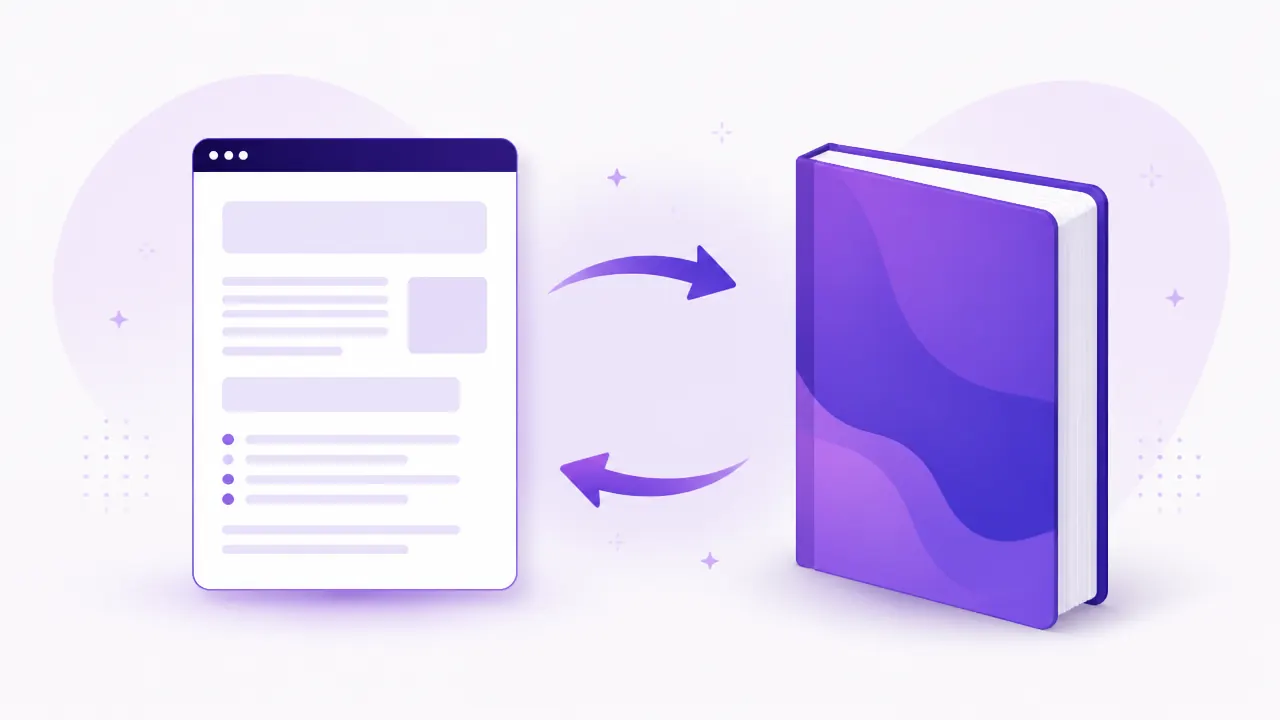
What changed
Every blog has that dense article that would work better as a lead magnet than as a post. Until now, turning it into an ebook meant copying the text into a design tool, laying it out again and exporting by hand.
The editor now has an ebook mode. You open the article, switch modes, adjust the panel and download the PDF. The layout comes out finished, with a cover, a table of contents and the same heading structure as the original article.
What you can adjust
- Cover and identity: upload your logo, set the light and dark brand colours and the name that signs the material.
- Table of contents: built from the article headings, with no page numbering by hand.
- Call to action: title, body and a button pointing wherever you want, so the ebook works as a lead magnet.
If your blog is hosted by us, the fields start filled in with your site identity, so the first ebook is a few clicks away.
How to use it well
The mode pays off on long, structured articles, the guide or step by step kind. A three paragraph text becomes a thin PDF, and a thin lead magnet does not justify asking for an email.
One combination that works: publish the full guide on the blog to attract search, and offer the same content as a PDF at the end of the page, with the ebook button pointing to your contact page.