
What an XML Sitemap is and how to create one
By Tiago CostaUpdated on July 2, 2026
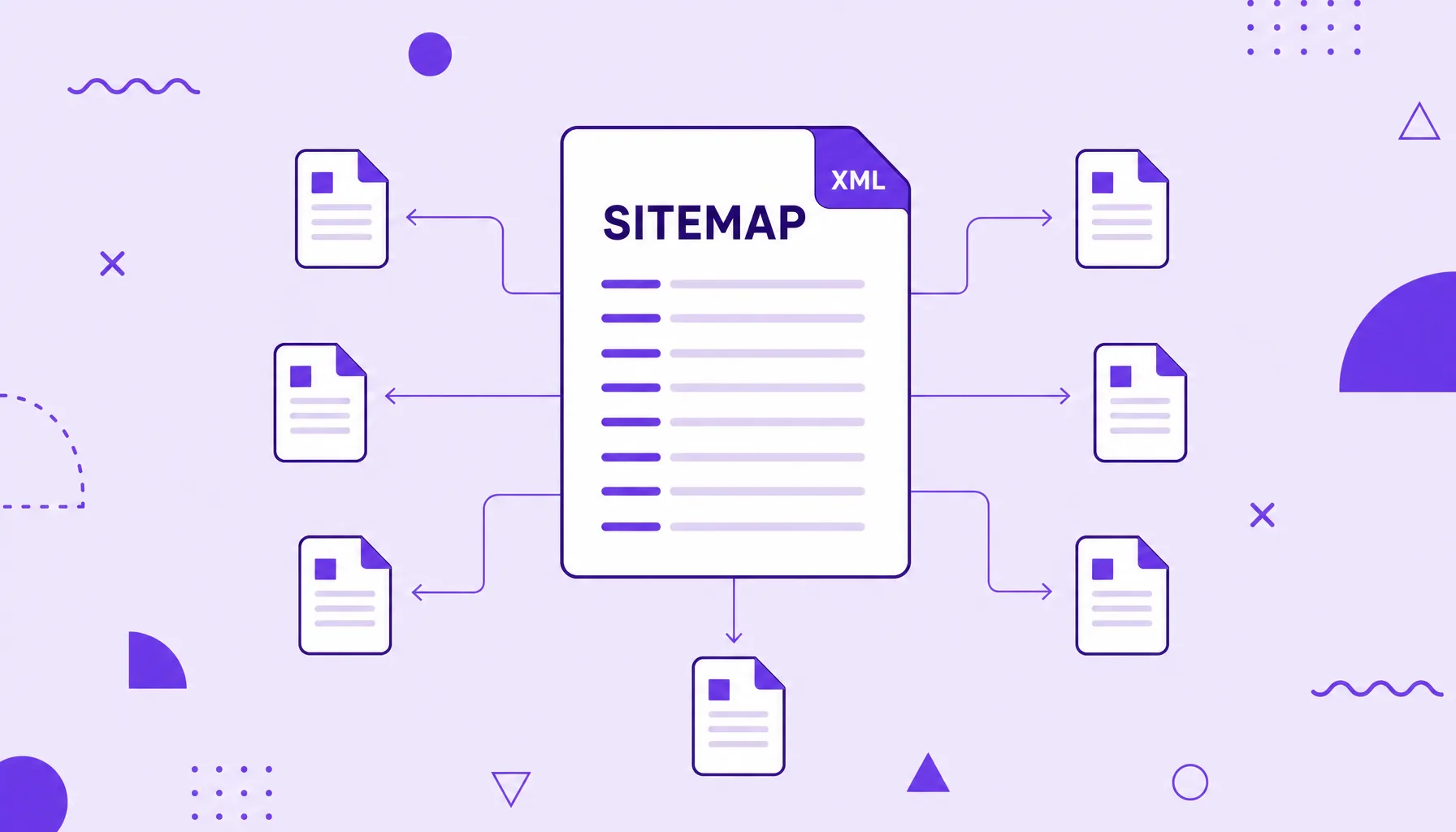
An XML sitemap is a file that lists a site's URLs in XML format to guide search engines. It helps Google discover and prioritize pages, especially on large or new sites. Each URL sits inside a <loc> tag, and the file usually lives at an address like /sitemap.xml.
What an XML sitemap is
An XML sitemap is a text file in XML format (eXtensible Markup Language) that lists the URLs you want search engines to know about. Each address sits inside a <loc> tag, and the whole list lives inside a <urlset> element.
Besides the address, each entry can carry optional information that gives the engine context:
- <loc>: the page URL, the only required field.
- <lastmod>: the date of the last change, useful to signal updated content.
- <changefreq> and <priority>: hints about change frequency and relative importance, now barely considered by Google.
In practice, the sitemap is a site map handed over on a plate: instead of waiting for the engine to find everything on its own through links, you give it the list of addresses that matter.
What the XML sitemap is for in SEO
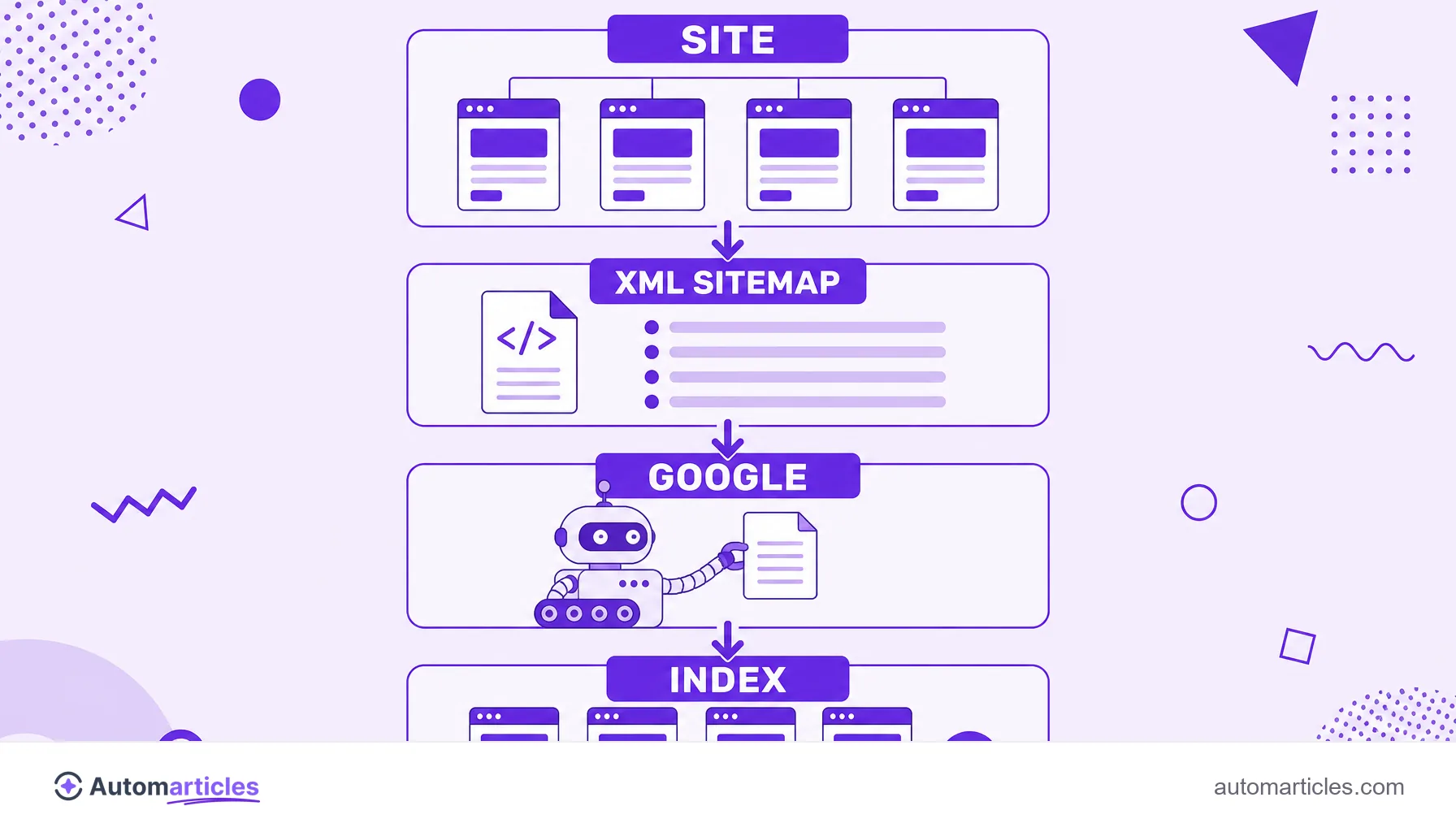
The sitemap's role is to help with discovery. It makes the job of the crawler, the robot that travels the web following links, easier by handing over at once the list of pages you consider relevant.
This is especially valuable in a few scenarios:
- Large sites: with thousands of URLs, it is easy for a page to be poorly connected and go unnoticed.
- New sites: still with few backlinks, they rely more on the sitemap to be found.
- Isolated pages: addresses with few internal links pointing to them gain a direct route to discovery.
An important warning: the sitemap helps with discovery, but does not guarantee indexing. Google decides on its own what to index, judging quality and relevance. Listing a URL in the sitemap is an invitation, not an order.
How to create an XML sitemap
You do not need to write the file by hand. There are three main paths, from the simplest to the most manual:
- CMS and plugins: most platforms generate the sitemap on their own. On WordPress, SEO plugins create and update the file automatically with each new piece of content.
- Online generators: tools that crawl the site and return a ready file, good for static or small sites.
- Manual or programmatic generation: in custom projects, the system itself builds the XML from the database, keeping it always up to date.
Whatever the method, the golden rule is the same: the sitemap should list only URLs you truly want in the results, each in its canonical version, with no duplicates or redirects.
XML sitemap limits and best practices
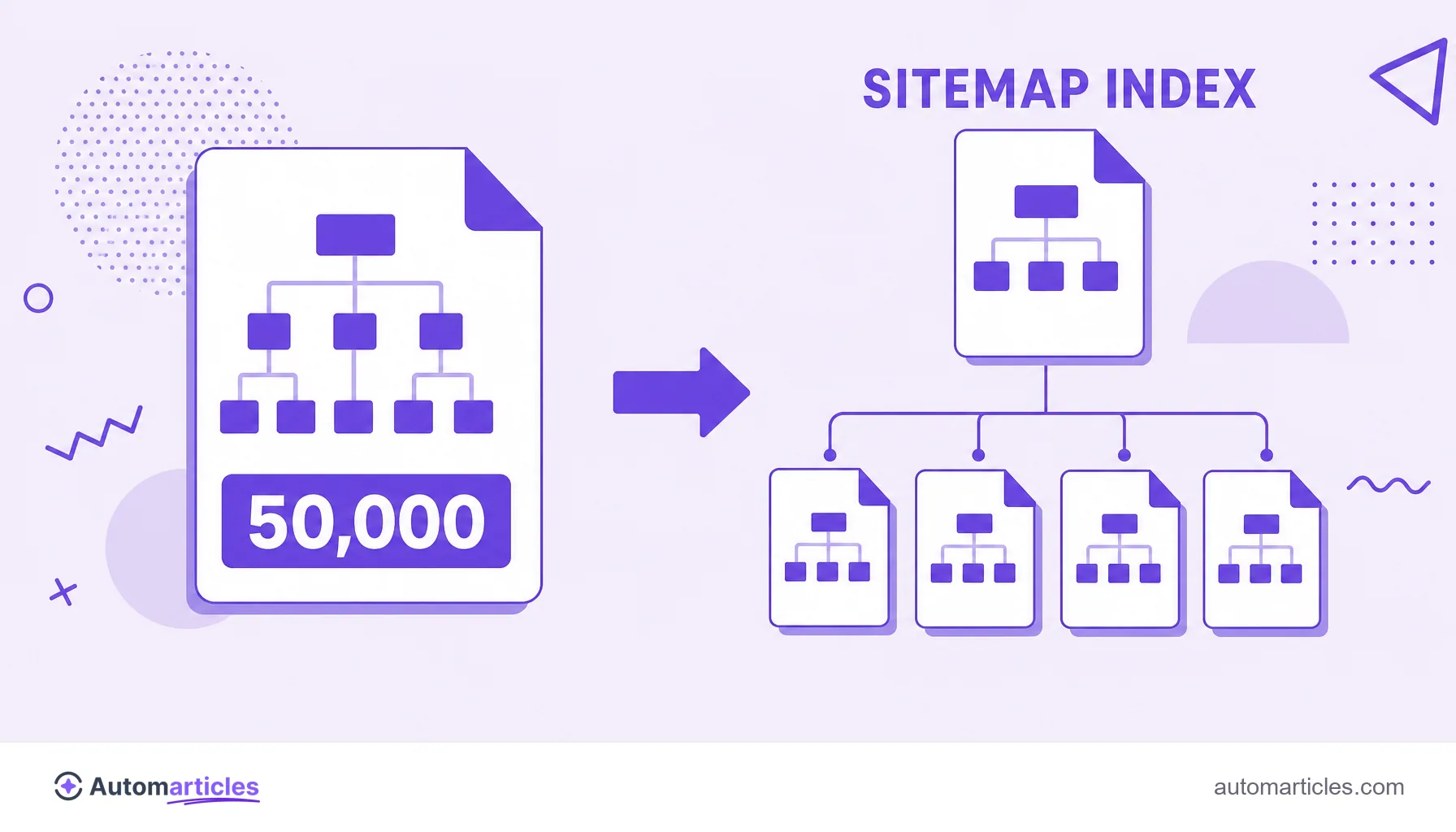
The format has clear rules. According to the Google Search Central documentation, a single sitemap file is limited to 50 MB (uncompressed) or 50,000 URLs. Anyone going over those numbers needs to split the list into several files.
For large sites, the solution is the sitemap index, a file that points to other sitemaps, like an index of indexes. That way you keep each file within the limit and submit only the index to Google.
Other best practices that avoid wasting crawl:
- Include only indexable pages that return a 200 status.
- Always use the canonical URL, never duplicate versions of the same content.
- Keep
<lastmod>honest, updating the date only when the content actually changes. - Encode the file in UTF-8 and use absolute URLs.
How to submit the sitemap to Google
Once the file is published, it is time to tell the engine. There are two complementary ways:
- Google Search Console: in the Sitemaps report of Google Search Console, just enter the file path (for example, sitemap.xml) and submit. There you also track errors and the number of discovered URLs.
- The robots.txt file: including the line that points to the sitemap in robots.txt helps other search engines find it automatically.
Submitting through Search Console is the most valuable step, because it opens a diagnostic channel: if a URL in the sitemap has a problem, the report shows it, and you can confirm case by case with URL inspection.
Common XML sitemap mistakes
A sloppy sitemap hurts instead of helping. The most frequent slips are:
- Listing URLs with noindex: telling the engine to discover pages you yourself ask not to index sends contradictory signals.
- Including redirects and errors: URLs that return 301, 404 or 410 in the sitemap waste crawl and clutter the reports.
- Blocking the sitemap in robots.txt: if the crawler cannot read the file, it is useless.
- Leaving the file outdated: a sitemap that does not reflect the current site loses its value and can confuse the engine.
The fix is to keep the file clean and in sync with the site. A good sitemap lists only what should rank, always in the canonical version and with a healthy status.