
Cloaking: what it is and why this technique is penalized in SEO
By Tiago CostaUpdated on July 2, 2026
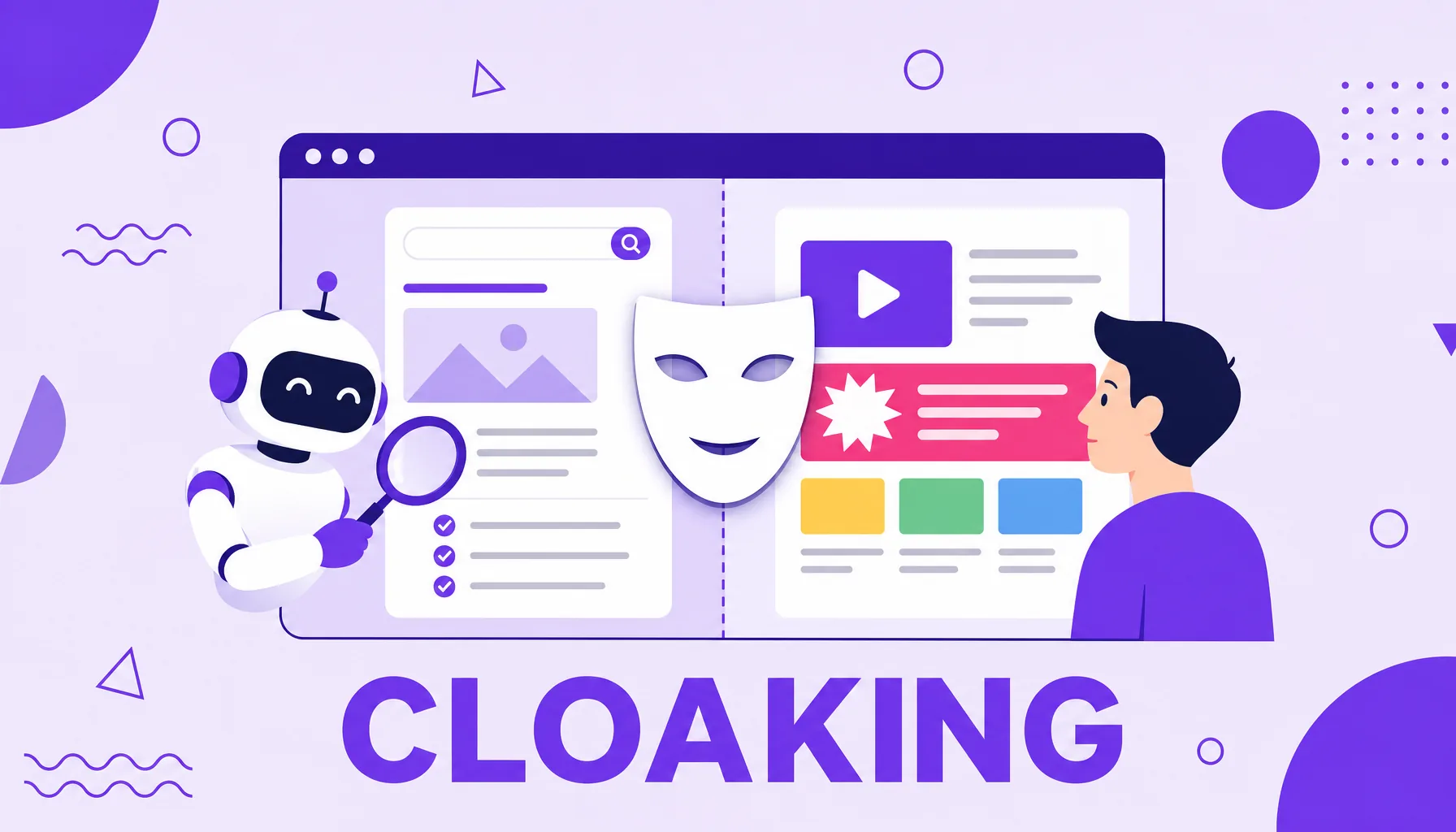
Cloaking is showing one content to the search engine and another to the user on the same URL, to manipulate the ranking. It counts as cloaking, for example:
- serving a text full of keywords only to the robot;
- redirecting the user to a page different from the one Google saw;
- detecting Googlebot by its user-agent or IP and swapping the content;
- hiding text or links visible only to the crawler.
What cloaking is
Cloaking (from 'to cloak', to conceal) is the practice of serving the search engine one version of the page and the user another, on the same URL. The idea is to fool the algorithm: showing Google a polished, optimized content while the person who clicks sees something different, often an ad, a product or a text unrelated to the search.
By definition, it is a black hat SEO technique. Google's guidelines describe cloaking as 'the practice of presenting different content to users and search engines with the intent to manipulate search rankings and mislead users', according to the Google Search spam policies.
The key point is intent. It is not about any difference between versions, but about hiding from the search engine what the user will actually find. It is this breach of trust that Google fights.
How cloaking works
To serve different content, the server first needs to figure out who is accessing it. It does this by reading clues from each request and deciding, on the spot, which version to show. The most common methods are:
- By user-agent: the site identifies the signature of the crawler (such as Googlebot) and serves one page; to everyone else, it serves another.
- By IP address: the delivery changes according to the origin IP, isolating the known ranges of the search engines' robots.
- Via JavaScript: the page loads one HTML for the robot and then rewrites the content in the user's browser.
- By referrer: the content changes according to the referrer header, for example, whether or not the visit came from Google.
In every case, the logic is the same: recognize the search engine and show it something the user will never see.

Types and examples of cloaking
Cloaking appears in several forms, from the crudest to the most disguised. The classic examples include:
| Type | How it shows up |
|---|---|
| Text cloaking | A page rich in keywords for the robot and commercial content for the user. |
| Sneaky redirect | Google sees one URL, but the user is taken to a very different one. |
| Image cloaking | The robot reads a text that, for the person, shows up as an image or not at all. |
| Ad cloaking | One page approved for the ad and another, the real one, shown to whoever clicks. |
Ad cloaking deserves separate attention: it is the version of cloaking applied to advertising, where the advertiser shows a harmless page for the Google Ads review and another, often deceptive, to whoever clicks the ad. It also violates the policies and leads to account suspension.
Cloaking vs legitimate practices: not every different delivery is cloaking
Showing slightly different content to different people is not always cloaking. The difference lies in the intent to deceive the search engine. Some legitimate examples:
- Dynamic rendering: serving a pre-rendered version to robots that struggle with JavaScript is a JavaScript SEO technique, as long as the content is equivalent.
- Personalization and geolocation: adjusting language, currency or offers according to the user's region is acceptable, as long as the robot sees the same as a user from that location would.
- Paywalls and gated content: requiring login or a subscription is allowed when properly signaled to Google, without hiding what is behind it.
The golden rule is simple: what Googlebot sees must be, in essence, what the user sees. When the versions diverge to manipulate the ranking, it stops being personalization and becomes cloaking.

Why cloaking is penalized
Cloaking attacks what Google protects most: the trust of the person searching. If the page that ranks is not the one the user finds, the result loses value. That is why cloaking is treated as a serious violation, alongside other black hat tactics fought at every spam update.
According to the Google spam policies, sites that break the rules 'may rank lower or not appear in results at all', and are also subject to a manual action. And the automated systems keep improving: Google itself states that SpamBrain helps keep more than 99% of visits from search free of spam.
In short, cloaking is a very high risk bet. The gain depends on Google not noticing the maneuver, and the trend is that it will notice, sooner or later, with a proportional penalty.
How to spot and avoid cloaking
Checking whether a site practices cloaking (yours or a competitor's) is simpler than it looks. It is worth checking:
- URL inspection: use the URL inspection in Google Search Console to see exactly the HTML that Googlebot received and compare it with the real page.
- Cached version and no JavaScript: opening the page with JavaScript disabled helps reveal content that appears only to the robot.
- Cloaking checker tools: services that simulate Googlebot's user-agent and show whether the delivered content changes.
To avoid the problem, the recipe is direct: serve the same page to everyone. If you need to personalize by region or device, make sure the search engine sees a version equivalent to the user's. Following white hat SEO removes the risk at the root.