
URL inspection: what it is and how to use it in Search Console
By Tiago CostaUpdated on July 2, 2026

To inspect a URL in Search Console:
- paste the full URL into the URL inspection bar at the top;
- read the status (indexed or not indexed) and the crawling details;
- use Test live URL to check the current version of the page;
- click Request indexing to send the page to Google's queue.
What URL inspection is
URL inspection is a feature of Google Search Console that lets you check, one page at a time, exactly what Google knows about it. Instead of looking at the site as a whole, you focus on a single URL and get an X-ray of its state in search.
The tool answers practical questions: is this page in Google's index? When was it last crawled? Was Google able to render the content? Is there any block in the way? That is why it is one of the first stops for anyone investigating an indexing problem.
Important: URL inspection only works for properties you have verified in Search Console, that is, sites you have proven you control. It shows Google's own data, not a third party simulation.
What it is for and what it shows
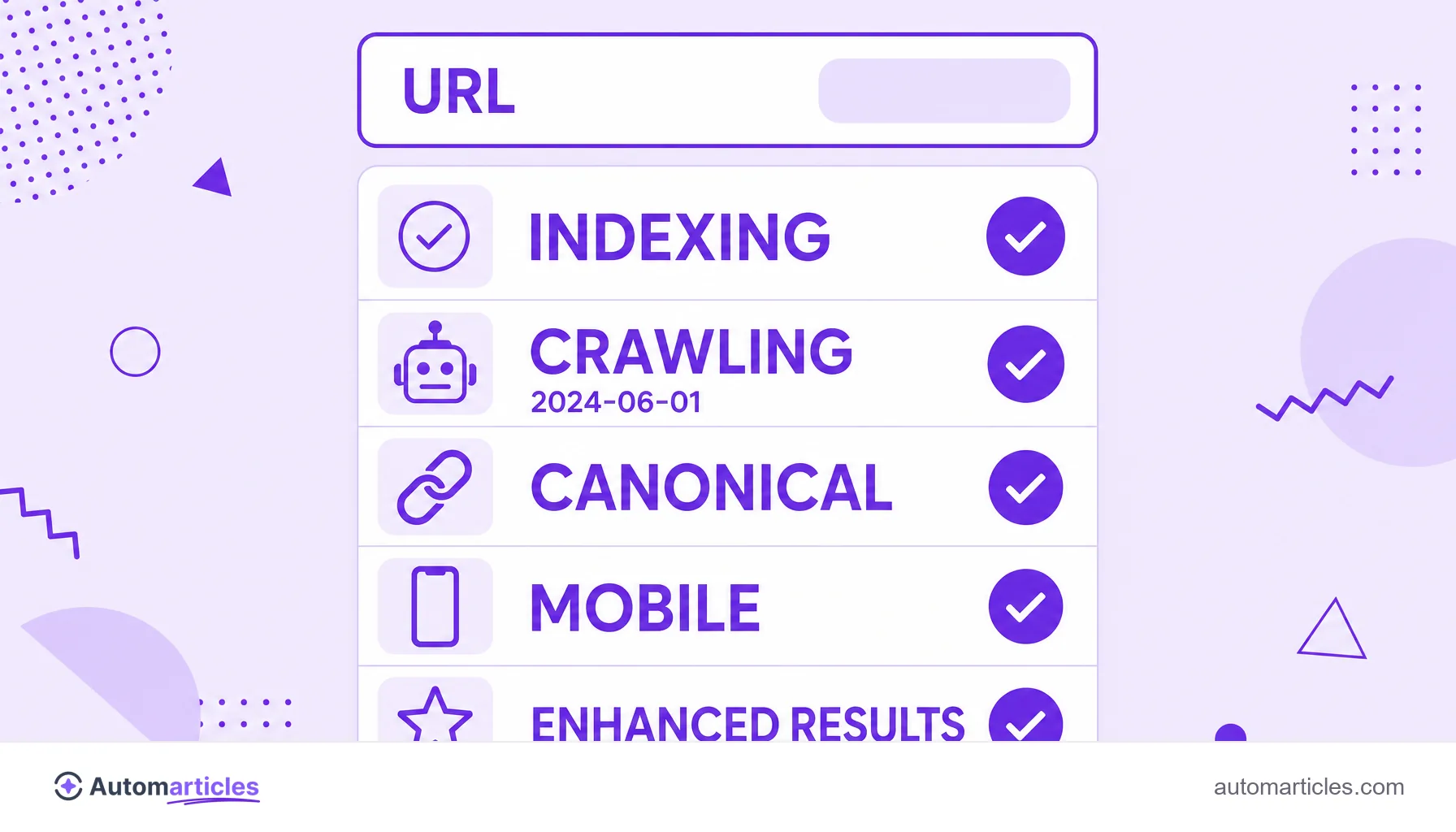
URL inspection brings together, on a single screen, several pieces of information that used to be scattered. The main blocks are:
- Indexing status: whether the page is in the index or not and, when it is not, the reason.
- Coverage and crawling: the date of the last crawl and how the Google bot accessed the page.
- Canonical URL: which version Google chose as the main one, valuable information to diagnose canonical URL conflicts.
- Usability and features: whether the page is mobile friendly and whether it is eligible for enhanced results through structured data.
With this overview, you stop guessing. Instead of assuming a page is indexed, you confirm it at the source and know exactly what to fix.
How to inspect a URL step by step
Using the tool is straightforward. A simple roadmap:
- Paste the URL: at the top of Search Console, type or paste the full URL (with https) into the inspection bar and press enter.
- Read the result: the tool first shows the data already in Google's index, with the page's general status.
- Test the live version: click Test live URL to have Google crawl the page at that moment and compare it with what was indexed.
- See the rendered page: open the preview to check how Google saw the content, useful when the site relies on JavaScript.
- Request indexing: if the page is new or was updated, use Request indexing to place it in the crawl queue.
Keep in mind that requesting indexing neither guarantees nor magically speeds up entry into the index. It is a request, and Google decides when and whether to honor it.
How to interpret the inspection results
The result is almost never a simple yes or no. The most common states and what to do with each:
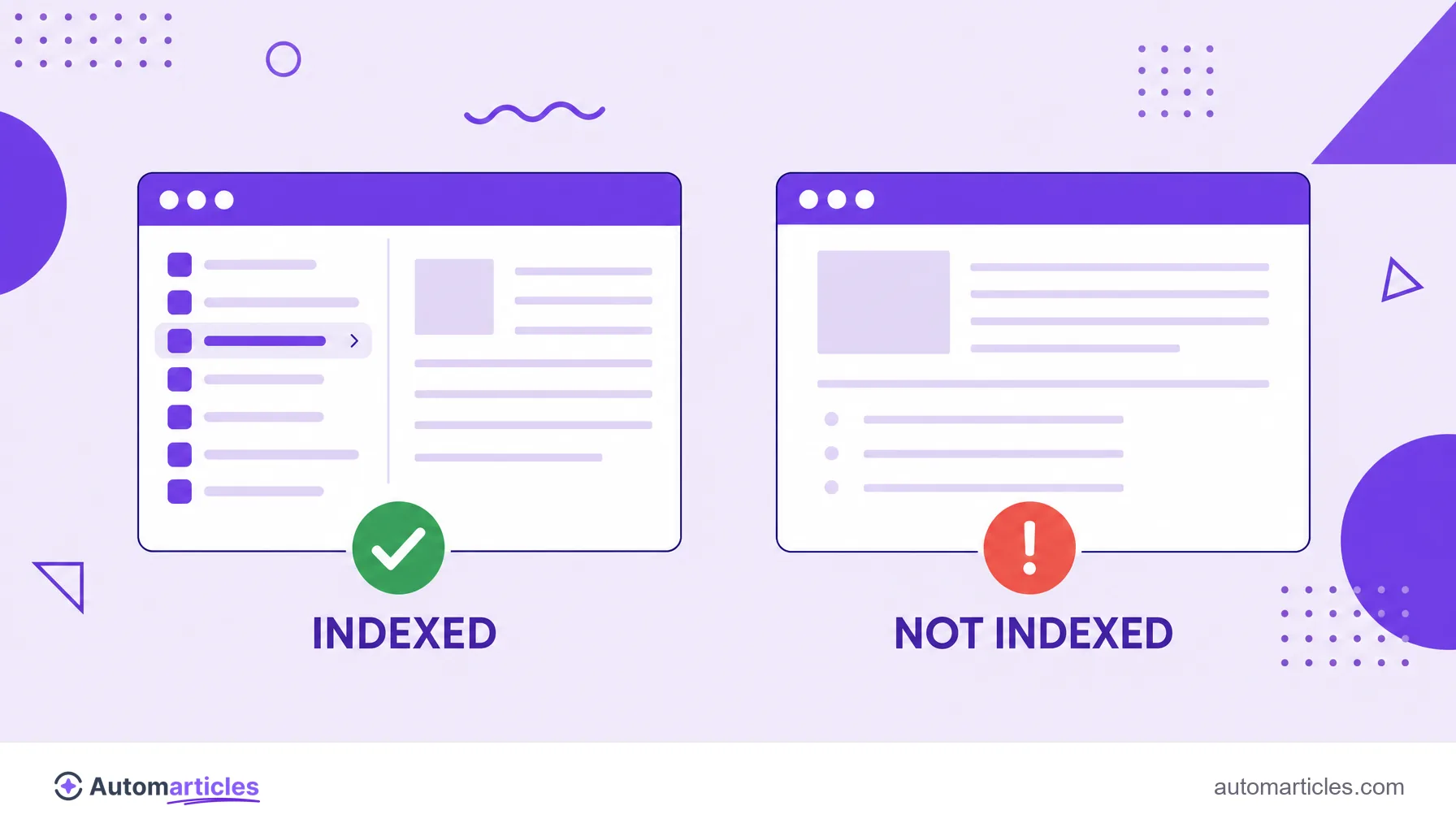
- URL is on Google: the page has been indexed and can appear in results. Here the work is optimization, not correction.
- Crawled, currently not indexed: Google saw the page but decided not to include it. It is usually a sign of thin or undifferentiated content.
- Discovered, currently not indexed: Google knows the URL exists but has not crawled it yet, which can indicate a crawl limit or low priority.
- URL is not on Google: there is an active block, such as a denied indexing directive, that needs to be investigated.
These states matter because indexing is far from guaranteed. An analysis of 1.7 million pages across 18 sites, done by Indexing Insight using Google's own URL Inspection API, concluded that 88% of the not indexed pages were stuck due to quality issues. In other words, when the inspection flags a page out of the index, the path usually goes through improving the content, not just requesting indexing again.
URL inspection for SEO and safe URL checkers
There is a common vocabulary confusion worth clearing up. The expression to check or inspect a URL appears in two very different contexts:
- URL inspection for SEO: it is the Search Console tool described here, focused on crawling and indexing of your own page.
- Safe URL checkers: they are services that check whether a link is trustworthy, whether it points to phishing or malware. In this universe you find terms like SSL inspection and URL filtering, which belong to information security, not to SEO.
SSL inspection, for example, is a network technique in which a firewall opens encrypted traffic to analyze its content, and URL filtering blocks access to dangerous or unwanted addresses. They are legitimate concepts, but from another field. In this glossary, URL inspection always means the Search Console diagnostic tool.
Common errors found in the inspection and how to fix them
When the inspection flags a page as not indexed, a few culprits show up often:
- Accidental noindex: a forgotten noindex tag in the HTML keeps the page out of the index without you noticing.
- Block in robots.txt: a rule in the robots.txt file can prevent crawling before Google even reads the content.
- Restrictive response header: an X-Robots-Tag header with noindex acts as an invisible block, hard to notice in the HTML.
- Soft 404: pages that return success but look like an error fall as soft 404 and are not indexed.
- Canonical pointing to another page: when the chosen canonical is not the one you expect, Google indexes the wrong version.
The advantage of URL inspection is precisely that it points out which of these scenarios is at play. With the diagnosis in hand, you fix the right cause and resubmit the page for a new evaluation.