
What Google Search Console is and how to use it
By Tiago CostaUpdated on July 2, 2026
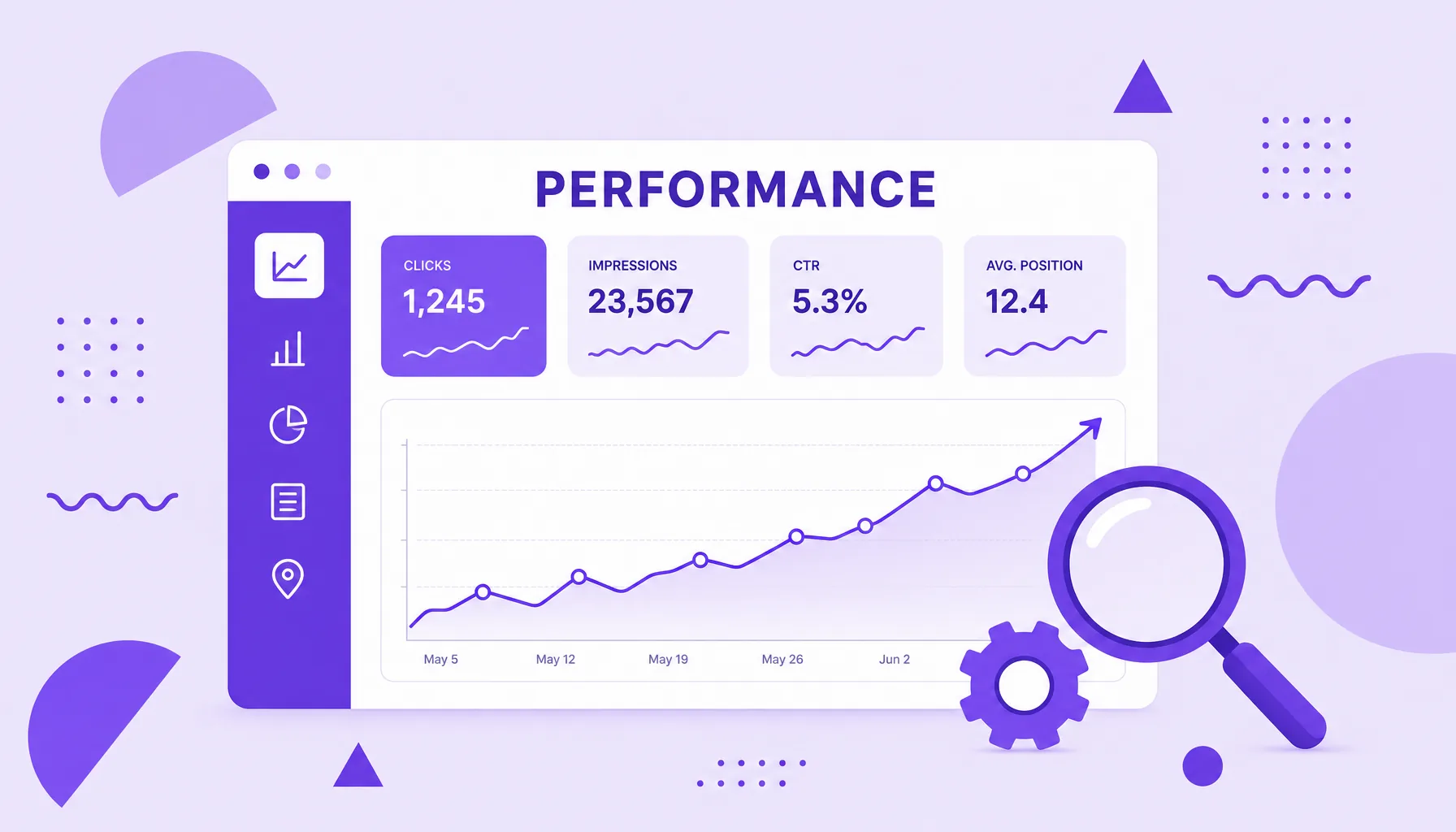
Google Search Console is a free Google tool to monitor and maintain your site's presence in search results. With it you can:
- see which pages are indexed and fix crawl errors;
- track clicks, impressions, CTR and average position;
- submit your sitemap and request indexing of new URLs;
- discover the keywords that bring traffic;
- get security and usability alerts.
What is Google Search Console
Google Search Console, also known by the acronym GSC, is a free Google service that helps you monitor, maintain and troubleshoot a site's presence in search results. It launched as Google Webmaster Tools and, since 2015, goes by its current name.
Unlike a regular on-site analytics product, GSC shows Google's side of things: how the crawler reads your pages, which ones are in the index, which searches they appear for and what might be blocking a good ranking. It is the official, first-hand source about the relationship between your site and the search engine.
To use it, all you need is a free Google account and proof that you own the site (what we call property verification). From there, Google starts collecting and showing data about your pages' indexing and search performance.
What Google Search Console is for
GSC exists to answer, with data from Google itself, three central questions of any SEO strategy: is your site being found, is it being indexed and is it performing well in search. In practice, it is used to:
- Monitor organic performance: see clicks, impressions, click-through rate (CTR) and average position by page and by keyword.
- Control indexing: find out which URLs are in Google's index and why others were left out.
- Submit and track the sitemap: tell Google about your site structure with an XML sitemap.
- Diagnose technical problems: crawl errors, blocked pages, structured data and experience issues.
- Get alerts: notices of manual actions, security problems and sudden performance drops.
It helps to separate two roles that often get confused. Google Search Console covers what happens before the click, in search; Google Analytics covers what happens after the click, inside the site. The two complement each other, but answer different questions.
How to set up Google Search Console step by step
Getting GSC running takes just a few minutes. The basic steps are:
- 1. Open the tool: go to search.google.com/search-console with your Google account.
- 2. Add the property: choose between the Domain type (covers the whole domain and its subdomains, requires DNS verification) or URL prefix (covers a specific address, accepts more verification methods).
- 3. Verify ownership: confirm the site is yours through a DNS record, an HTML tag in the head, a file uploaded to the server, Google Analytics or Tag Manager.
- 4. Submit the sitemap: in the Sitemaps menu, enter the address of your XML sitemap to speed up crawling.
- 5. Wait for the data: reports start filling in over the first few days and get richer over time.
If your site runs on a CMS or website builder, many platforms offer one-click verification, with no need to touch any code.
The main Google Search Console reports
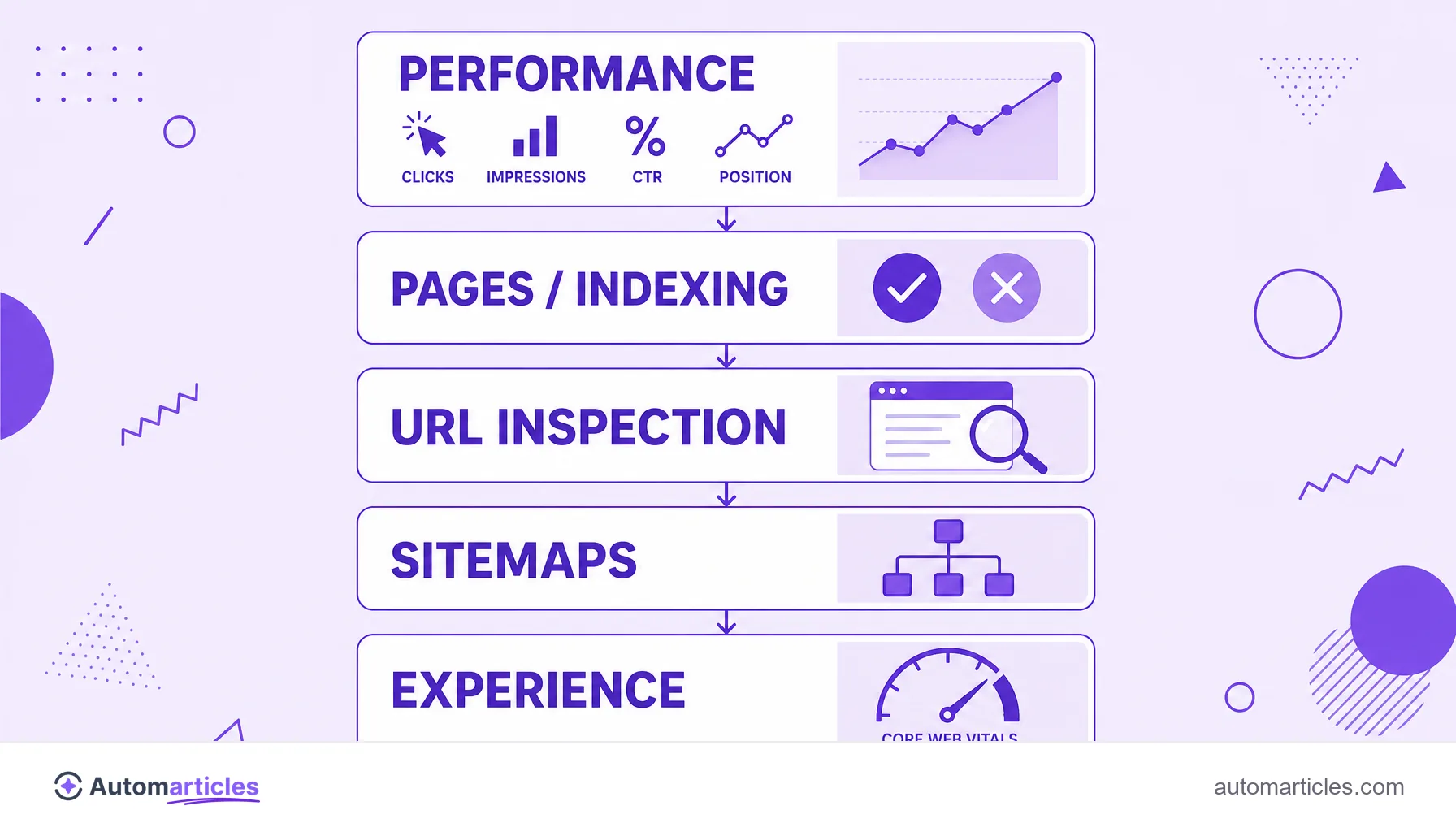
Once set up, GSC organizes everything into reports. Knowing the main ones is what turns the tool into a map of opportunities:
| Report | What it is for |
|---|---|
| Performance | Shows clicks, impressions, CTR and average position by query, page, country and device. |
| Pages (Indexing) | Lists indexed and non-indexed URLs, with the reason for each exclusion. |
| URL Inspection | Analyzes a specific page and lets you request indexing. |
| Sitemaps | Tracks the submission and reading of sitemaps. |
| Experience | Gathers signals such as Core Web Vitals and mobile usability. |
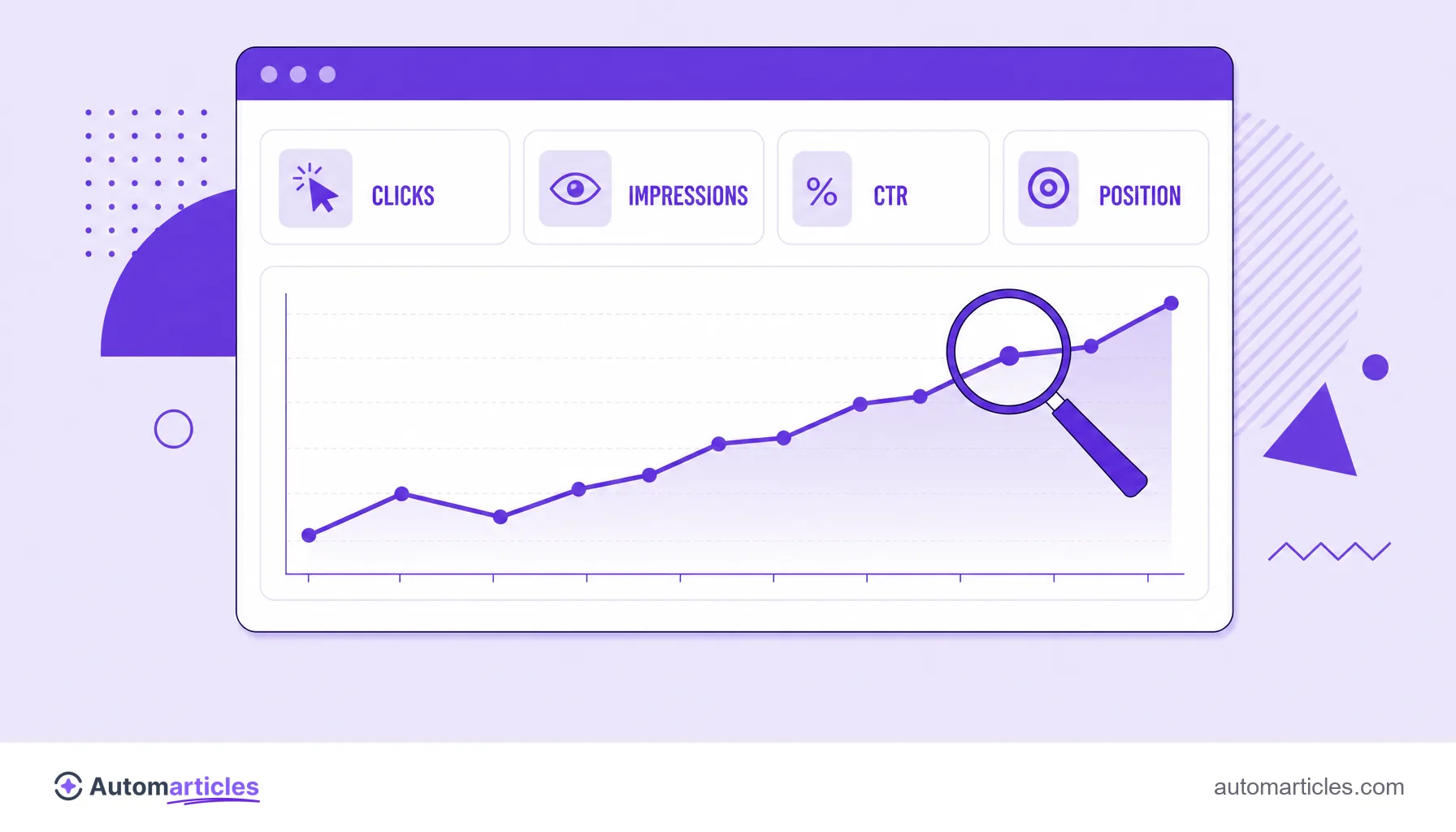
The Performance report is the most used day to day, because it reveals which keywords you already rank for and where there is CTR to gain. It is worth remembering how much is at stake in each position: according to the CTR study by Backlinko, which analyzed 4 million search results, the first organic result gets on average 27.6% of clicks. Moving up a few positions, therefore, can multiply a page's traffic.
The Pages report helps make sure your content is actually in the index. That matters a lot: a study by Ahrefs estimates that around 90.63% of pages get no organic traffic from Google, and pages that are not indexed do not even enter the race. To check one URL at a time, the URL inspection shows the exact status of that page and lets you request indexing. The Experience block, in turn, tracks the Core Web Vitals, the loading and stability metrics that Google uses as a signal.
Is Google Search Console good for SEO?
Yes, and for most sites it is indispensable. Google Search Console is the only source that delivers search data straight from Google, with no third-party estimate. For an organic traffic strategy, it helps on several fronts:
- Discover real keywords: the Performance report shows the terms already bringing people to your site, including long-tail queries no third-party tool predicted.
- Find quick wins: pages at the bottom of the first page, with good impressions and weak CTR, usually respond well to a title and description tweak.
- Prioritize content: seeing which topics generate impressions helps you decide what to go deeper on.
- Keep the house in order: fix indexing and experience errors before they turn into a traffic drop.
GSC does not replace paid research and monitoring tools, but it is the free foundation on which every good SEO strategy should be built.
Common mistakes and best practices in Google Search Console
Having the tool installed is only the start. A few precautions prevent wrong decisions:
- Do not panic over swings: impressions and positions vary every day, what matters is the trend over weeks.
- Confirm indexing when publishing: use URL inspection to request indexing of new or updated content.
- Combine it with Analytics: GSC explains the before-the-click and Analytics the after. Together they tell the full story.
- Verify the right property: prefer the Domain property so you do not lose data between www and non-www, http and https versions.
- Review coverage regularly: a rise in the number of non-indexed pages is usually the first sign of a technical problem.
Treated as a routine, and not as a forgotten dashboard, Google Search Console becomes an early-warning and opportunity-discovery system for your site in search.