
Meta tags: what they are, main types and how to optimize
By Tiago CostaUpdated on July 2, 2026
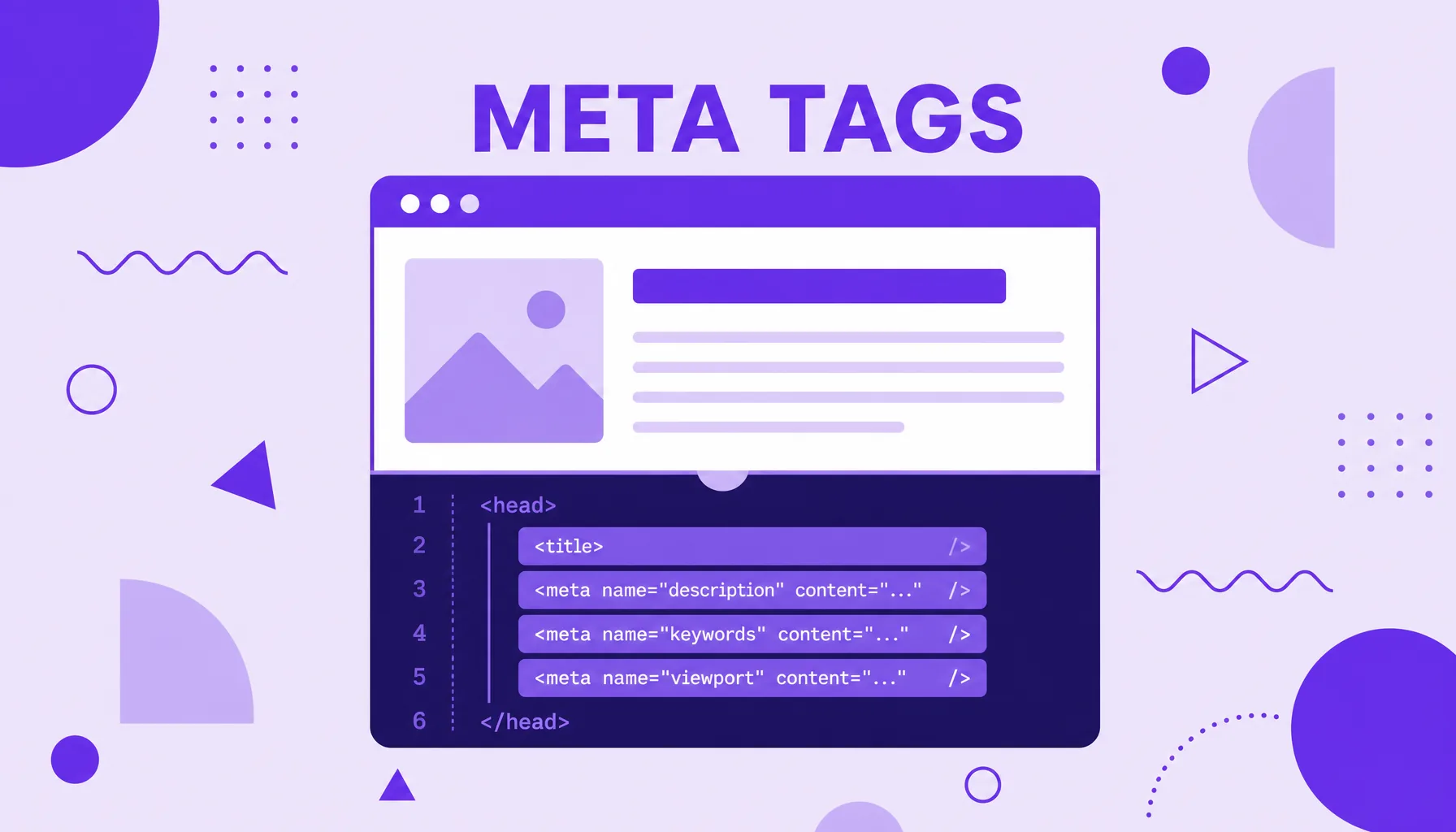
Meta tags are instructions in the HTML head that describe a page to search engines and social networks. The most used ones are:
- meta description: the summary that can become the text in search;
- meta robots: says whether the page can be indexed and followed;
- meta viewport: adjusts display on mobile;
- meta charset: sets the character encoding.
They do not appear in the visible body of the page, but they guide how it is read and displayed.
What meta tags are and what they are for
Meta tags are small snippets of HTML code that sit inside the head section of a page, the part of the document the browser reads but does not show to the visitor. The word meta means data about the data: they describe the page instead of being part of the visible content.
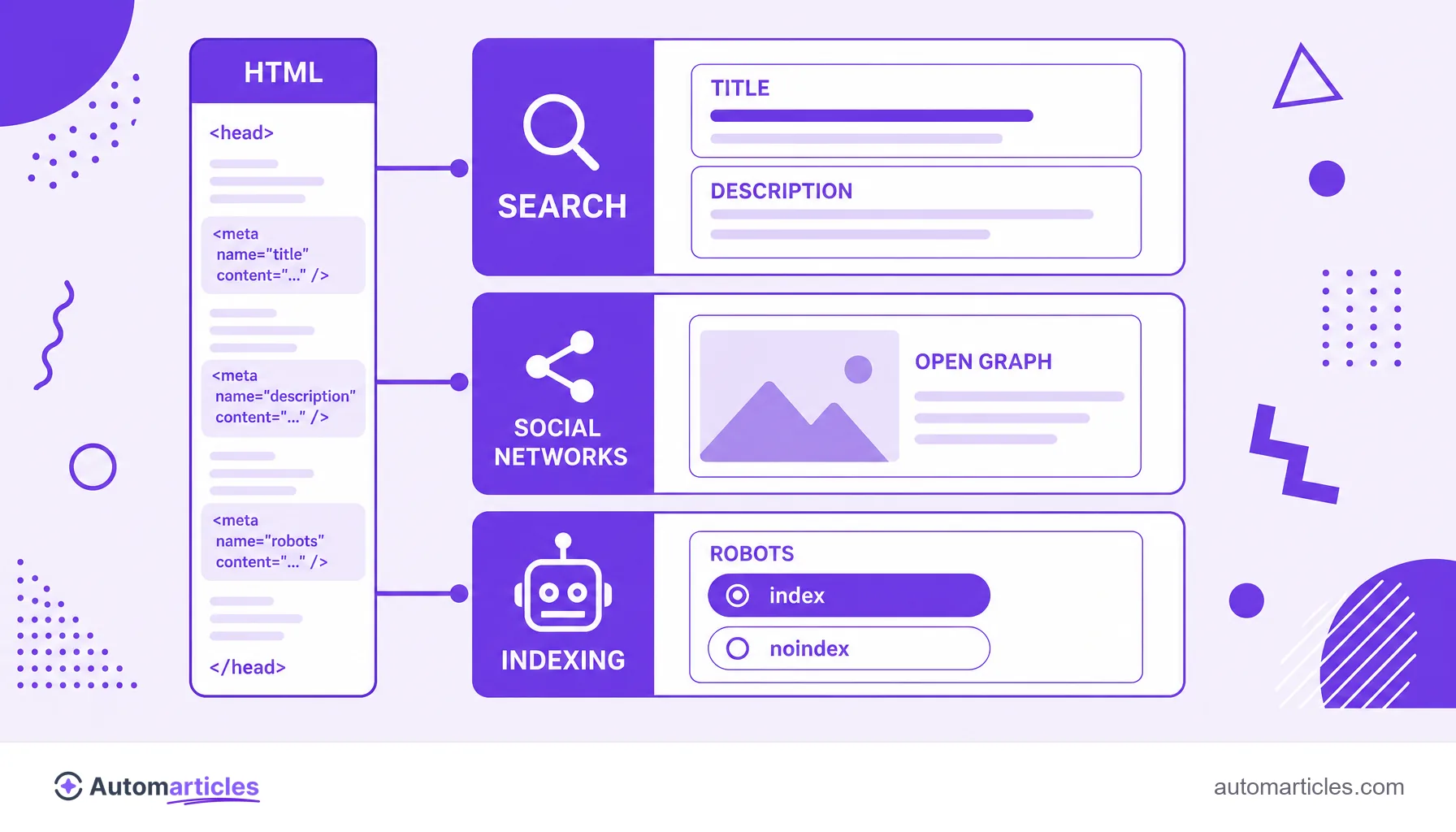
Their job is to inform machines. Search engines use certain meta tags to understand what the page is about and how to treat it; social networks use others to build the preview card when someone shares the link. Some are purely technical, like the one that sets the character encoding.
It is important to set expectations: not every meta tag affects ranking. The old meta keywords, for example, was abandoned by Google long ago due to abuse. The ones that still matter act indirectly, improving clicks and organization, or directly, controlling the page's indexing.
The main meta tags and what each one does
There are dozens of meta tags, but a handful holds almost all the practical value. Here are the essentials:
| Tag | What it is for |
|---|---|
| <title> | The page title, which becomes the clickable blue link in search. Technically it is not a meta tag, but it always goes along with them. |
| <meta name="description"> | The summary that can appear below the title in the result. |
| <meta name="robots"> | Tells search engines whether they can index and follow the page's links. |
| <meta charset> | Sets the character encoding (usually UTF-8), avoiding broken symbols. |
| <meta name="viewport"> | Controls how the page adapts on mobile screens. |
The first two hold most of the on-page SEO work. The title tag is your storefront title, and the meta description is the sales text right below. Together, they form the page's organic ad on the SERP.
SEO meta tags: Google rewrites much of them
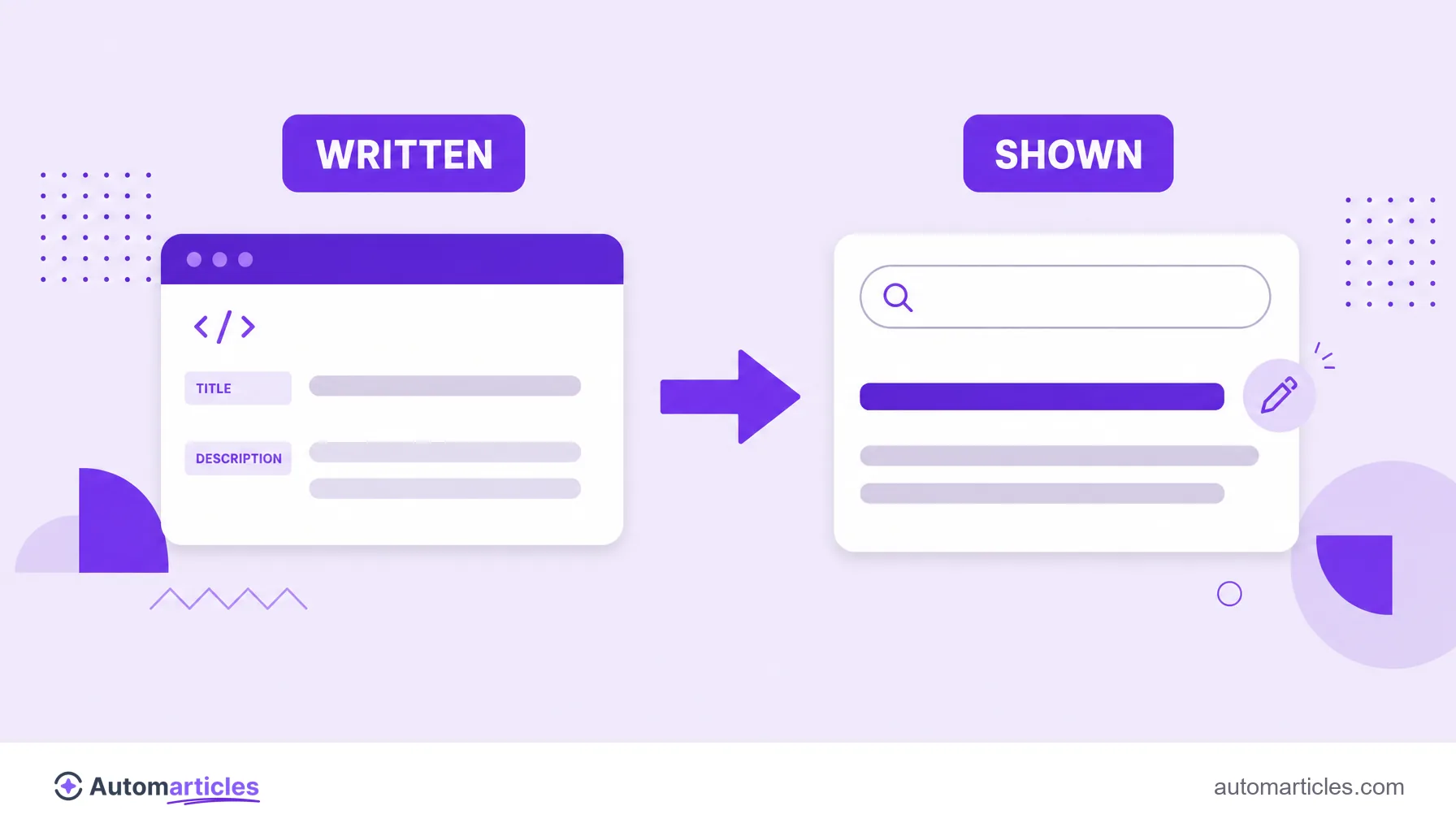
Here lives a point that confuses many people. You write careful titles and meta descriptions, but Google does not always use what you defined. It rewrites these fields when it judges that its own version answers the query better.
And it is not rare. A study by Zyppy, which analyzed more than 80,000 titles, found Google rewriting around 61.6% of title tags. For descriptions the picture is similar: according to the study by Ahrefs, the search engine rewrites the meta description about 62.78% of the time.
This does not mean abandoning these fields. It means writing them well and at the right length, to raise the chance that Google keeps your version, and accepting that, in many searches, it will build the snippet from the page's content. Good text structure, therefore, helps even when the meta is ignored.
Meta tags for social networks: Open Graph and Twitter Cards
When you paste a link into WhatsApp, LinkedIn or Facebook and a card with an image, title and description appears, a specific group of meta tags is at work: the Open Graph protocol, complemented by Twitter Cards.
These tags (like og:title, og:description and og:image) do not directly influence ranking, but they greatly change the click rate on social. A card with the right image and a clear title draws far more attention than a raw link. If you do not set og:image, each network picks any image from the page, which usually looks bad.
That is why it is worth treating Open Graph as part of delivering any article: setting a dedicated share image, an attractive title and a short description ensures the content presents well anywhere the link circulates.
Indexing meta tags: robots, noindex and canonical
A second group of meta tags does not speak to the user, but to the crawler. They control whether and how the page enters results, and a mistake here can wipe an entire site from search.
- meta robots: combines directives like index/noindex (appear in search or not) and follow/nofollow (follow the page's links or not).
- noindex: the noindex directive keeps a page out of results, useful for thank you pages, filters and internal areas.
- canonical: set in the head, it indicates the preferred version of a page to resolve duplicate content.
The golden rule is caution. A noindex forgotten in production has already knocked out a lot of traffic by mistake. Before publishing, always check that the important pages are actually cleared for indexing.
How to write and test good meta tags
Optimizing meta tags is quick and pays off well. A practical checklist:
- Title: use the keyword at the start, be clear and stay around 50 to 60 characters to avoid truncation.
- Meta description: write a persuasive summary of about 150 characters, with the keyword and a reason to click.
- Robots: check that the right pages are set to index, follow, and only use noindex on purpose.
- Open Graph: set og:title, og:description and a dedicated og:image.
- Test: use the browser inspector and share validators to see how the page appears in search and on social before promoting it.
Meta tags do not work miracles on their own, but they are one of the best value adjustments in SEO. A few minutes per page improve clicks, prevent serious indexing errors and leave the content ready to circulate well.