
Title tag: what it is and how to optimize it for SEO
By Tiago CostaUpdated on July 2, 2026
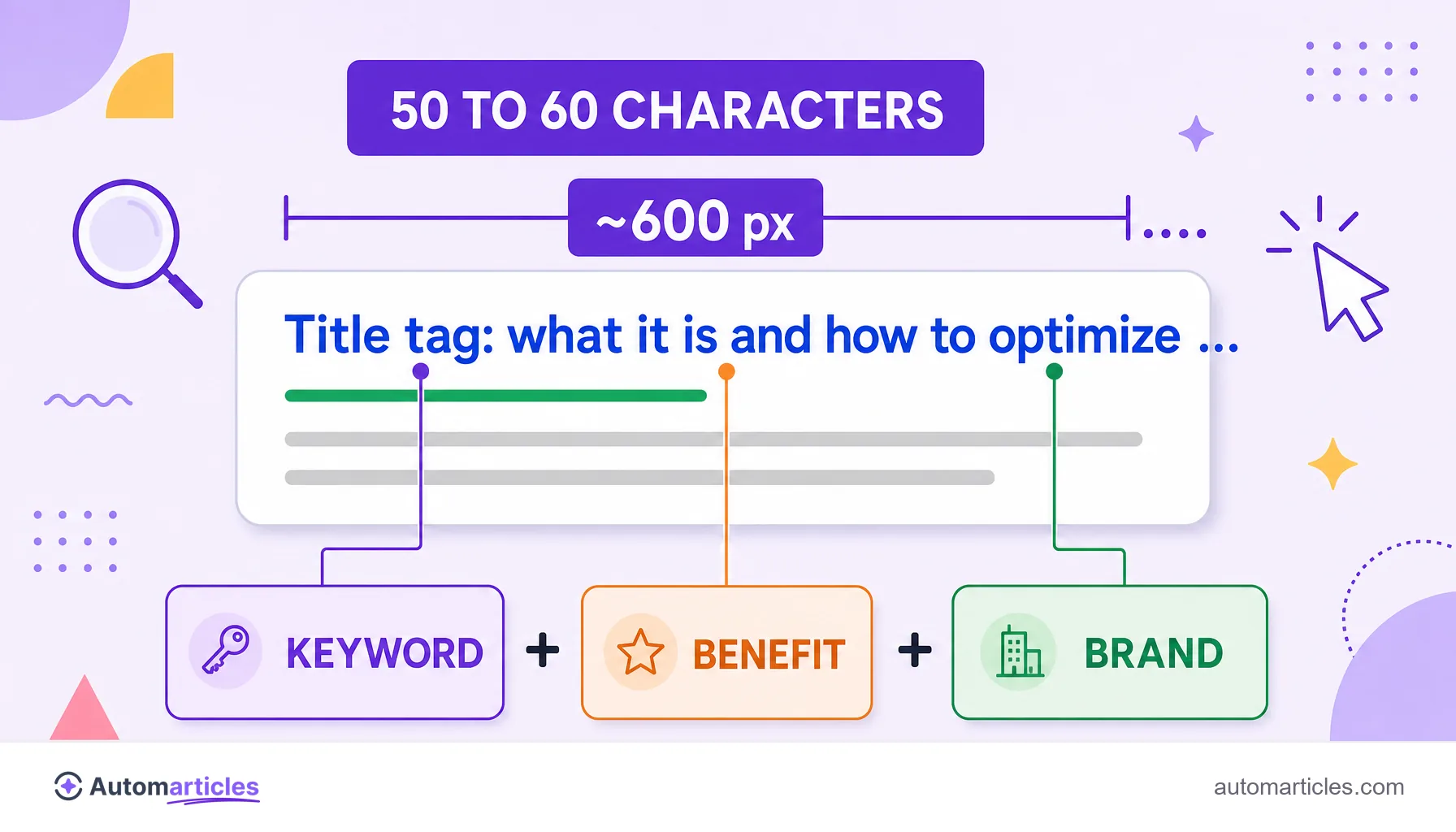
Ideal title tag length: about 50 to 60 characters (roughly 600 pixels), according to Moz. Beyond that, Google usually cuts the title with an ellipsis in search. Recommended formula: Main keyword + Benefit + Brand. Example: Title tag: what it is and how to optimize it for SEO (Automarticles).
What is a title tag?
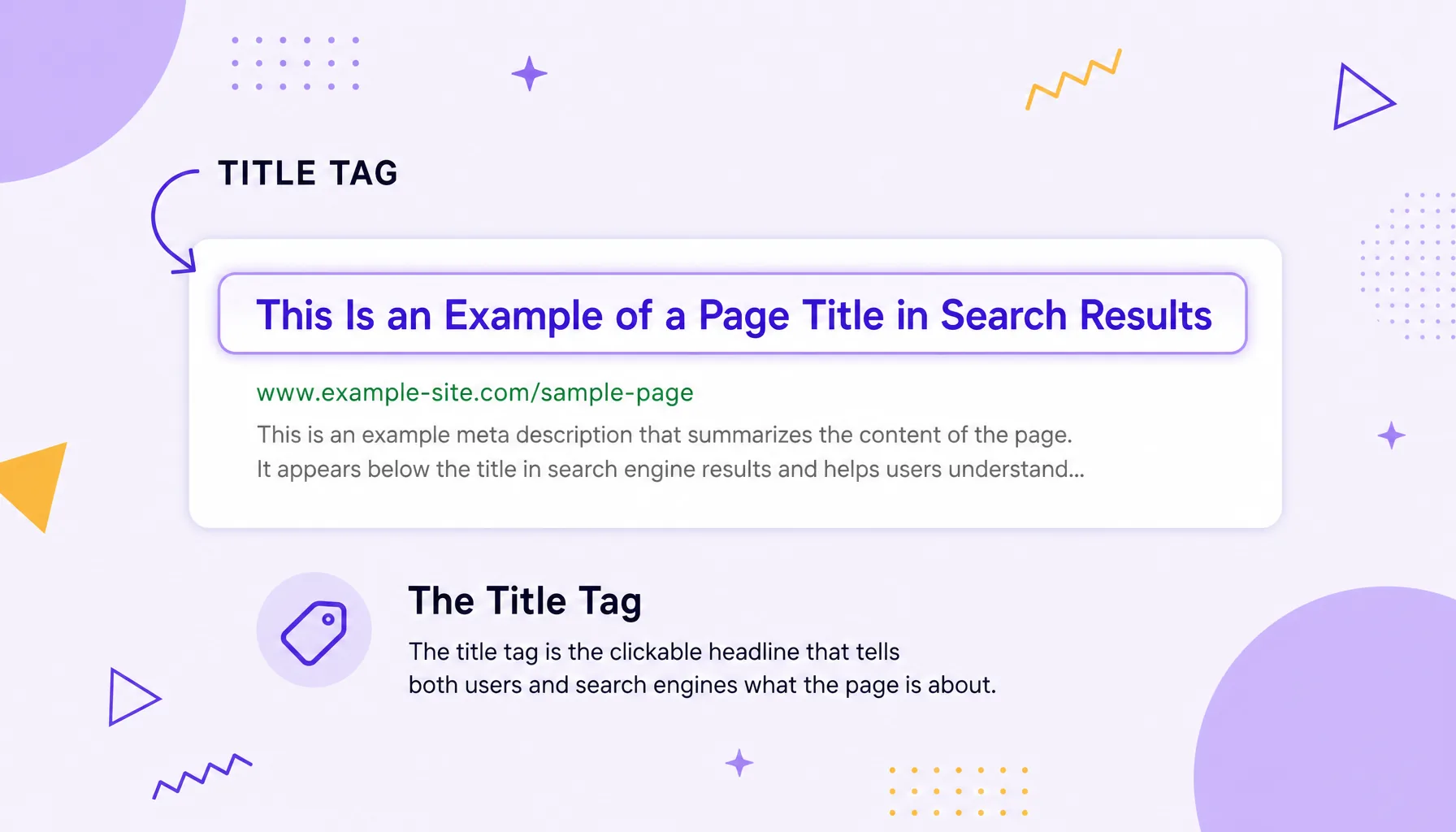
The title tag is the HTML element that tells search engines and browsers what a page's title is. In search results, it appears as the clickable blue text that leads to the site, and it's often the user's first contact with your content on the SERP.
The same title also shows up in the browser tab and when the page is shared on social media (when there's no specific Open Graph tag). Because it's so visible, Moz considers the title tag one of the most important on-page SEO elements, since it weighs on both ranking and click-through rate.
The title tag in HTML: where it lives and a code example
The <title> tag always sits inside the HTML document's <head>, before the page's visible content. Each page should have a single title tag, with a unique title.
<!DOCTYPE html>
<html lang="en">
  <head>
    <meta charset="UTF-8">
    <title>Title tag: what it is and how to optimize it for SEO</title>
    <meta name="description" content="Learn what a title tag is and how to optimize it.">
  </head>
  <body>
    ...
  </body>
</html>
According to the Google Search Central documentation, the title shown in the result (the title link) is generated mainly from the content of that <title> tag, so filling it with clear, descriptive text is the starting point of optimization.
Don't confuse the title tag with the meta description: the former is the clickable title, the latter is the supporting text that appears right below it in search.
What is the ideal length for a title tag?
According to Moz, Google usually displays the first 50 to 60 characters of the title, based on a space of about 600 pixels. Longer titles aren't penalized, but the leftover text is cut with an ellipsis on the SERP.
| Range | Characters | Pixels (desktop) | Behavior |
|---|---|---|---|
| Ideal | 50 to 60 | up to ~600px | Shown in full in most cases |
| Limit | 60 to 70 | ~600px | Risk of truncation |
| Too long | above 70 | above 600px | Cut with an ellipsis |
| Too short | below 20 | variable | Wastes space and context |
Ahrefs reaches the same guidance and stresses that titles under 60 characters are rarely truncated. Since each letter takes up a different width (a "W" is wider than an "i"), pixels are a more precise measure than character count. In practice, keeping the title close to 55 characters is the safe path to avoid truncation on desktop or mobile. A lean title also helps the page compete for space in the featured snippet.
Google rewrites titles: what that changes
Writing the perfect title tag doesn't guarantee it will appear exactly as you set it. Since the 2021 update, Google started generating the result's title from several sources, not just the <title> tag.
A study by Zyppy, run by Cyrus Shepard in 2021, analyzed more than 80,000 titles from 2,370 sites and found that Google rewrote, at least in part, 61.6% of them. The same study showed that titles longer than 70 characters were rewritten almost 100% of the time, and that aligning the <title> with the H1 reduces the chance of a rewrite.
The Google Search Central documentation itself lists the main rewrite triggers: empty titles, duplicated across pages, stuffed with keywords, or that describe the content poorly. The practical lesson: keep the title short, unique, relevant, and aligned with the page's actual content. That way you reduce the risk of Google swapping your title for one you don't control.
A title tag formula that boosts CTR (with before-and-after examples)
A good title tag answers the search intent right away and also gives a reason to click. A formula that works well:
Main keyword + Benefit or differentiator + Brand
Put the keyword at the start, add a hook (a number, the year, a benefit, "free", "step by step") and close with the brand when there's room. See before-and-after examples:
| Before (weak) | After (optimized) |
|---|---|
| Home page | Men's running shoes: 42 models with free shipping | Store X |
| Blog | Post about coffee | How to make the perfect pour-over coffee: a step-by-step guide |
| title tag | Title tag: what it is and how to optimize it for SEO |
Ahrefs recommends that each page have a unique title and avoid keyword stuffing. Each title should accurately describe what the person will find and speak to the promise of the meta description right below it.

Title tag vs. H1: what's the difference?
It's common to confuse the two, but they have distinct roles. The title tag is the title that appears in the browser tab and on the SERP; it lives in the <head> and isn't always seen within the page. The H1, on the other hand, is the main visible heading in the page body, inside the <body>.
| Aspect | Title tag | H1 |
|---|---|---|
| Where it lives | <head> | <body> |
| Where it appears | Browser tab and SERP | Top of the page content |
| Number per page | One | Ideally one |
| Practical limit | ~50 to 60 characters | No hard limit |
As Moz notes, the two don't need to be identical: the title tag can be leaner and click-focused, while the H1 can be more descriptive for reading. Ideally they're aligned on topic, which, as we saw, also reduces the chance of Google rewriting your title.