
What URL parameters are and how they affect SEO
By Tiago CostaUpdated on July 2, 2026
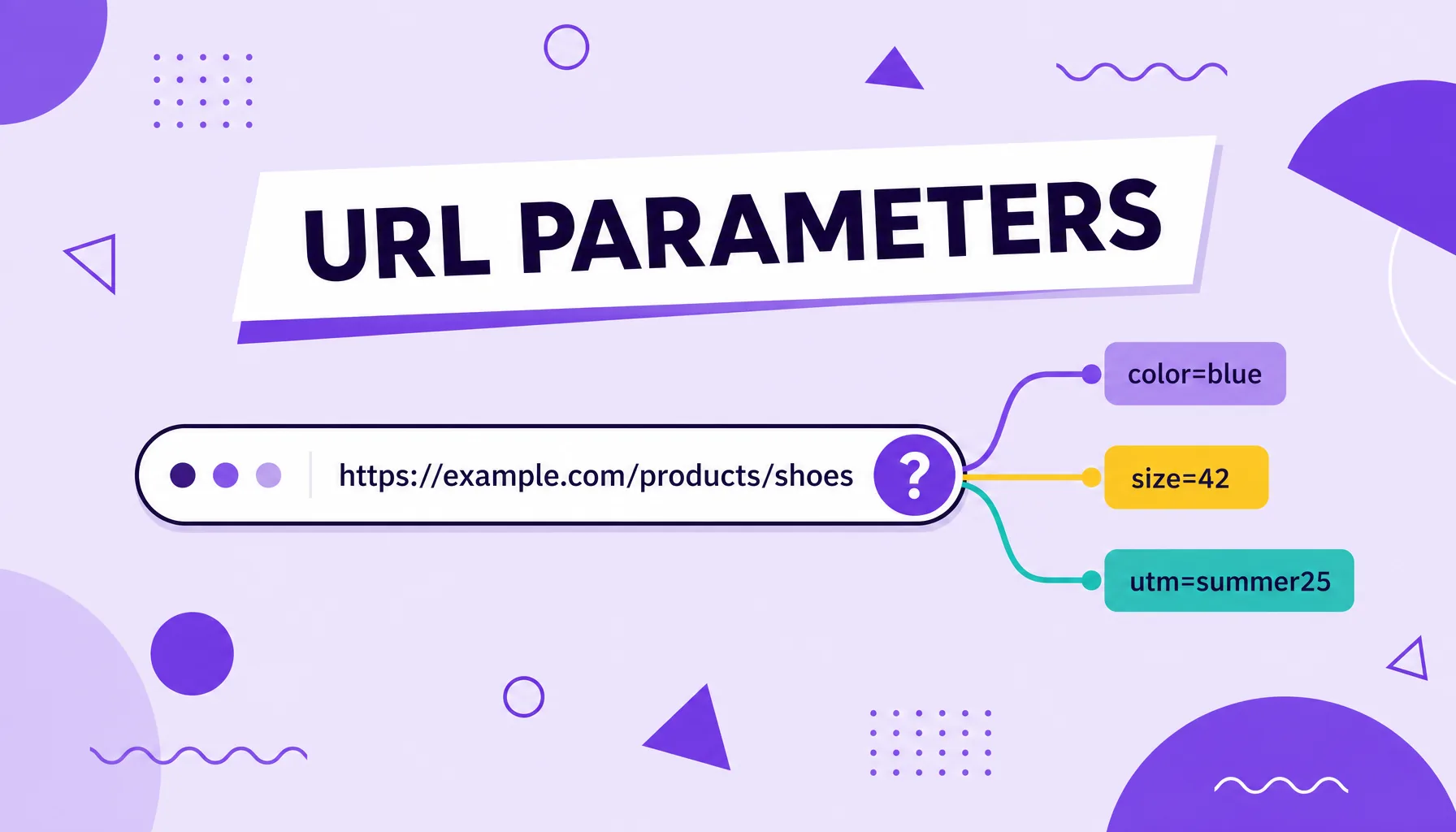
URL parameters are key and value pairs added to an address after the question mark (?), used to pass information such as filters, searches and campaigns. In site.com/shoes?color=black&utm_source=google, everything after the ? are parameters. They are used to:
- filter and sort product lists;
- track the source of traffic with UTMs;
- store user sessions and preferences;
- power the site's internal search.
What URL parameters are
A URL parameter, also called a query string, is the part of the address that comes after a question mark and carries extra information for the server. It always appears in a key and value format, such as ?color=black, and several parameters can be chained with the ampersand (&), like ?color=black&size=42.
These snippets do not necessarily change the page, but they change what it displays or records. A single product page template can generate thousands of different addresses depending on the filters applied, and that is where both the usefulness and the risk for SEO live.
The most common uses are e-commerce filters, list sorting, session identifiers, internal searches and, very frequently, the campaign parameters (UTMs) used to measure the source of visits in analytics tools.
The parts of a URL, from protocol to parameter
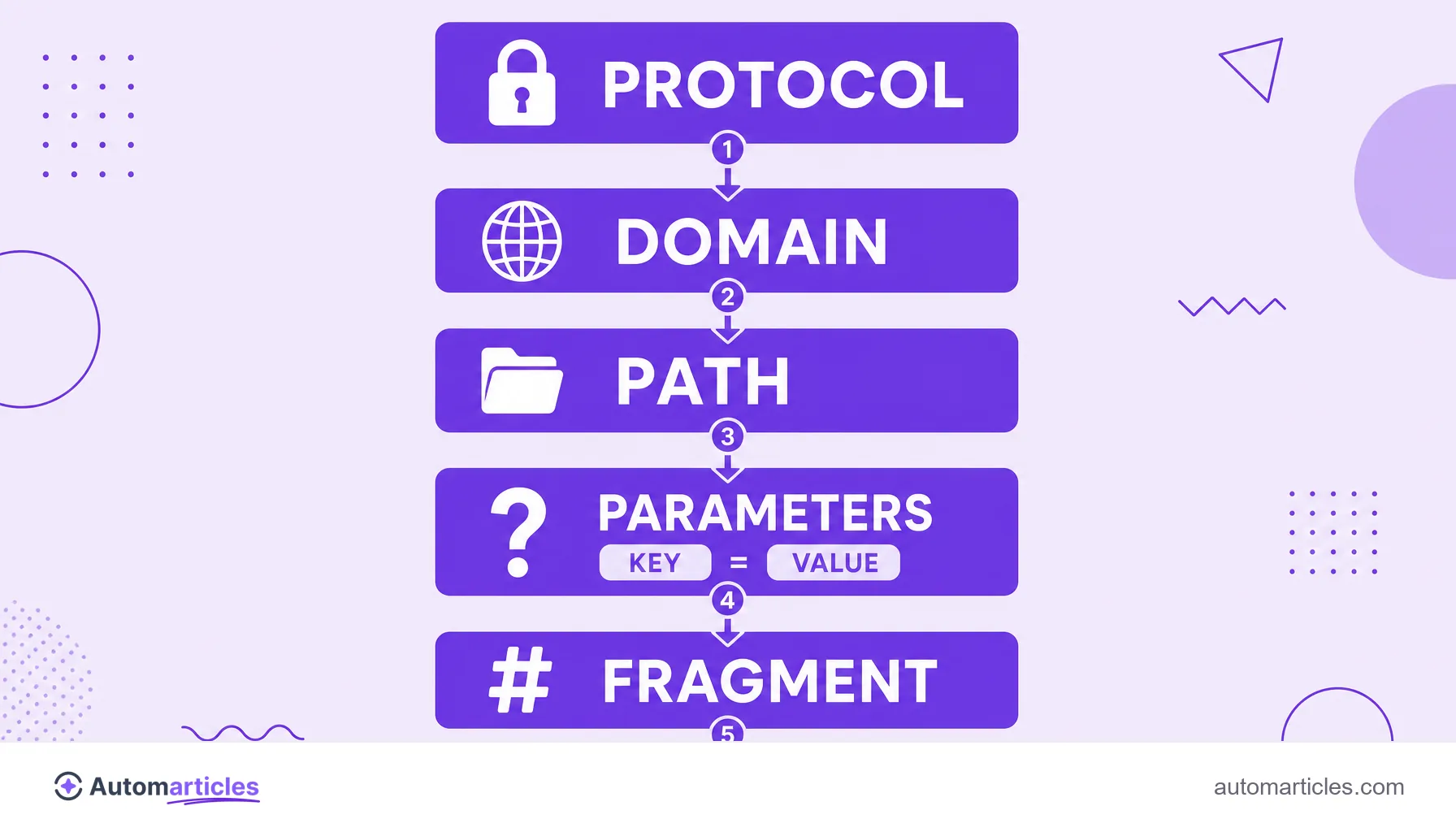
To understand where parameters fit, it helps to break down a full URL. In simple terms, an address gathers five main parts:
- Protocol: the https:// that defines how the browser talks to the server.
- Domain: the site's name, often with a subdomain in front, such as www.
- Path: the route to the page, whose final segment is usually the slug.
- Query string: everything that comes after the ?, that is, the URL parameters.
- Fragment: the segment after the # (hash), which leads to an anchor within the page.
Parameters, then, are the fourth piece of this puzzle. They always sit after the path and before any fragment, and it is the query string that gives a site's URLs their flexibility (and their complexity).
What parameters are for in practice
Adding a parameter to a URL is simple: just append the ? after the address and then the key, the equals sign and the value, as in store.com/search?q=shoes. For more than one parameter, separate each pair with &. Many platforms and UTM builders assemble these addresses automatically for you.
One important detail is character encoding. Spaces and symbols are not allowed directly in a URL, so they are converted into codes. That is why you see %20 in place of a space: it is a space encoded in the URL standard. The same goes for accents and special characters, always translated into these codes with the percent sign.
The main practical uses are:
- Filters and sorting: refining a list by color, price or size.
- Campaign tracking: the UTMs that identify the source, medium and campaign of each visit.
- Internal search: recording the term searched within the site.
- Sessions and language: storing temporary user preferences.
How parameters affect SEO
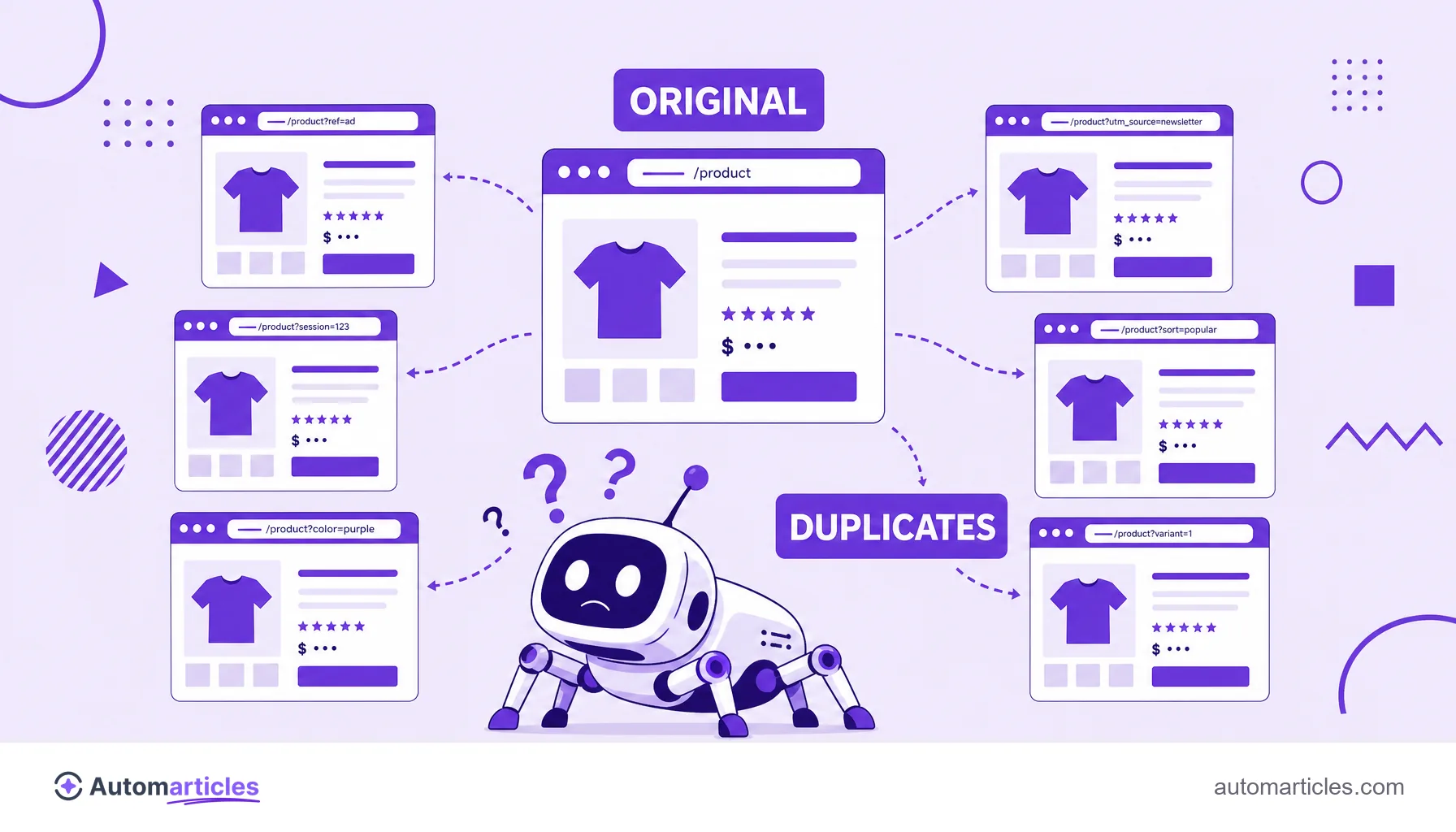
Here is the sensitive point. Because each combination of parameters generates a different address, a single product or category can exist at dozens of nearly identical URLs. To the search engine, that sounds like duplicate content: several pages competing with each other over the same content, which dilutes strength and confuses the choice of which version to rank.
There is also the crawling cost. Each extra URL consumes part of the site's crawl budget, that is, the time the engine devotes to going through your pages. If it spends that time on thousands of filter variations, less is left for the pages that really matter.
Tracking parameters, like UTMs, deserve special attention: they do not change the content, but they create new URLs that may end up indexed and split the signals of one and the same page. The good news is that all of this can be controlled with the right tools.
URL with parameters or clean URL: the comparison
To decide which version should be your site's official one, it helps to compare a parameter-heavy URL side by side with its clean version, pointed to by the canonical tag:
| Aspect | URL with parameters | Clean URL (canonical) |
|---|---|---|
| Example | store.com/shoes?color=black&sort=price | store.com/black-shoes |
| Appearance | Long and technical, hard to read | Short, descriptive and friendly |
| Indexing | Creates several near-duplicate versions | A single preferred version in the index |
| Crawling | Consumes more crawl budget | Saves the search engine's crawling |
| Best use | Filters, sorting and UTMs, without indexing | Official address for links and SEO |
The idea is not to abolish parameters, but to set the clean URL as the canonical version and keep the parameter variations out of the index.
How to control URL parameters without hurting the site
Controlling parameters is less about eliminating them and more about telling the search engine what to do with them. The most effective best practices:
- Use the canonical tag: point the version with parameters to the clean canonical URL, consolidating the signals into a single preferred address.
- Guide the crawling: instructions for the crawler can keep it from going through worthless parameter patterns, saving crawl budget.
- Standardize the order: keep parameters always in the same sequence to avoid unnecessary variations of the same page.
- Avoid internal links with parameters: point navigation to the clean URLs whenever possible.
- Watch out for infinite facets: filter combinations can generate an explosive number of URLs; limit what is indexable.
Tools like Google Search Console help monitor how the engine sees these pages and spot duplicates before they turn into a traffic problem.
UTM parameters: useful for measuring, risky if indexed
A large share of people looking for URL parameters are after UTMs, the campaign tags used in Google Ads, Meta Ads and email marketing. They follow a pattern of five keys: utm_source, utm_medium, utm_campaign, utm_term and utm_content, and they reveal where each visit came from in analytics tools.
From a measurement standpoint, UTMs are valuable and harmless. The care is technical: because each UTM creates a new URL, these versions should not be indexed or receive internal links. If they show up in search, they become copies of the original page and split its ranking signals.
The golden rule is simple: use UTMs freely in external campaign links, but keep the clean version as the official one for SEO, reinforced by the canonical tag. That way you measure everything without polluting the search engine's index.