
Technical SEO and SERP
The technical side of the site and the search results features.
Google Search Console
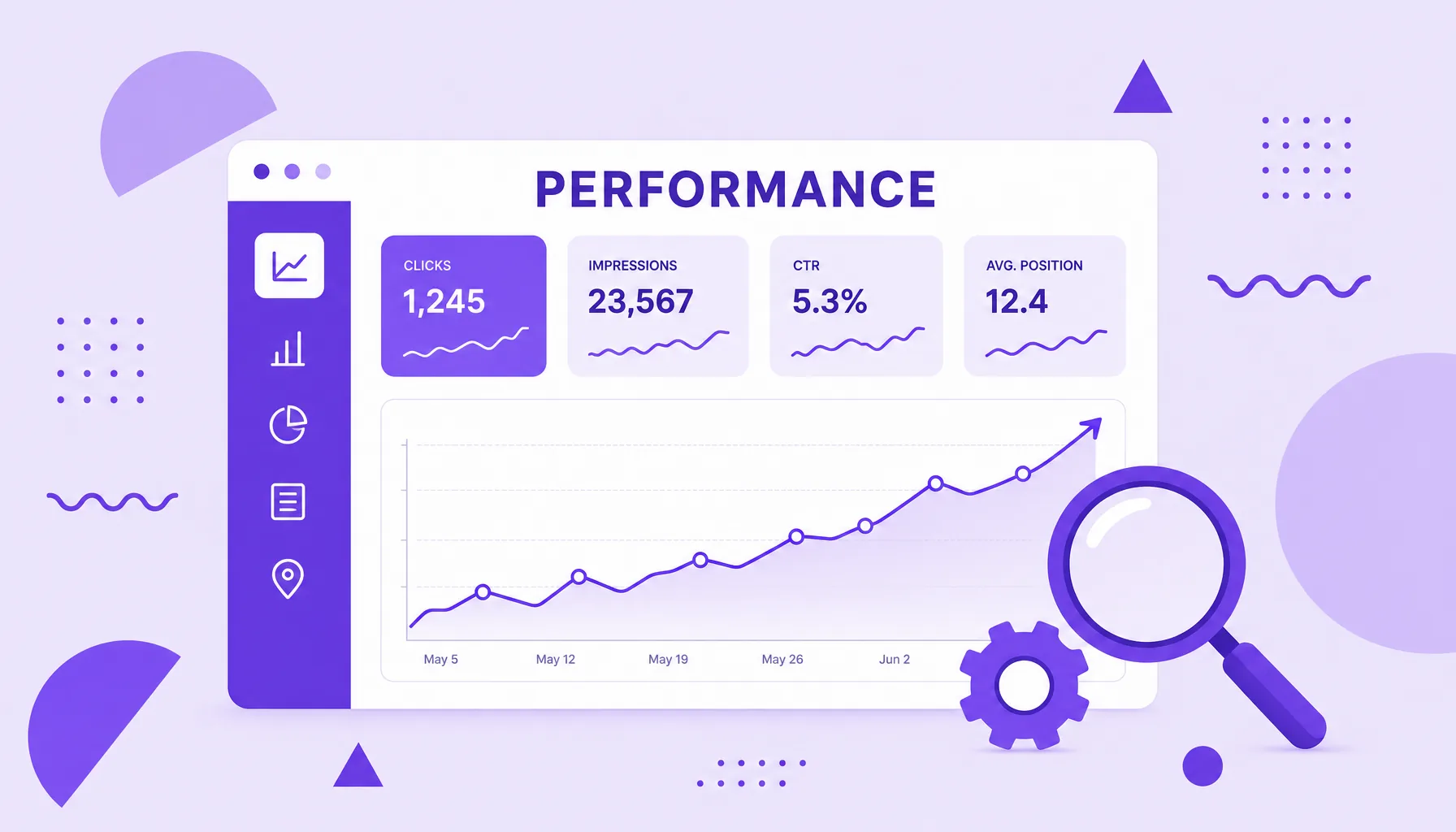
Google Search Console (GSC) is a free Google tool that shows how the search engine sees your site. In it you track which pages are indexed, how many clicks and impressions each piece of content gets in search, which keywords you show up for and which technical problems may be hurting your performance in organic results.

LCP
LCP, short for Largest Contentful Paint, is one of Google's Core Web Vitals metrics. It measures how long the largest visible element of the page, usually a hero image or a large text block, takes to appear on screen from the start of loading. The lower the LCP, the faster the user feels the page has loaded.

AMP
AMP is short for Accelerated Mobile Pages, an open format created by Google in 2015 to make web pages load almost instantly on mobile. In practice, AMP is a stripped down version of a page, written with strict HTML and JavaScript rules so it weighs less and renders faster, something that was once decisive for news and articles on the phone.

404 error
The 404 error is the HTTP status code that a server returns when the requested page is not found at the accessed address. It signals that the URL does not exist (or no longer exists), whether because it was mistyped, removed or had its address changed. On its own, a 404 is normal web behavior, but in excess and on important pages it hurts user experience and SEO.
500 error
The 500 error, or Internal Server Error, is an HTTP status code that signals an unexpected internal failure on the server, something that stops it from delivering the requested page. Unlike a 404 error, which points to a page that does not exist, the 500 means the address exists but something on the server broke along the way. It is a generic error, so it flags the problem without spelling out the exact cause.

INP
INP, short for Interaction to Next Paint, is one of Google's Core Web Vitals. It measures a page's responsiveness, that is, how long the page takes to respond visually after the user clicks, taps or types. The lower the INP, the faster and smoother the experience. INP replaced the old FID (First Input Delay) as the official responsiveness metric.

CLS
CLS, short for Cumulative Layout Shift, is the Core Web Vitals metric that measures the visual stability of a page while it loads. It quantifies how much elements jump around unexpectedly, that annoyance of trying to tap a button and watching the page shift. The lower the CLS, the more stable and pleasant the experience.

Crawler
A crawler is a robot program that travels the web from link to link, downloading and reading pages to feed a search engine's index. Also called a spider, robot or bot, the best known example is Googlebot. The crawler is the first stage of search: before a page can be indexed and ranked, it has to be found and read by one of these crawlers.
XML Sitemap
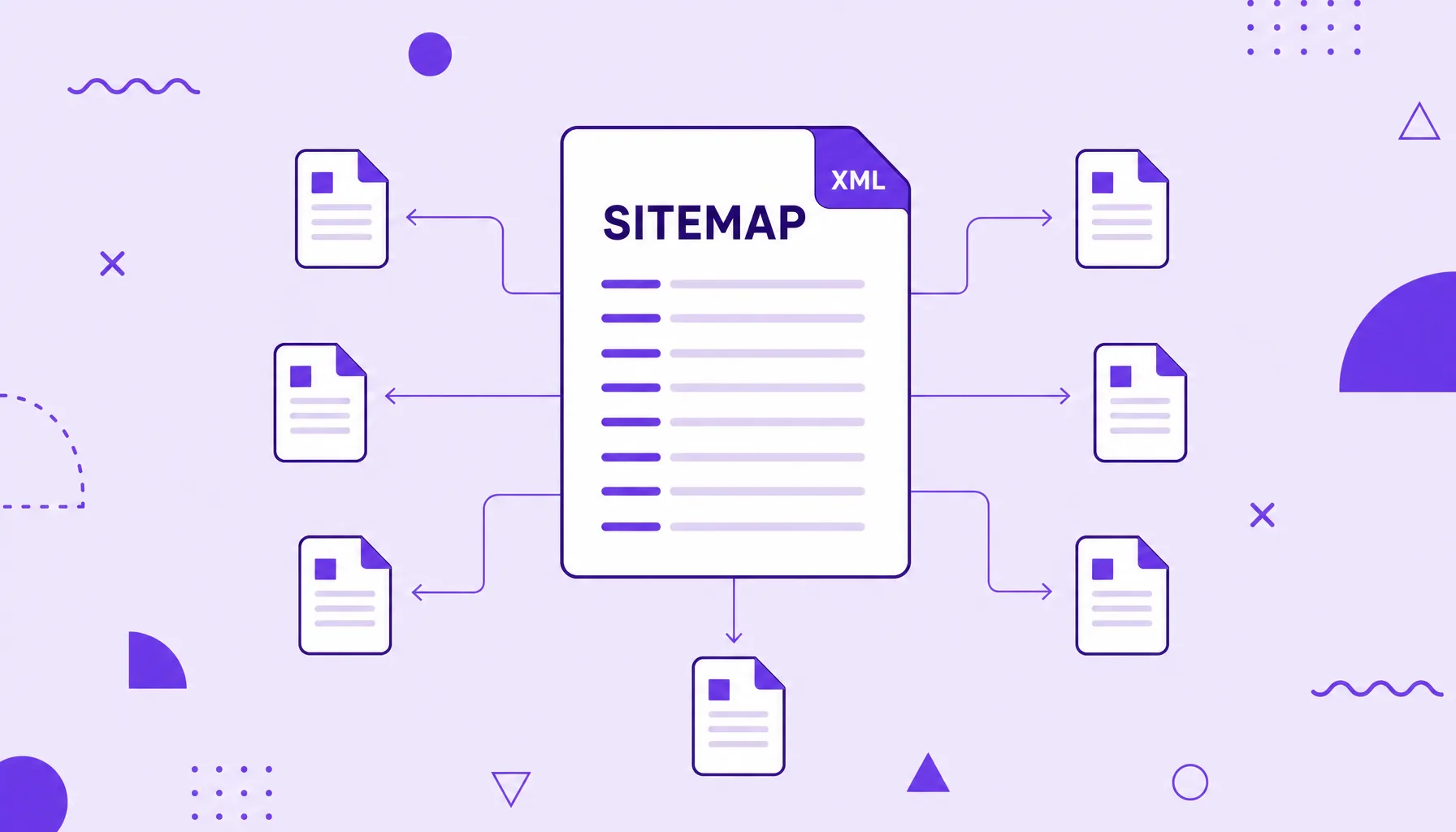
An XML sitemap is a file in XML format that lists the important URLs of a site to help search engines discover, crawl and prioritize those pages. It works as a site map handed to Google, telling it which addresses exist and, optionally, when they were updated, which is especially useful on large, new sites or ones with pages poorly connected by internal links.

JSON-LD
JSON-LD (JavaScript Object Notation for Linked Data) is the format Google recommends for adding structured data to a page, inside a script block kept separate from the visible content. Instead of scattering markup across the HTML, it gathers everything into a JSON object using the Schema.org vocabulary, telling the search engine explicitly what each piece of information represents (an author, a price, a rating, a date) to enable rich results in search.

410 error
The 410 error, or 410 Gone, is the HTTP status code that tells that a page was removed permanently and will not come back. Unlike the 404, which only says the page was not found right now, the 410 is an explicit signal of definitive removal. Because it is more categorical, it tends to speed up the deindexing of the address in search engines, which makes it useful when you want to take a piece of content out of Google's index for good.
Hreflang
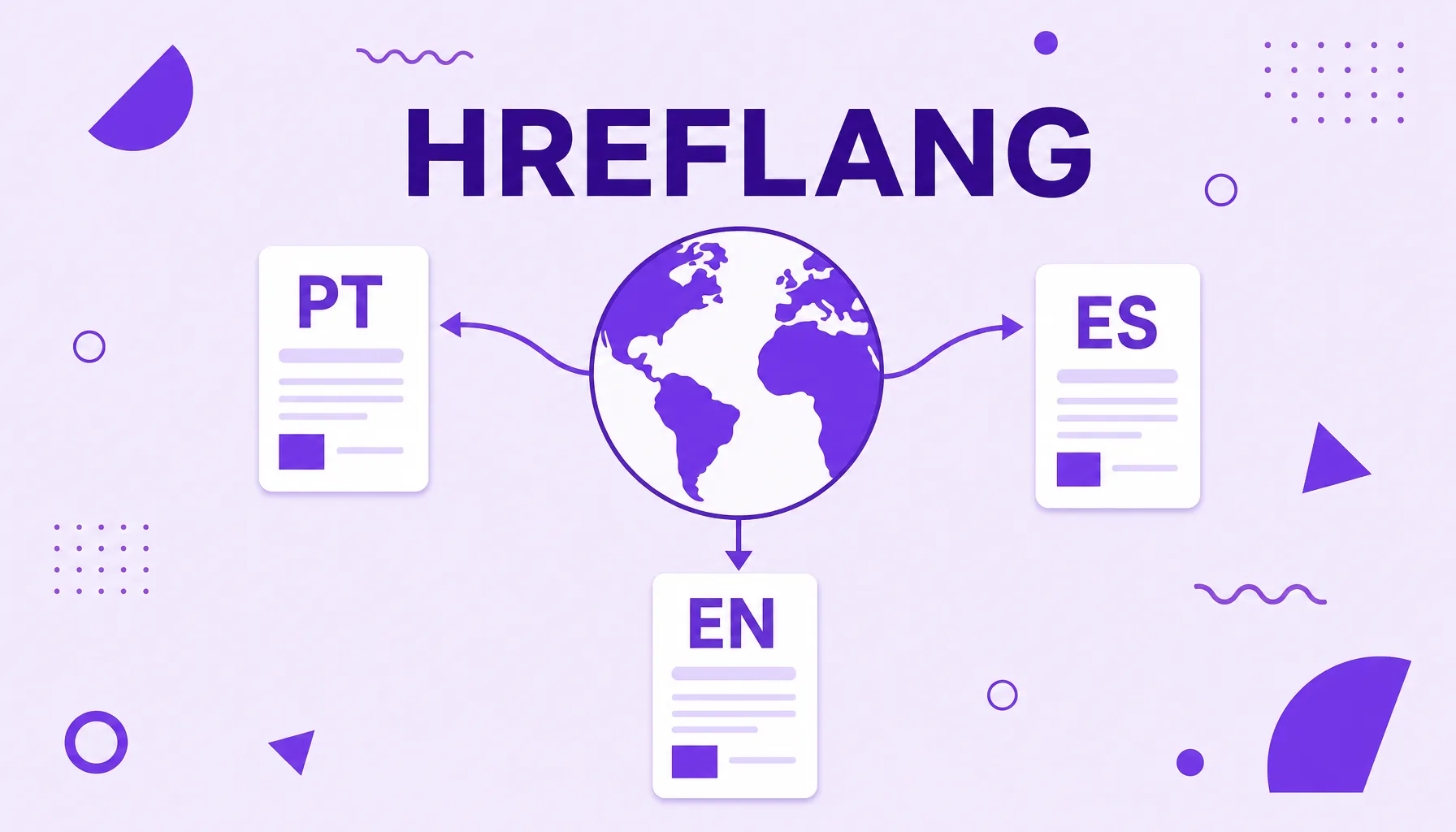
Hreflang is an HTML attribute that tells search engines the language and, optionally, the region of a page, so they show the right version to each user. On sites with content in several languages or aimed at different countries, hreflang tags connect the equivalent versions of the same page and prevent them from competing with each other or appearing to the wrong audience. It is a central piece of international SEO.
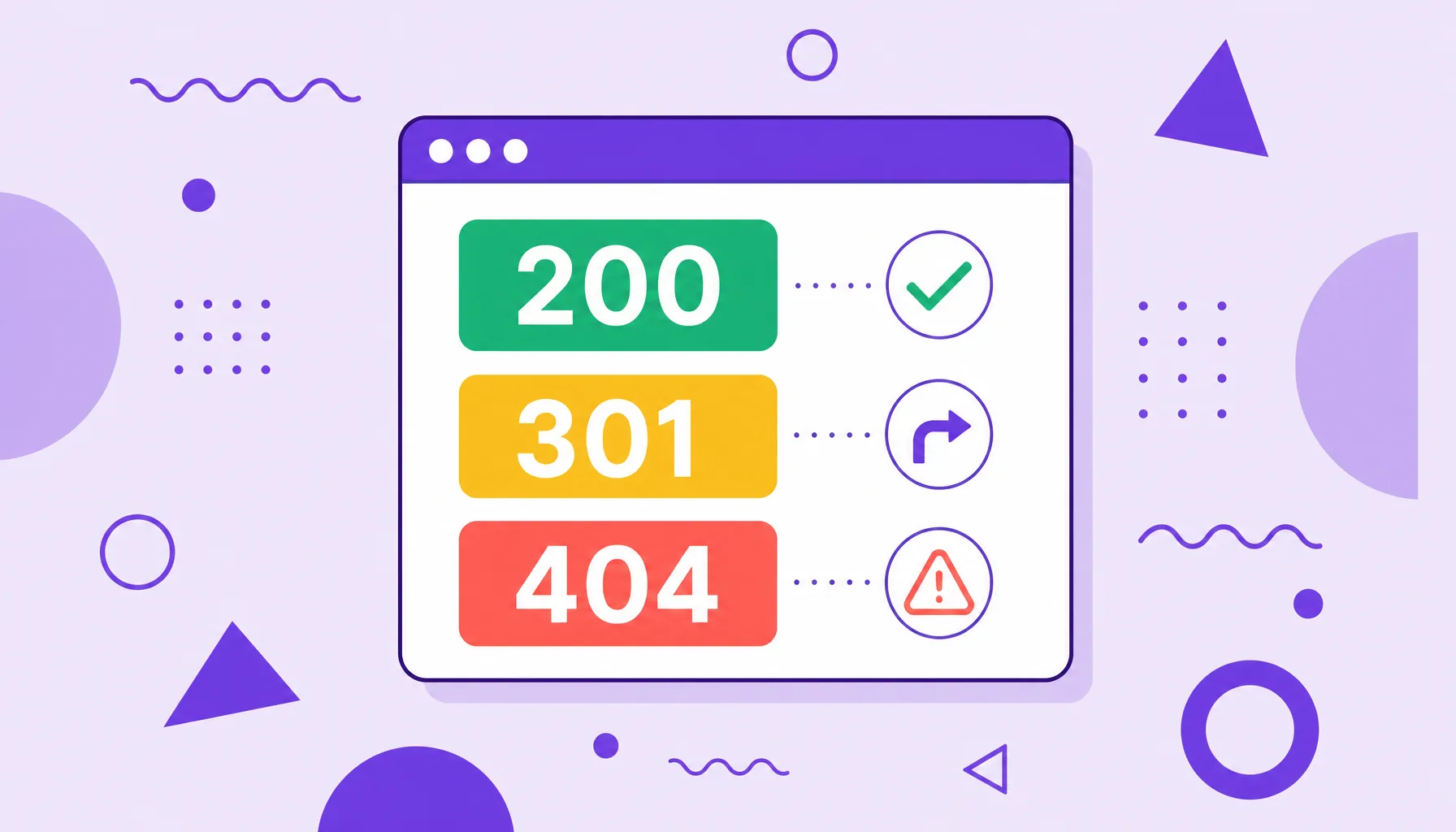
HTTP status code
An HTTP status code is the three digit number a server returns for every request made by a browser or a search bot, reporting the outcome of that request. It is organized into five classes: 1xx (informational), 2xx (success, like 200), 3xx (redirection, like 301), 4xx (client error, like 404) and 5xx (server error, like 500). In SEO, these codes tell search engines whether a page can be indexed, was moved or went offline.

URL inspection
URL inspection is the Google Search Console tool that shows, for any page on your site, whether it is indexed, how Google crawled it, which URL was chosen as canonical and whether there are problems preventing the page from appearing in search. It is the page by page diagnostic exam, used both to check the current status and to request indexing of new or updated content.
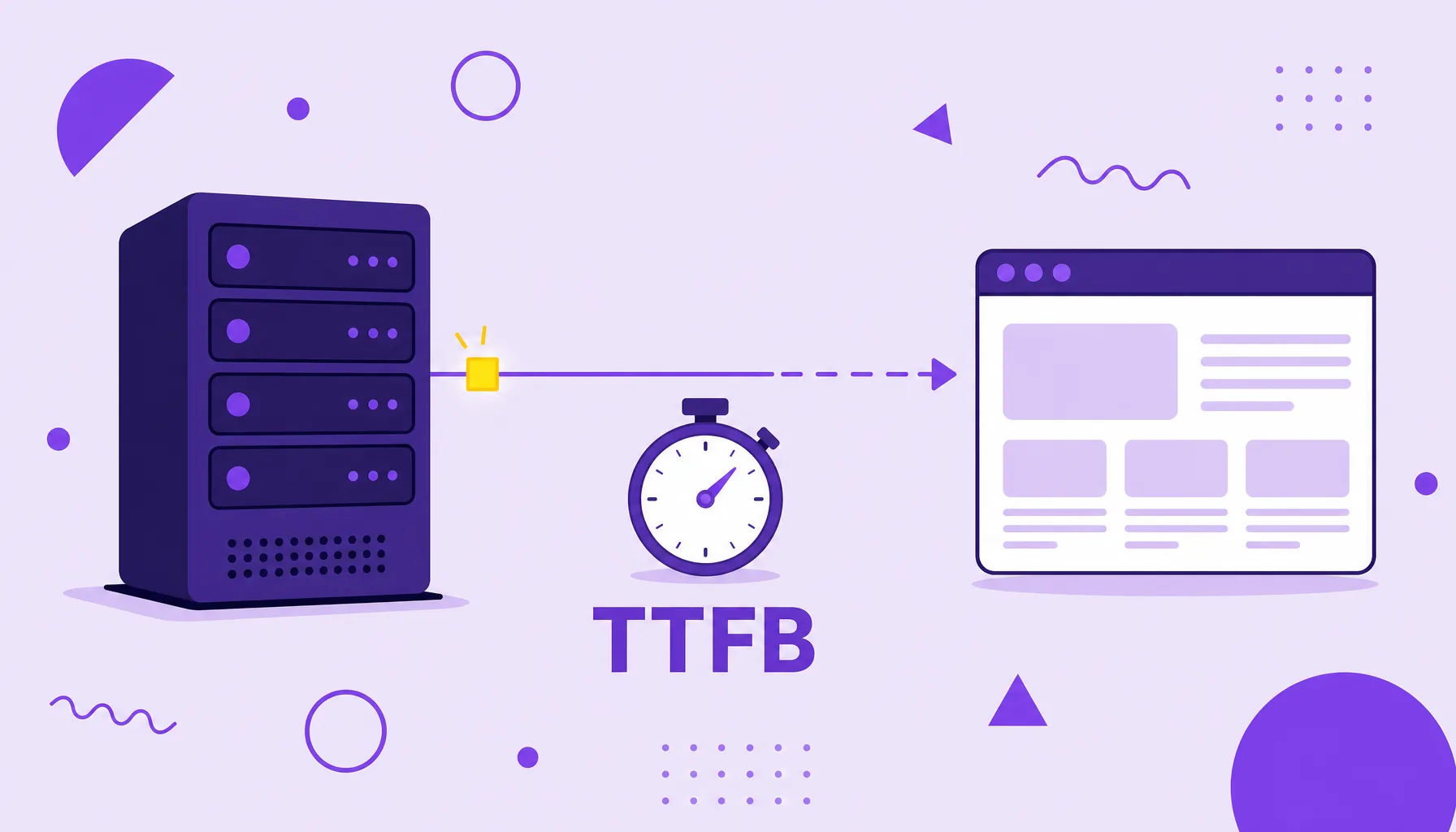
Time to First Byte
Time to First Byte (TTFB) is the time the browser waits from requesting a page until it receives the first byte of the server's response. It is an indicator of backend speed, that is, how fast the server processes and starts responding to the request. A high TTFB delays everything else in the load and is usually the first bottleneck to fix in web performance.
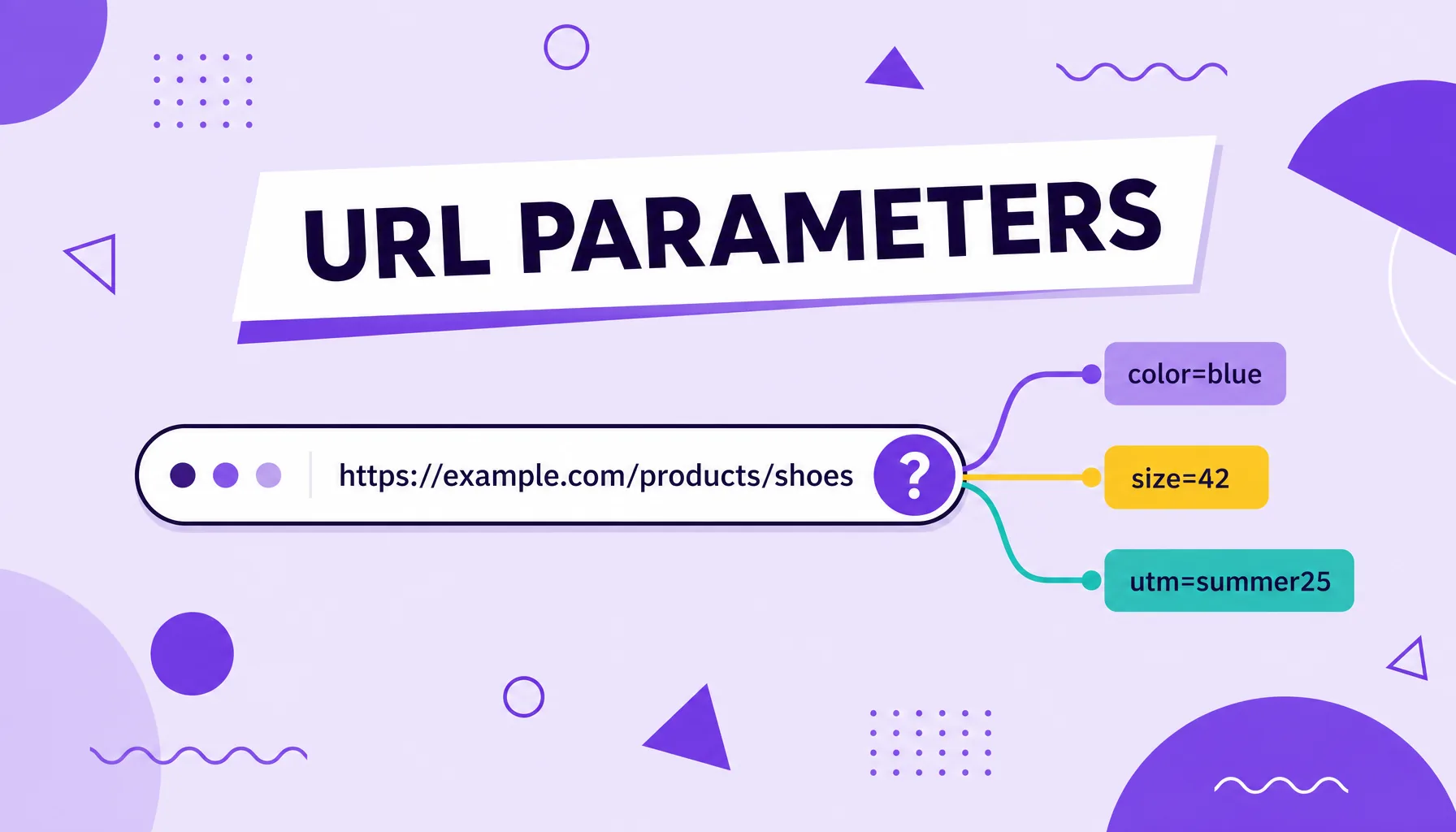
URL parameters
URL parameters are snippets added to the end of an address, after a question mark, that send extra information to the server, such as product filters, internal search terms, session identifiers or campaign tags (UTMs). They are useful for tracking traffic and organizing dynamic pages, but when poorly controlled they can create duplicate content, waste the search engine's crawling and dilute the ranking signals of a page.
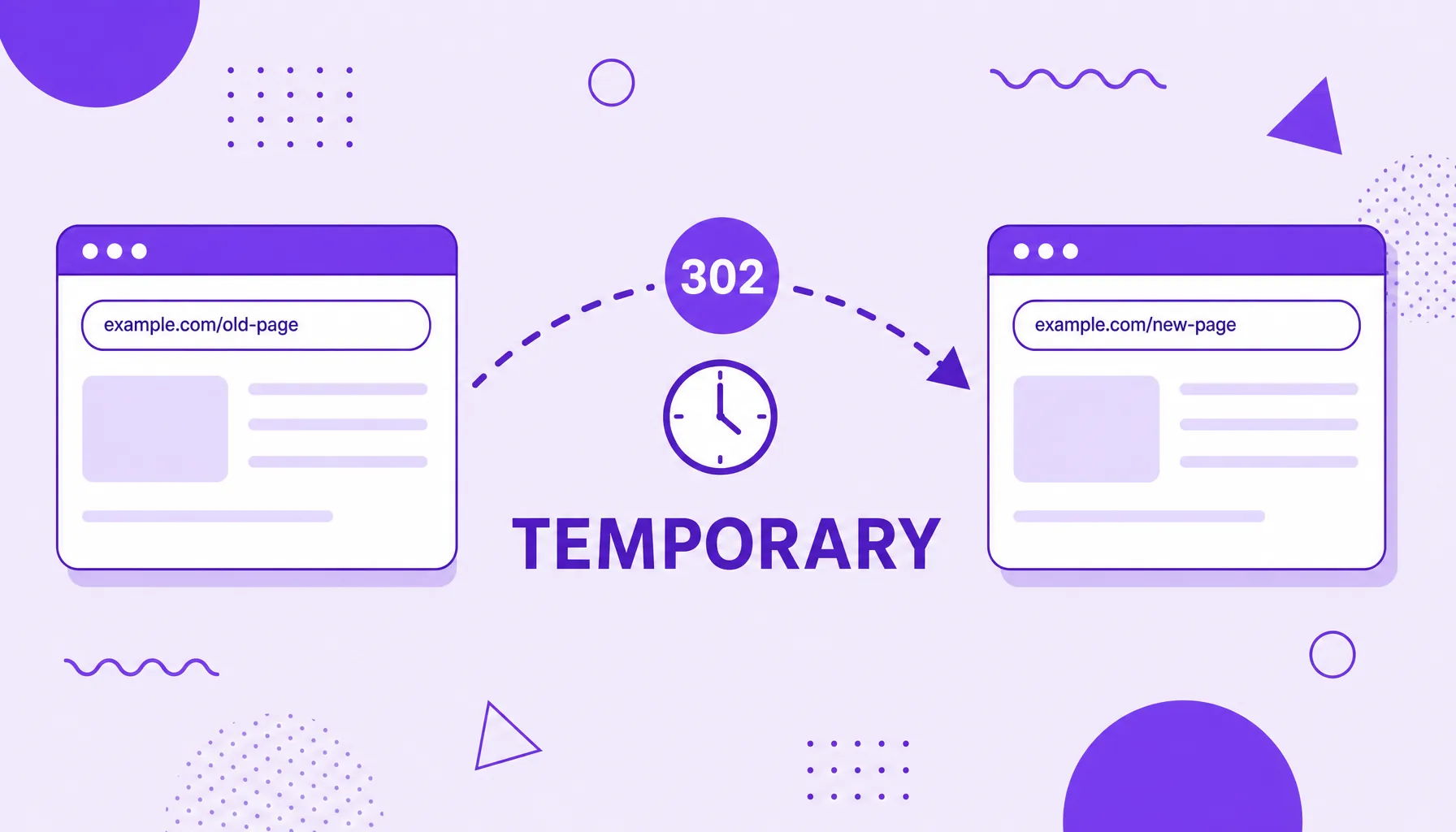
302 redirect
A 302 redirect is an HTTP status code that tells the browser and search engines that a page has been moved temporarily to another URL. Unlike the 301, which is permanent, the 302 signals that the original address will come back, so Google keeps the old URL indexed and does not pass authority permanently to the new address. It is the detour of choice for passing situations, such as tests, maintenance and promotions.
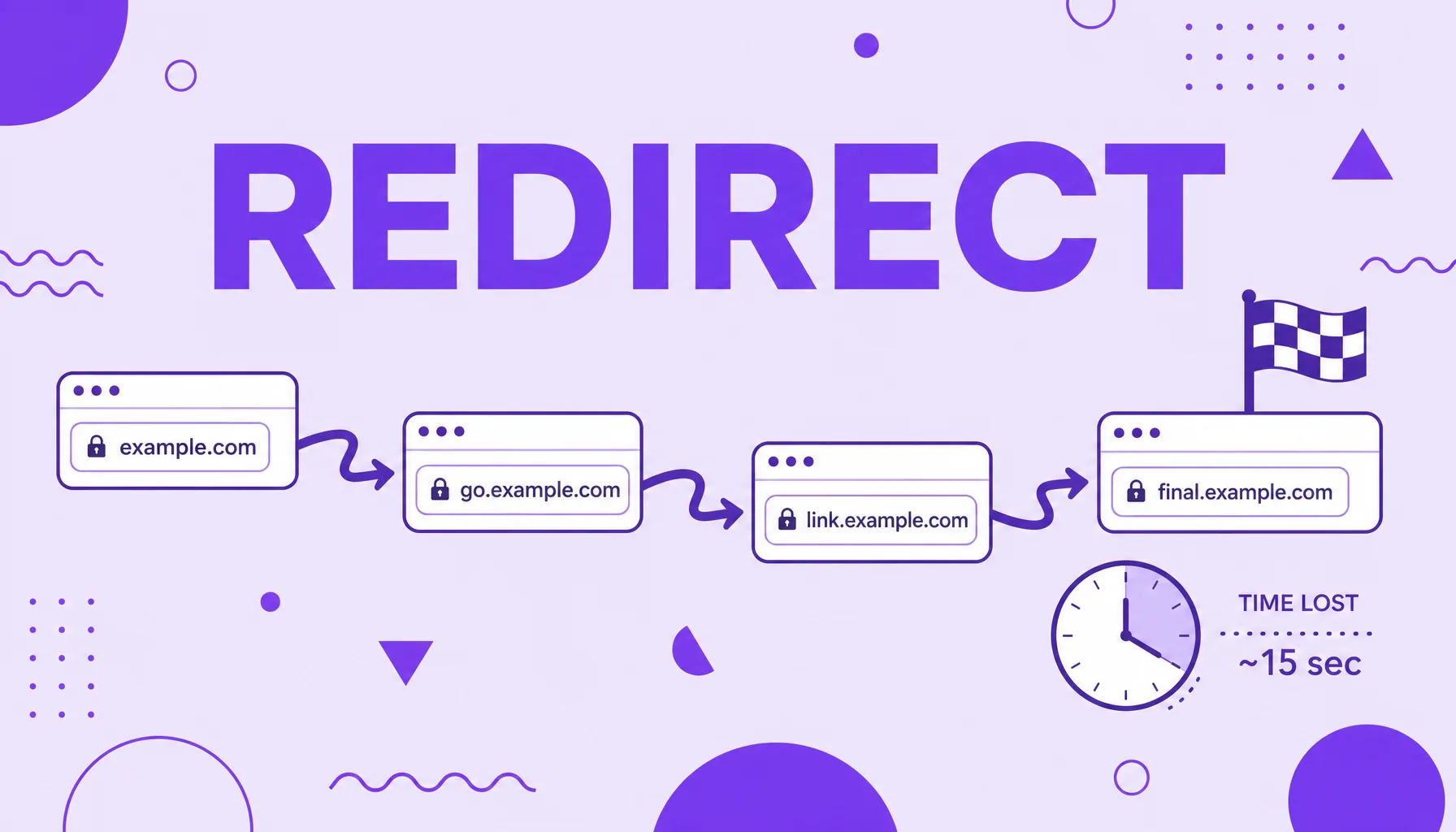
Redirect chain
A redirect chain is a sequence in which one URL redirects to another, which in turn redirects to a third, and so on, before reaching the final destination. Each extra hop adds load time, spends crawl budget and dilutes the authority passed by links. Ideally any URL should redirect only once, straight to the final address, with no intermediate steps.

JavaScript SEO
JavaScript SEO is the set of practices that ensures sites built with JavaScript are crawled, rendered and indexed correctly by search engines. Because JS content often only appears after the browser runs the code, Google needs an extra rendering step to see the page. Optimizing for JavaScript means making that content accessible to the search engine, without relying only on what the robot sees in the initial HTML.
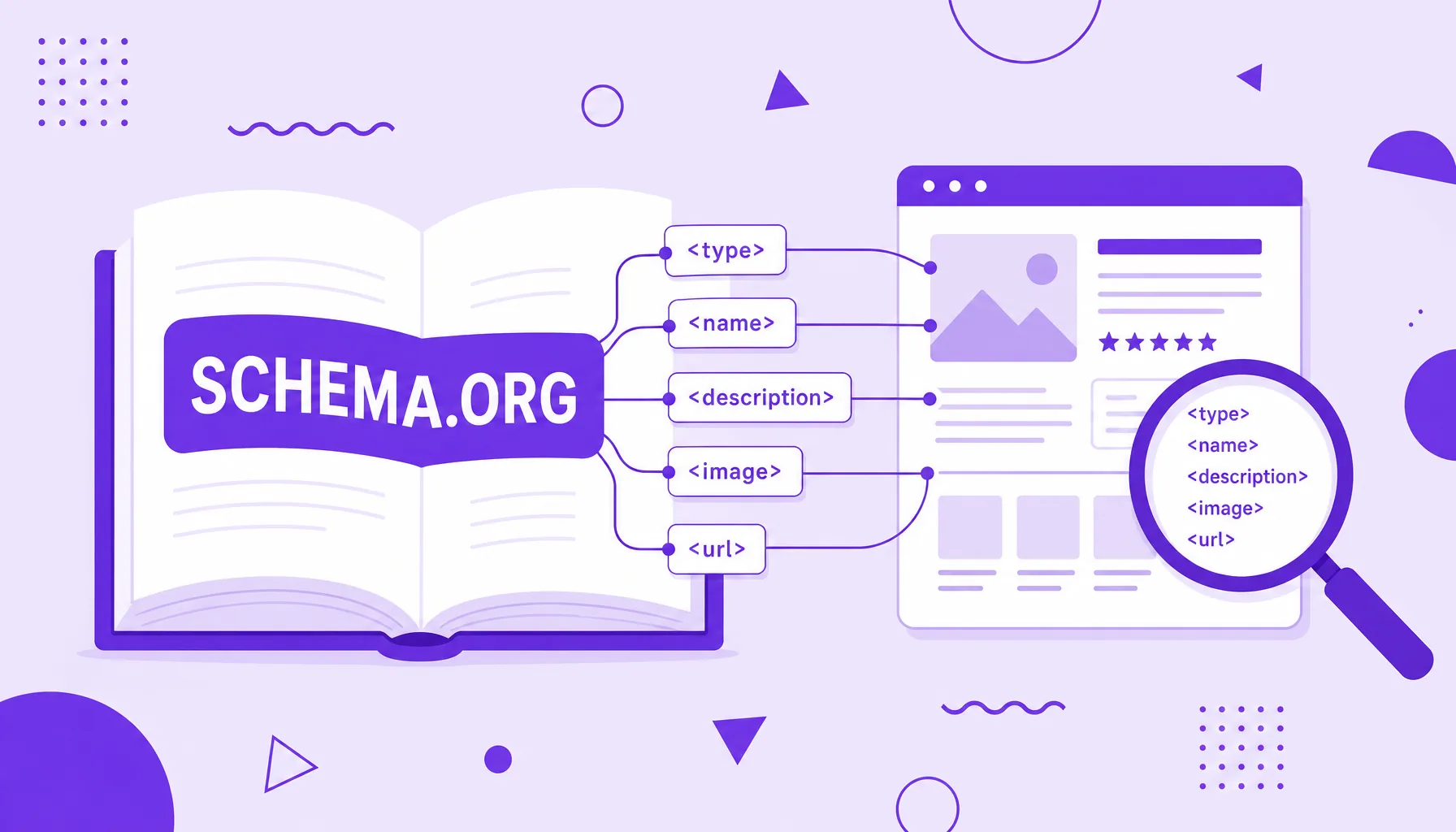
Schema.org
Schema.org is the standardized structured data vocabulary created jointly by Google, Microsoft, Yahoo and Yandex to describe page content in a way machines understand. It defines types (such as Product, Article, Event) and properties (such as name, price, author) that search engines recognize. It is not a piece of code you install, but the shared dictionary you use when marking up a page with structured data.
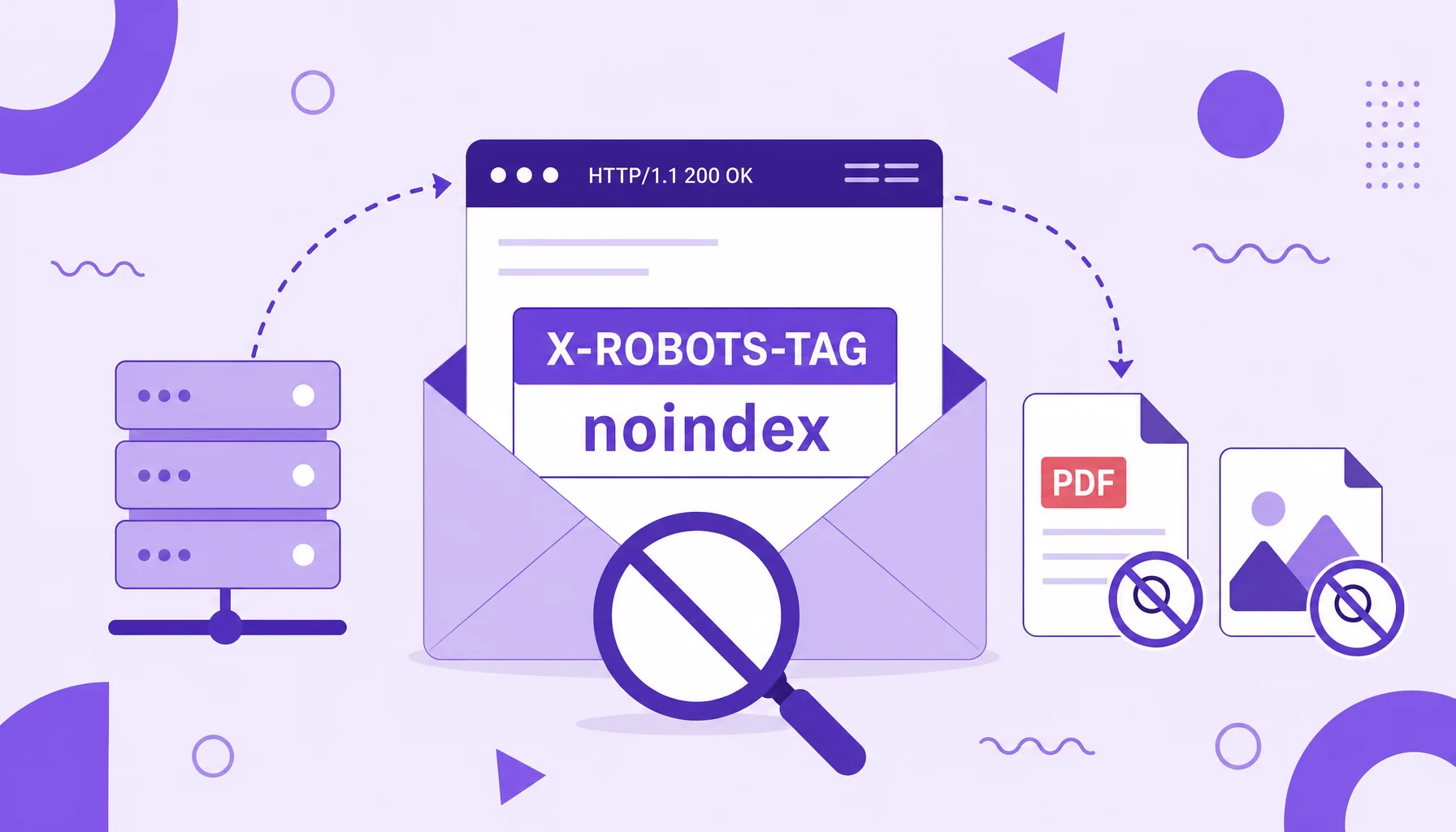
X-Robots-Tag header
The X-Robots-Tag header is an indexing directive sent in the server's HTTP response, not in the page's HTML. It plays the same role as the meta robots tag (telling the search engine not to index, not to follow links or not to archive a URL), but with a decisive advantage: it works for any type of file, including PDFs, images and spreadsheets, where there is no HTML head to receive the meta tag.