
Slug: what it is in a URL and how to optimize it for SEO
By Tiago CostaUpdated on July 2, 2026
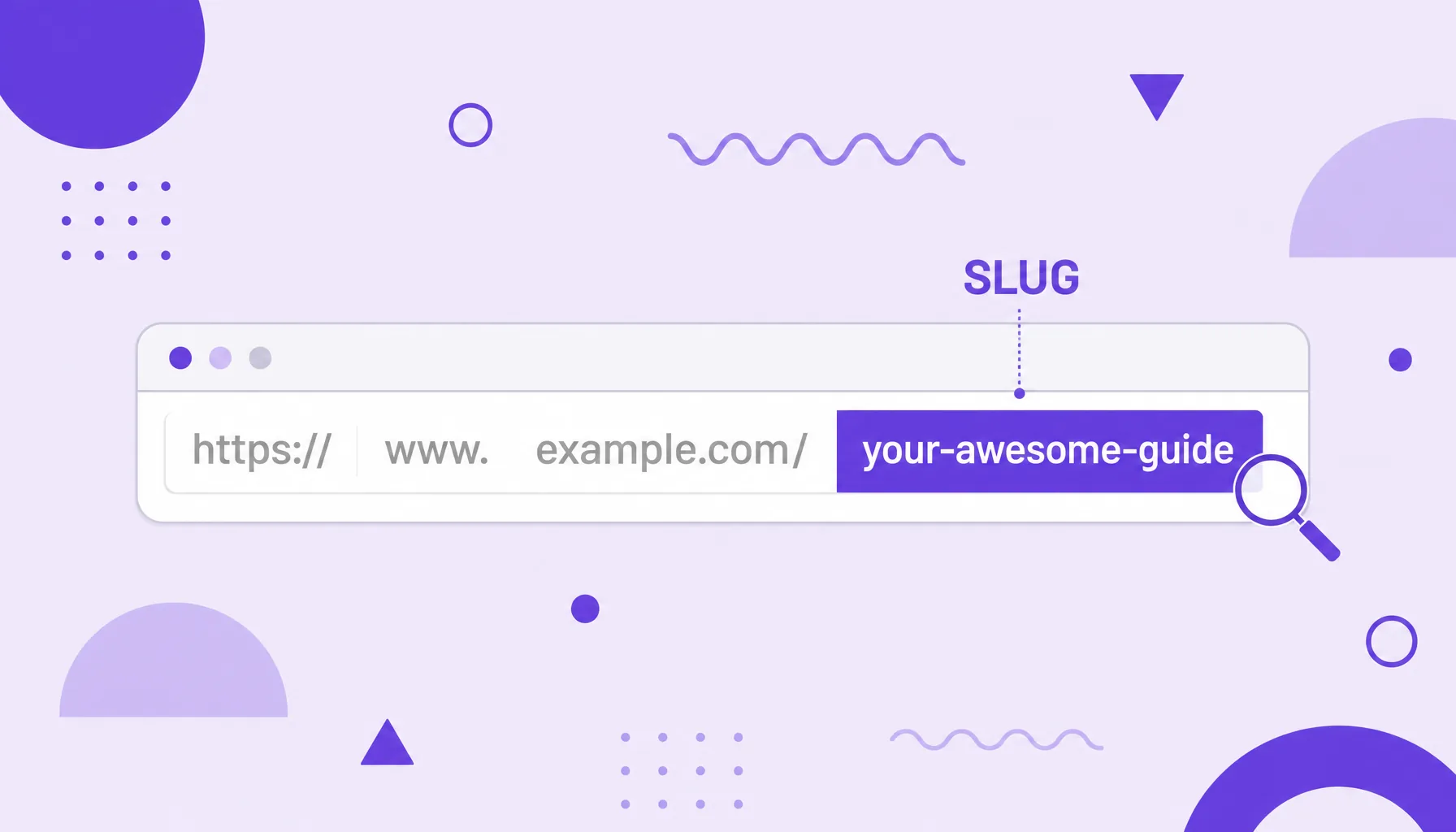
Slug is the final, editable part of a URL, the one that describes the page in words. A good slug tends to be:
- short and direct (a few words);
- all lowercase;
- with words separated by hyphens;
- without accents, spaces or special characters;
- with the page's main keyword.
What a slug is and where it sits in the URL
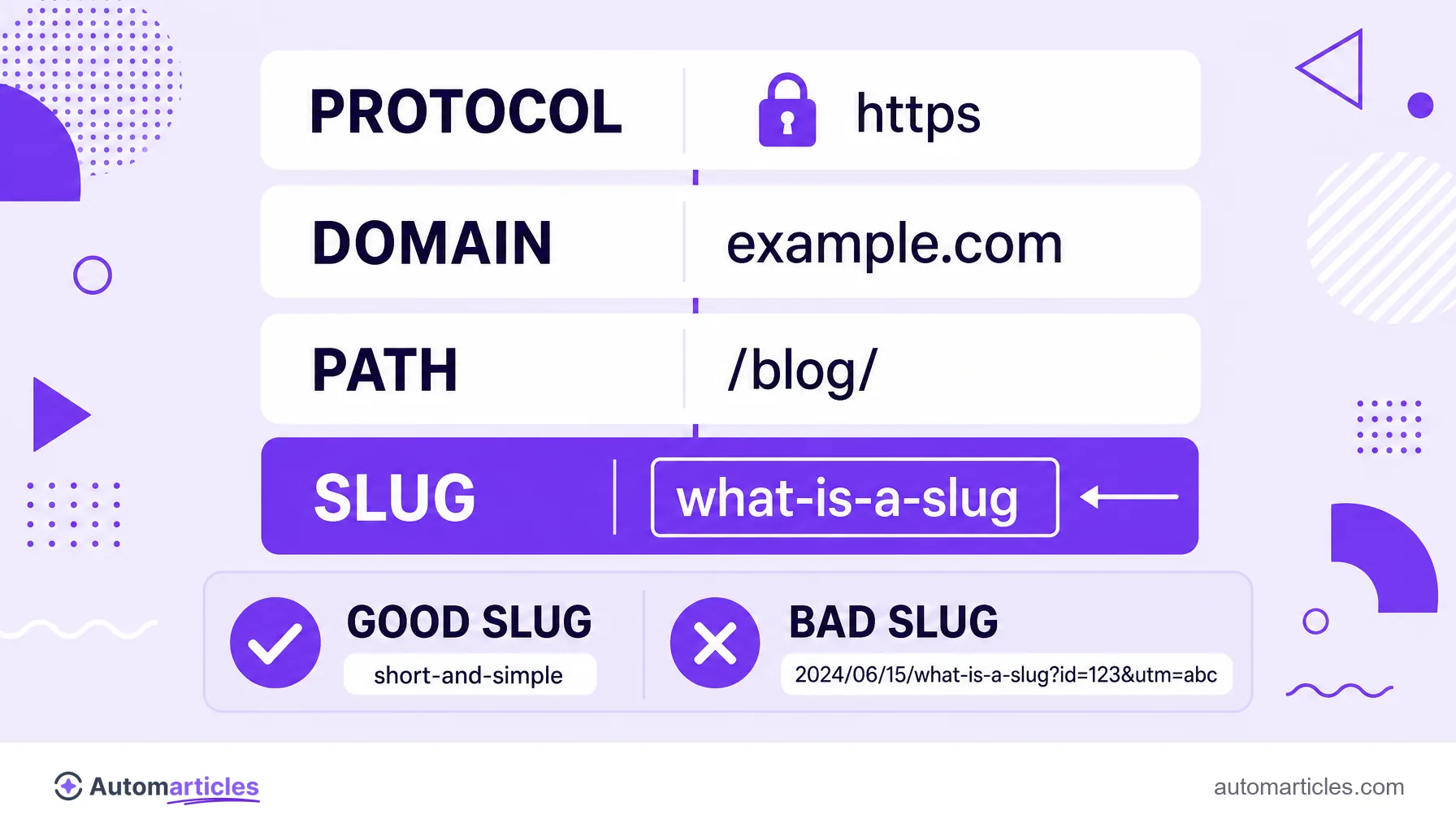
The slug is the final, editable part of a URL, the one that describes the page in readable words. In an address like example.com/blog/what-is-a-slug, the slug is the what-is-a-slug portion, written right after the domain and the path.
A URL has several parts: the protocol (https://), the domain (example.com), sometimes a category path (/blog/) and, finally, the slug that identifies that specific page. The slug is the only part you write by hand for each piece of content, which is why it is the one that communicates the topic best to both people and Google.
A quick note on the word itself. Outside the digital world, slug has several meanings: it is the English name for a mollusk, it became the nickname of a skincare technique, it names a type of ammunition and even a unit of mass in physics. In this glossary, slug always means the descriptive portion of the URL, a core concept of on-page SEO.
Why the slug matters for SEO
The slug is a small but influential signal. It shows up on the SERP right below the title, helps the search engine understand the topic of the page and improves the experience of whoever decides to click. A clean slug builds trust; a slug full of numbers and codes pushes people away.
Length also counts. In the study where it analyzed 11.8 million search results, Backlinko found that URLs in the first position on Google are, on average, 9.2 characters shorter than those in tenth place. It is not that a short URL ranks on its own, but it usually goes hand in hand with pages that are more focused and easier to understand.
Including the main keyword in the slug reinforces relevance and makes the link more clickable when someone shares it. It is a few seconds tweak that pays off in clarity for both the algorithm and the reader.
How to create an optimized slug: best practices
A good slug follows a handful of simple rules. It is worth applying them every time you publish:
- Keep it short and direct: use few words, ideally the keyword and little more.
- All lowercase: some servers treat uppercase and lowercase differently, which can create duplicate pages.
- Separate with hyphens: use hyphens between words, never underscores or spaces, because Google reads the hyphen as a separator.
- No accents or special characters: replace accented letters and symbols with plain ones to avoid odd codes in the address.
- Cut filler words: articles and prepositions like of, the and for rarely help and can be removed.
- Avoid loose dates and numbers: a slug without a year ages better and does not force you to change the URL when the content is updated.
The slug works together with the title tag and the meta description: the three form the block a person sees on the SERP and define much of the decision to click.
Slug and URL structure: examples in practice
It gets clearer with examples. Compare how the same content, a guide about content marketing, can turn into very different addresses:
| Bad slug | Good slug |
|---|---|
| /p?id=48213 | /content-marketing |
| /2021/07/the-complete-and-definitive-guide-to-content-marketing-for-beginners | /content-marketing-guide |
| /Content_Marketing | /content-marketing |
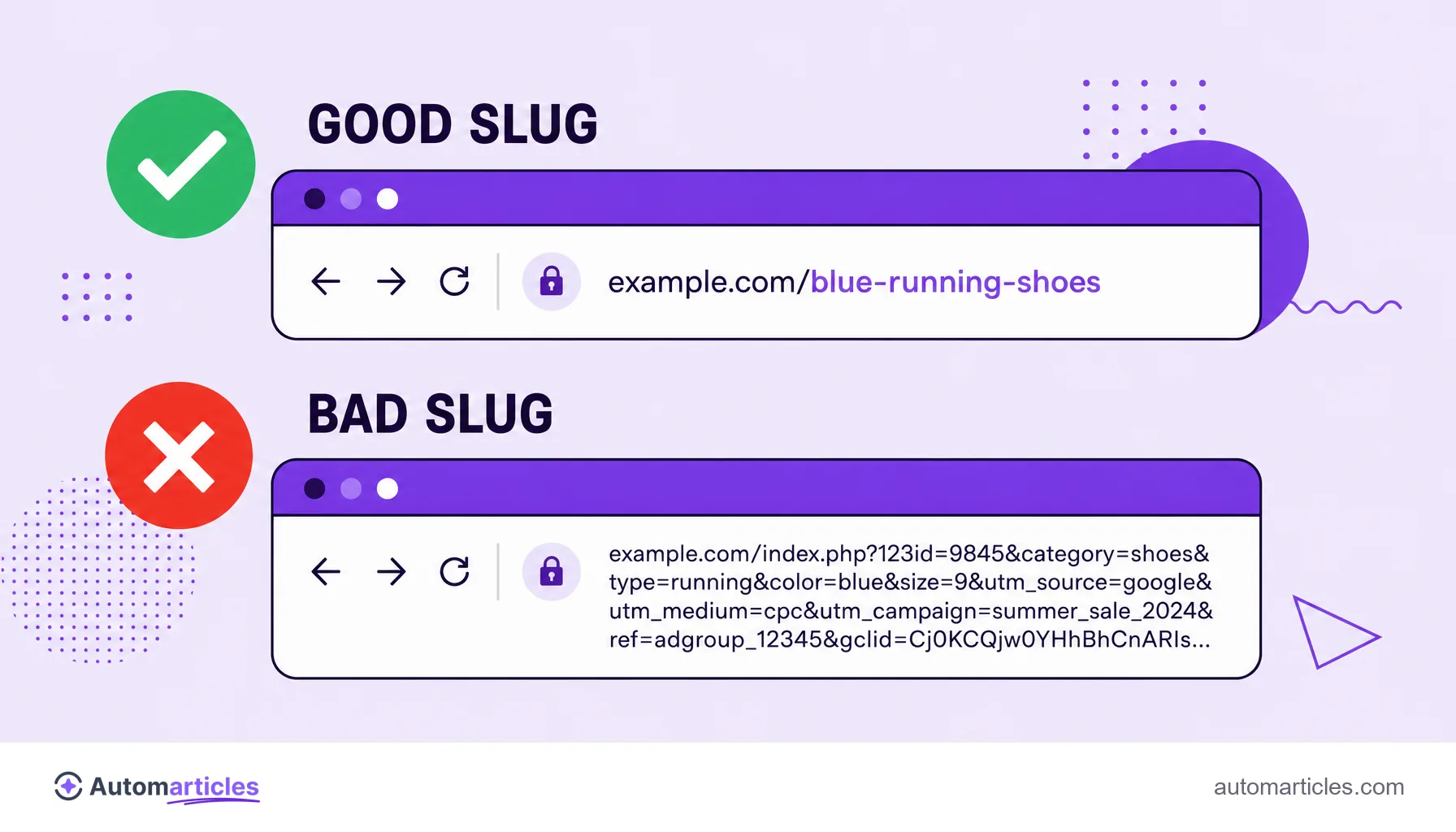
In most content management systems, such as WordPress, the slug appears in the permalink field and can be edited before publishing. Watch the URL parameters generated automatically: whenever possible, prefer a descriptive URL over one full of codes and question marks.
How to change a slug without losing SEO
Changing the slug of a page that is already live takes care. When you change the URL, the old address stops existing and every link and position you earned points to nowhere, creating 404 errors for anyone who clicks.
The golden rule is to always create a 301 redirect from the old slug to the new one. That way you preserve the accumulated authority and take whoever arrived through the old link straight to the new address. After the change, update the internal links that pointed to the old URL and check that the page's canonical URL reflects the new slug.
That is why the ideal is to get the slug right on the very first publication. Changing it later is possible, but it is extra work and always carries some risk.
Common mistakes when setting slugs
A few slips repeat themselves, and it is worth knowing them so you do not fall for them:
- Leaving the CMS default slug: many systems use the whole title or a number, producing long and confusing URLs.
- Repeating the keyword to exhaustion: something like /seo-seo-seo-tips sounds artificial and borders on keyword stuffing.
- Using underscores instead of hyphens: Google treats word_word as a single thing, which hurts readability.
- Including the date: evergreen content gets stuck to a year that soon looks old.
- Identical or near identical slugs: pages with similar slugs confuse the search engine and can compete with each other.
Getting the slug right is no miracle on its own, but it is one of those cheap details that add up with the rest of the optimization and make every URL on the site clearer and stronger.