
Sitelinks: what they are and how they appear on Google
By Tiago CostaUpdated on July 2, 2026
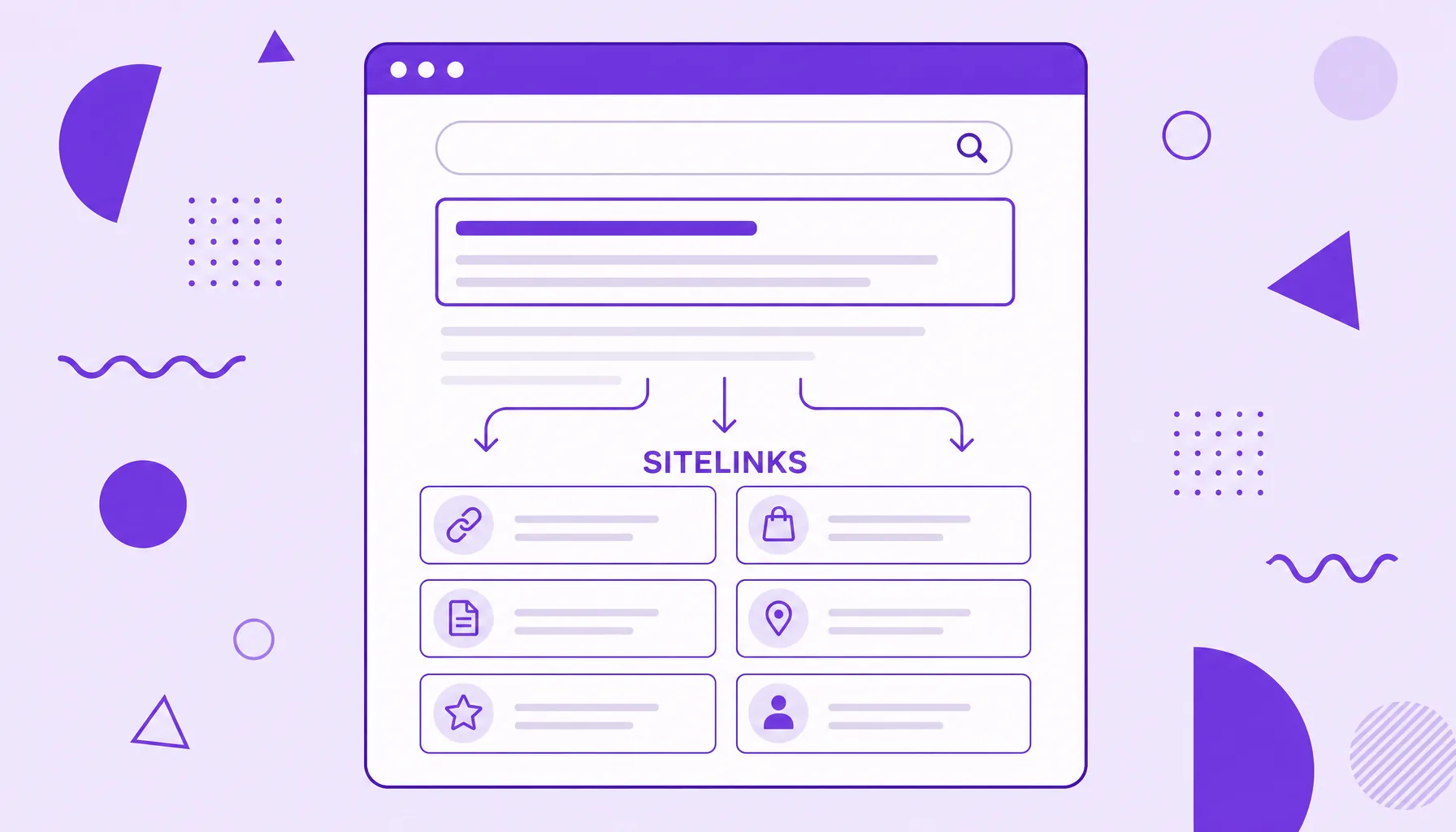
Sitelinks are extra internal links that Google shows below a result to make navigation easier. In general they:
- appear mostly on brand or domain searches;
- lead to important pages such as contact, pricing or login;
- are chosen automatically by the algorithm, at no cost;
- have no activation button, but can be influenced.
What sitelinks are
Sitelinks are additional links that appear right below a site's main result on Google's results page. Instead of showing only the homepage link, the search engine also displays shortcuts to relevant internal pages, such as contact, pricing, about or popular categories.
The idea is simple: when Google understands a site's structure well, it anticipates where the user is likely to go and offers those paths straight in the result. That is why sitelinks work like a small menu of your brand inside search.
They are a sign of maturity. A new or poorly structured site rarely gets sitelinks, while established brands usually show a full block of them when searched by name.
How sitelinks appear on Google
Sitelinks are generated automatically. There is no form to request them and no specific tag that turns them on: the algorithm decides on its own when and which links to show, based on how people navigate and how the site is organized.
They show up in two main formats:
- Full block: up to six links in two columns, typical of searches for the exact brand name, when the site is the dominant result.
- Compact row: two to four links in a single line under the result, common in more generic searches where the site ranks well.
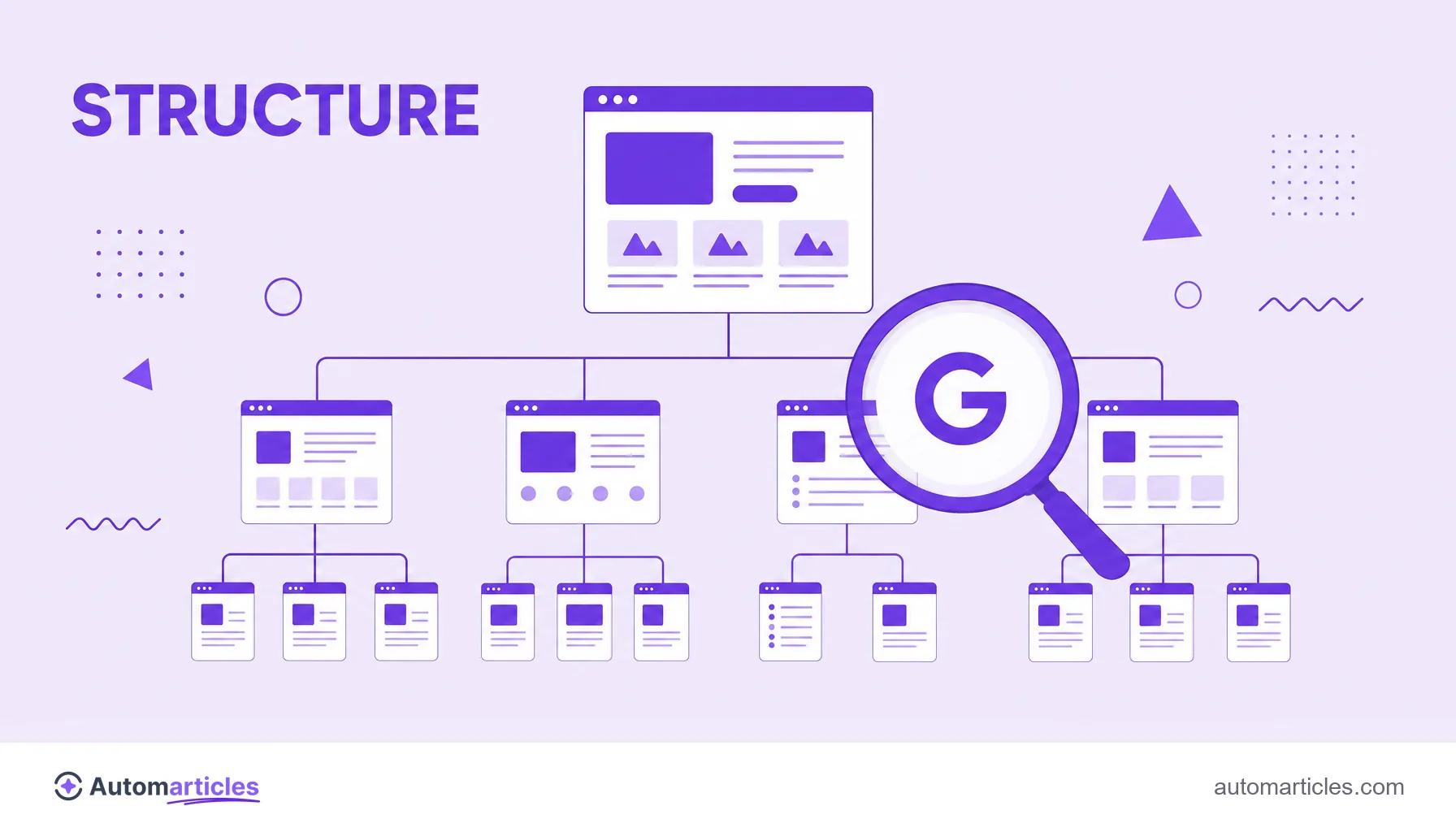
Because the algorithm relies on the site's architecture, a solid mesh of internal links and a clear page hierarchy increase the chance that the right sitelinks are chosen. Breadcrumbs also help Google map that structure.
Organic sitelinks vs Google Ads sitelinks
Many people mix the two, but they are different things. Worth separating:
| Type | How it works |
|---|---|
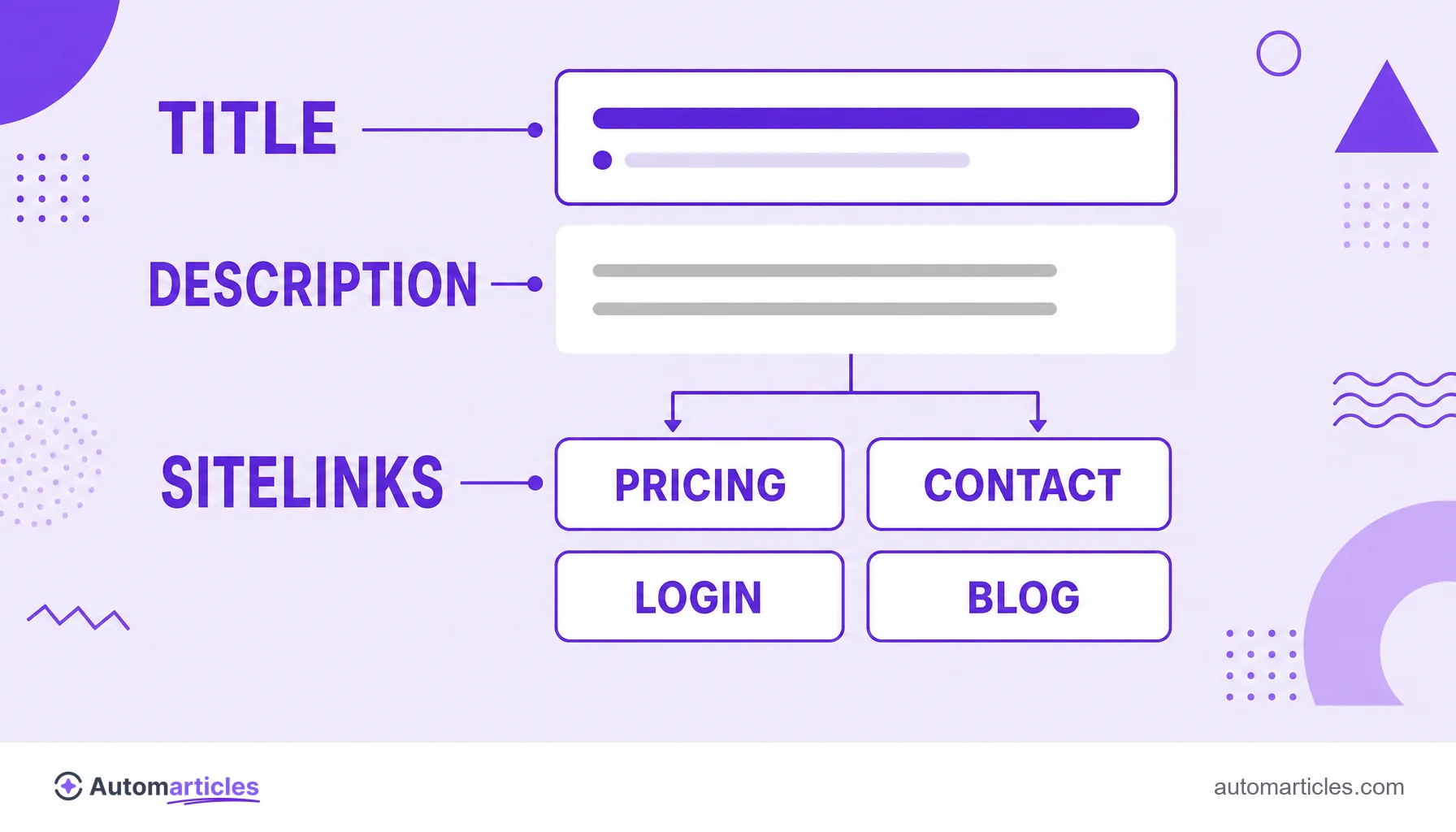
| Organic sitelinks | Generated automatically by Google in the unpaid results. They cost nothing and cannot be created manually, only influenced. |
| Google Ads sitelinks (extensions) | Set up by you inside a paid campaign, choosing the text and link of each one. They appear in ads and you control which ones show. |
So when the search asks "how to create sitelinks", the answer is almost always in Google Ads, where they are called sitelink assets and defined manually. In organic results, you do not create them, you earn them.
Why sitelinks matter for SEO
Sitelinks are not just decorative. They take up more vertical space in search, push competitors down and convey a sense of authority. A result with sitelinks looks, to the user, like that brand's official answer.
That screen dominance weighs on clicks. According to a CTR study by Perficient, which classified as branded precisely the searches that show sitelinks, those terms concentrated around 71.36% of clicks in the top 10, against only 37.88% for non branded searches. The gap shows how much dominating your own brand's SERP pays off.
Beyond the click, sitelinks improve the experience: the user reaches the page they wanted in one tap and conversion tends to rise. Earning them is, in practice, a consequence of having domain authority and a well resolved site structure.
How to boost your chances of earning sitelinks
You do not flip a sitelinks switch, but you can prepare the ground for Google to generate them. The adjustments that help most:
- Structure the site clearly: a logical hierarchy of pages and menus makes it easier for the algorithm to identify what matters.
- Strengthen internal links: point often to the pages you would like to see as a sitelink, using descriptive anchor text.
- Nail your page titles: short, unique titles make good sitelink labels, since Google tends to reuse them.
- Build brand: the more people search for your name and click your site, the more Google understands it deserves prominence.
- Use structured data and consistent navigation: they help the search engine map the site's sections.
If an unwanted sitelink appears, you cannot remove it directly, but improving the destination page or adjusting the internal structure usually fixes what Google shows over time.
What the sitelink text is
The sitelink text is the clickable label of each shortcut, that short name shown below the result (for example, "Plans", "Support" or "Contact"). It is what tells the user where that link leads.
In organic sitelinks, this text is defined by Google, which usually uses the destination page title or the text of your internal links. That is why pages with clear titles and consistent anchors tend to generate better labels. In Google Ads extensions, on the other hand, you write the text manually, respecting the character limits of each field.