
What a 302 redirect is and when to use it
By Tiago CostaUpdated on July 2, 2026

A 302 redirect is an HTTP code that points one URL to another temporarily. In practice, it:
- signals that the address change is temporary;
- keeps the original URL indexed in Google;
- does not consolidate authority on the new URL permanently;
- is meant for tests, maintenance and temporary detours.
What a 302 redirect is
A 302 redirect is a server response that sends the visitor from one URL to another, warning that the change is temporary. The number 302 is an HTTP status code from the 3xx family, used precisely for redirects. When the browser or search engine receives this code, it gets the message: the content is elsewhere for now, but the original address should return.
In the original protocol specification, the 302 appears under the name 'Found'. The user almost never notices they passed through a 302, because the detour is instant and transparent. The difference is hidden in the response header, which only programs and crawlers read.
That 'temporary' detail seems small, but it completely changes how Google treats the URL. That is where all the difference between a 302 and a 301 lives.
302 and 301: the difference that changes everything in SEO
The most common question about the 302 is how it compares to the 301 redirect, which is permanent. Both send the user to another page, but the message they pass to the search engine is opposite:
| Aspect | 301 redirect | 302 redirect |
|---|---|---|
| Type | Permanent | Temporary |
| Indexed URL | Becomes the new one | Stays the original one |
| Authority (link juice) | Transferred to the destination | Kept on the original URL |
| Typical use | Permanent URL migration | Test, maintenance, promotion |
In short: use 301 when the change is forever and you want the new address to inherit the page's history. Use 302 when the original address will return and you do not want Google to swap the indexed URL. Choosing the wrong code is one of the technical SEO slips that most often cause loss of positions.
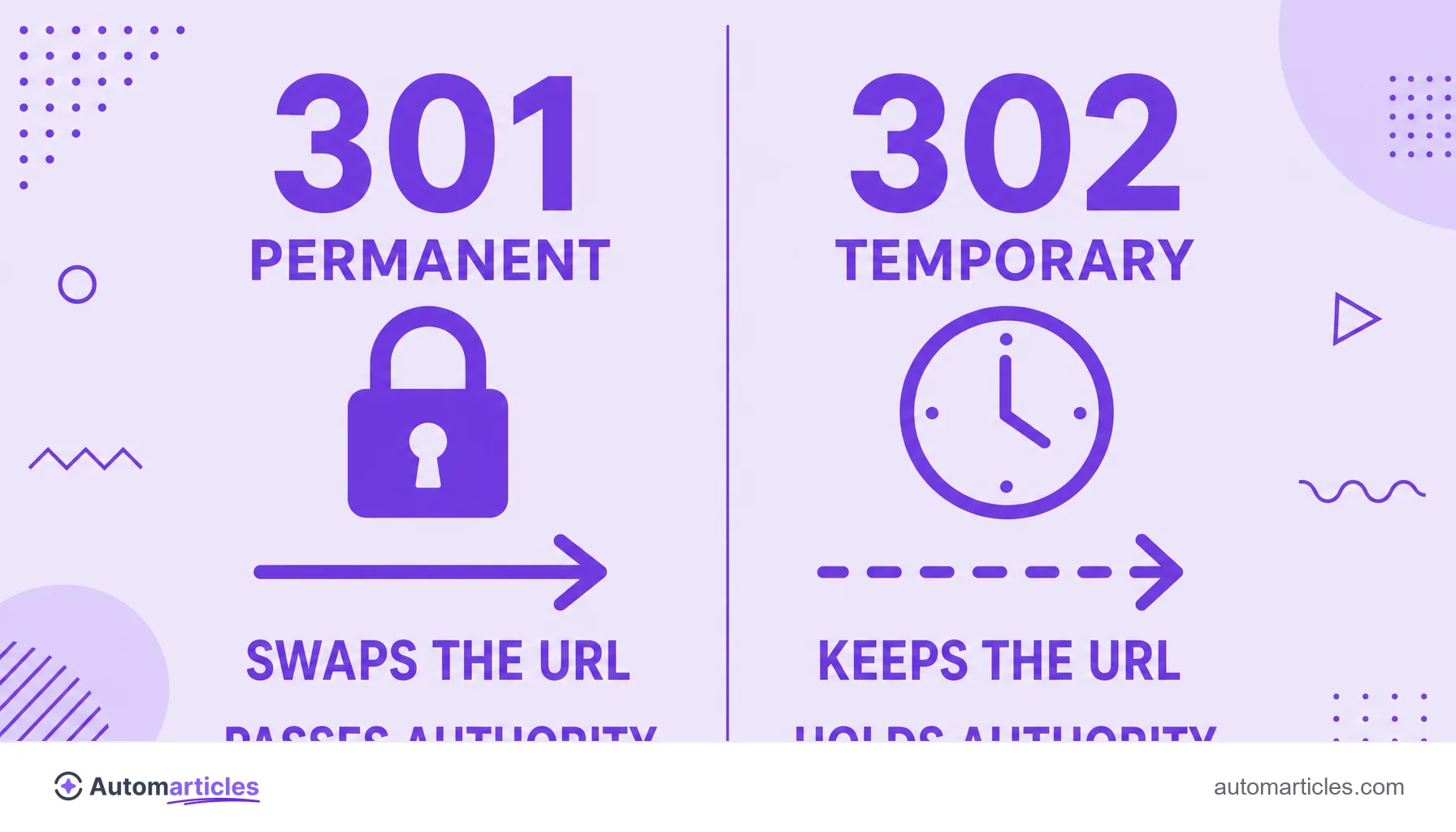
What Google does with a 302 redirect
When Google finds a 302, its goal is to preserve the source URL. Because the change is declared as temporary, the search engine tends to:
- Keep the original URL in the index: it remains the version shown in search results.
- Hold the authority on the source: the link juice the page built up does not permanently move to the destination.
- Crawl the destination: the crawler follows the detour to see the content, but without treating the new URL as the main one.
The point to watch is time. If a 302 stays live for many months, Google understands that, in practice, it has become permanent and may start treating the detour as a 301, consolidating the signals on the destination. In other words, a 302 kept by mistake ends up behaving like a 301, only in an unpredictable way and without the control you would have by setting the right code from the start.
When to use a 302 redirect
The 302 has legitimate and important uses. It is the right choice whenever the address change is truly temporary. Some classic scenarios:
- A/B tests: divert part of the traffic to an alternative version of the page without losing the original URL in the results.
- Maintenance: send visitors to a notice page while the original is briefly offline.
- Seasonal promotions: point a fixed URL to a campaign landing page that will go offline later.
- Redirect by language or region: send the user to the right version without fixing it as permanent.
The golden rule is simple: if the original address will be the main one again, use 302. If the old page will never exist again, the right choice is the 301 redirect. In that second case, it is often worth reviewing the canonical URL as well, to reinforce which version should be indexed.

302, 307 and the other 3xx codes
The 302 is not alone in the 3xx family. A few similar codes tend to cause confusion:
- 301 (Moved Permanently): permanent detour that transfers authority and swaps the indexed URL.
- 302 (Found): temporary detour that keeps the original URL.
- 307 (Temporary Redirect): a stricter version of the 302 that forces the browser to repeat the request method (for example, a POST stays a POST).
- 308 (Permanent Redirect): the permanent equivalent of the 307.
For day-to-day SEO, what matters is the 301 and 302 pair. The 307 and 308 codes show up more in technical contexts, such as forms and security headers. Knowing the full list helps you read the HTTP status code reports without surprises.
How to set it up and which mistakes to avoid
Setting up a 302 depends on your stack. On Apache servers, it is usually defined in the .htaccess file; on Nginx, in the site's configuration block; and on platforms like WordPress, through redirect plugins. In all cases, the secret is to declare the right code (302, not 301) for the temporary intent.
Two mistakes show up often and are worth avoiding:
- Using 302 for a permanent migration: the classic one. The page changes for good, but the temporary detour holds the authority on the old URL and blocks the position gains on the new address.
- Stacking detours: a 302 that points to another that points to a third creates a redirect chain, which wastes crawl budget and slows everything down.
Reviewing the site's redirects periodically, making sure each one uses the proper code and points straight to the final destination, is the kind of invisible maintenance that protects your technical SEO over time.