
What a redirect chain is and how to fix it
By Tiago CostaUpdated on July 2, 2026
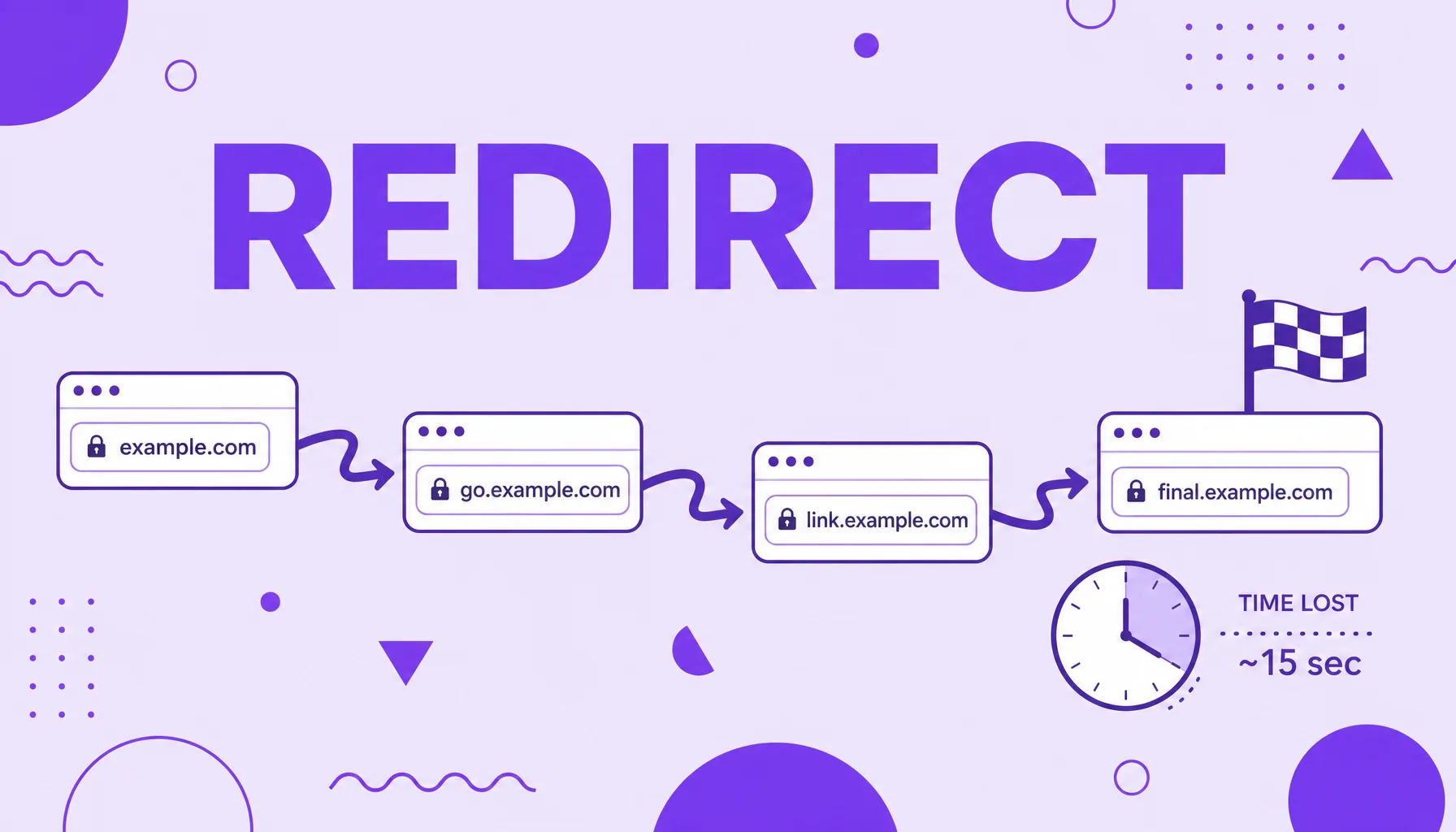
A redirect chain happens when a URL goes through two or more redirects before reaching the final destination. It is a problem because:
- it adds load time at every hop;
- it spends the search engine's crawl budget;
- it dilutes the authority passed by links;
- it raises the risk of errors and redirect loops.
What a redirect chain is
A redirect chain is a sequence of two or more chained redirects between the URL the user requested and the page they actually see. Instead of going straight from address A to the final destination, the request passes through intermediate stops: A leads to B, which leads to C, which only then delivers the page.
This chaining is rarely created on purpose. It builds up over time as the site changes. A migration from HTTP to HTTPS adds one hop, a domain change adds another, reorganizing a category adds one more, and nobody goes back to fix the old redirects. The result is a silent stack of hops that the visitor does not notice but the search engine feels. To understand the mechanics, it helps to know the HTTP status codes, since each redirect responds with a code from the 3xx family.
Why a redirect chain hurts SEO
A single redirect is normal and safe. The problem starts when they stack up. The damage shows up on three fronts:
- Speed: each hop requires a new round trip to the server, which slows loading and worsens the time to first byte.
- Crawl budget: the search engine has a limited crawl budget per site; spending it following chains means fewer useful pages crawled.
- Authority dilution: each hop can shave off a bit of the link juice passed along, so the authority reaching the final destination is less than what left the origin.
The slowness also costs conversions. According to the site speed research by Portent, the conversion rate drops on average 4.42% with each additional second of load time in the first five seconds. Chained redirects are an easy way to lose those precious seconds without even noticing.
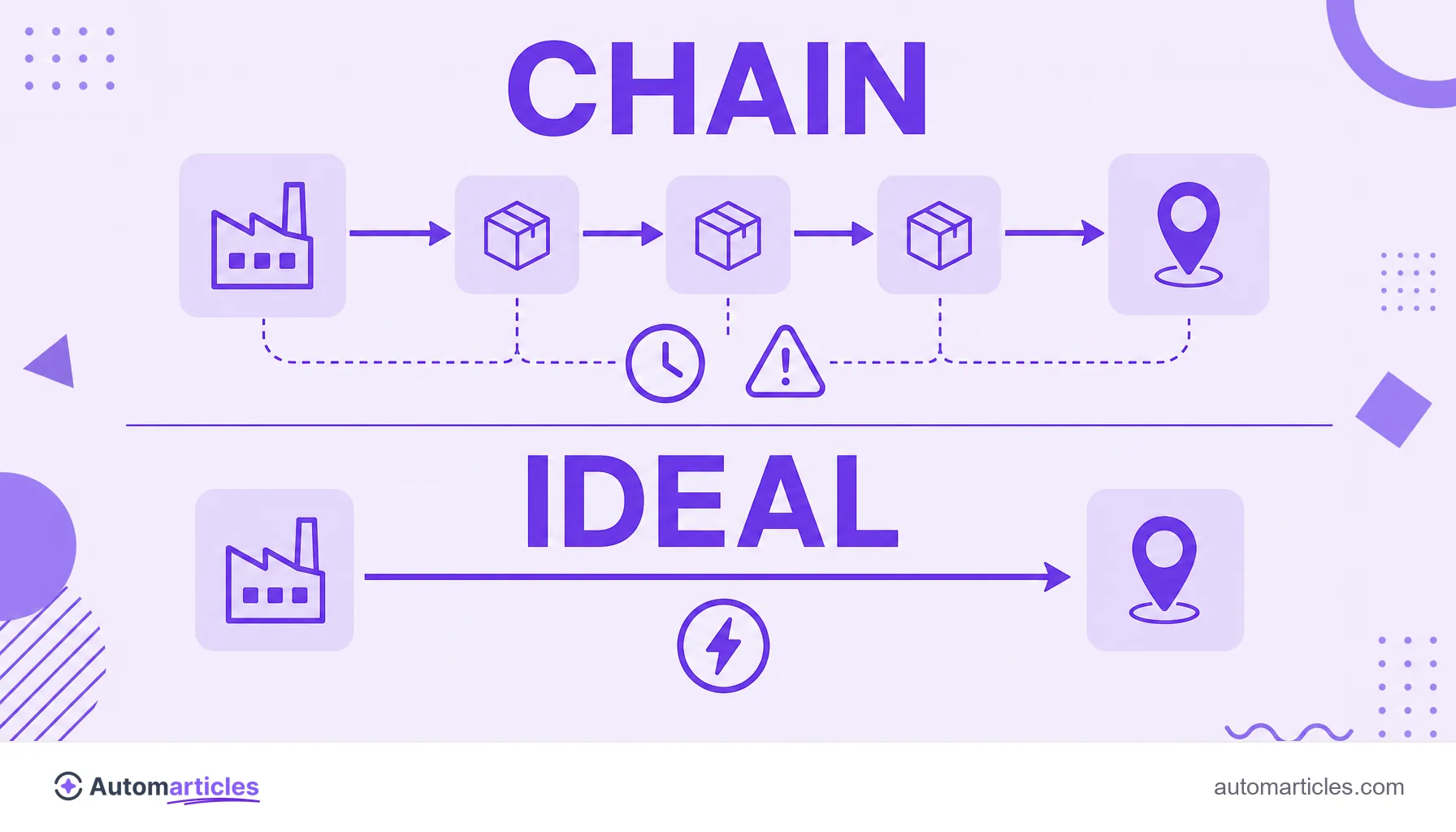
Redirect chain and redirect loop: the difference
The two problems sound alike, but they have very different effects. It is worth separating them:
| Situation | What happens |
|---|---|
| Redirect chain | Several hops in sequence that end on a valid page. The page opens, only slowly and with a loss of signals. |
| Redirect loop | The redirects point to each other in a circle (A leads to B, and B leads back to A). The page never opens and the browser shows an error. |
The loop is the fatal version of the chain: instead of just slowing things down, it breaks access and shows the too many redirects message. Both arise from poorly chained settings, so the same discipline that avoids long chains also prevents loops. Very long chains also raise the risk of ending on a nonexistent page, generating a 404 error at the end of the path.
How to spot redirect chains
Chains are invisible to anyone just browsing, so you need tools to see them:
- Site crawlers: tools like Screaming Frog, Sitebulb, Semrush and Ahrefs scan the site and flag which URLs go through more than one hop to the destination.
- Browser extensions: plugins like Redirect Path show, in real time, the whole sequence of status codes when opening a page.
- Google Search Console: the coverage and pages reports flag URLs with redirect problems that deserve attention.
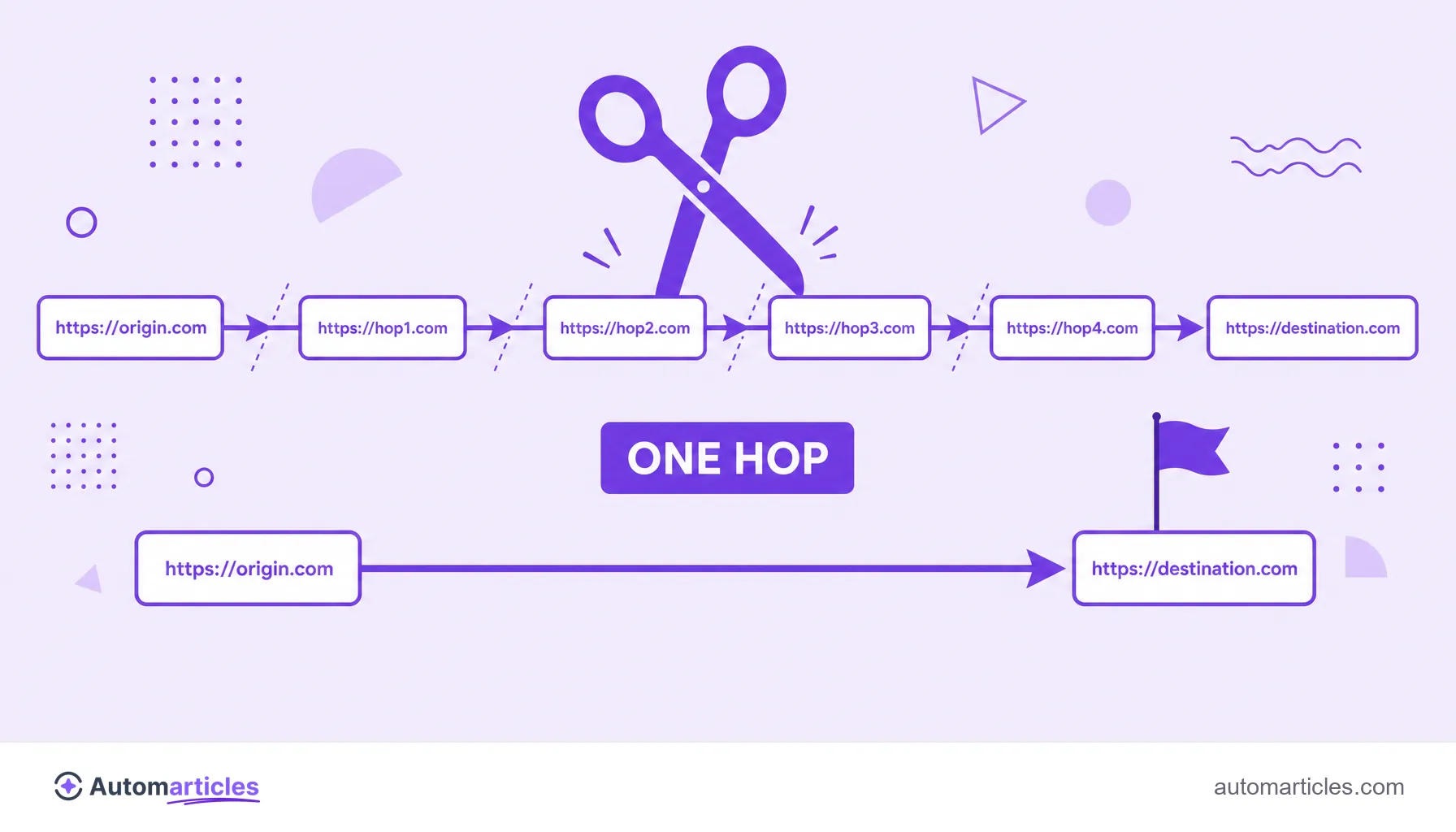
When auditing, look at the number of hops and the type of each redirect. The target is simple: no URL should need more than one redirect to reach its destination. This check is part of any technical SEO routine and often reveals forgotten leftovers from old migrations.
How to fix a redirect chain
The fix is conceptually simple: shorten the path to a single hop. In practice, follow these steps:
- Map the whole chain: note the origin, each intermediate stop and the real final destination of every problematic URL.
- Point straight to the end: rewrite the redirect from the origin to lead in one go to the final destination, eliminating the stops in the middle.
- Use the right type: for permanent changes, prefer the 301 redirect, which passes authority; reserve the 302 redirect only for temporary detours.
- Update internal links: change the links on your own site so they already point to the final URL, without relying on any redirect.
- Review the canonicals: make sure the canonical URL points to the final destination, not to an intermediate step of the chain.
After adjusting, run a new scan to confirm that each URL now reaches its destination in a single hop. It is common to discover new chains hidden behind the ones you just resolved.
Best practices to prevent new chains
Fixing once solves the present; preventing keeps the site clean in the future. A few routines help:
- Always point to the final destination: when creating a new redirect, check that the destination URL is not itself already redirected.
- Document the redirects: keep a spreadsheet with the origin and destination of each rule, to avoid recreating paths over paths.
- Re-audit after every big change: migrations, domain changes and redesigns are the main creators of chains; review the redirects right afterward.
- Prefer updating the link over creating a redirect: when possible, change the link at the source instead of stacking one more redirect rule.
Treating redirects as part of the site's maintenance, and not as something you set and forget, is what keeps crawling fast, authority preserved and the user experience smooth over time.