
HTTP status codes: what they are and the full list
By Tiago CostaUpdated on July 2, 2026
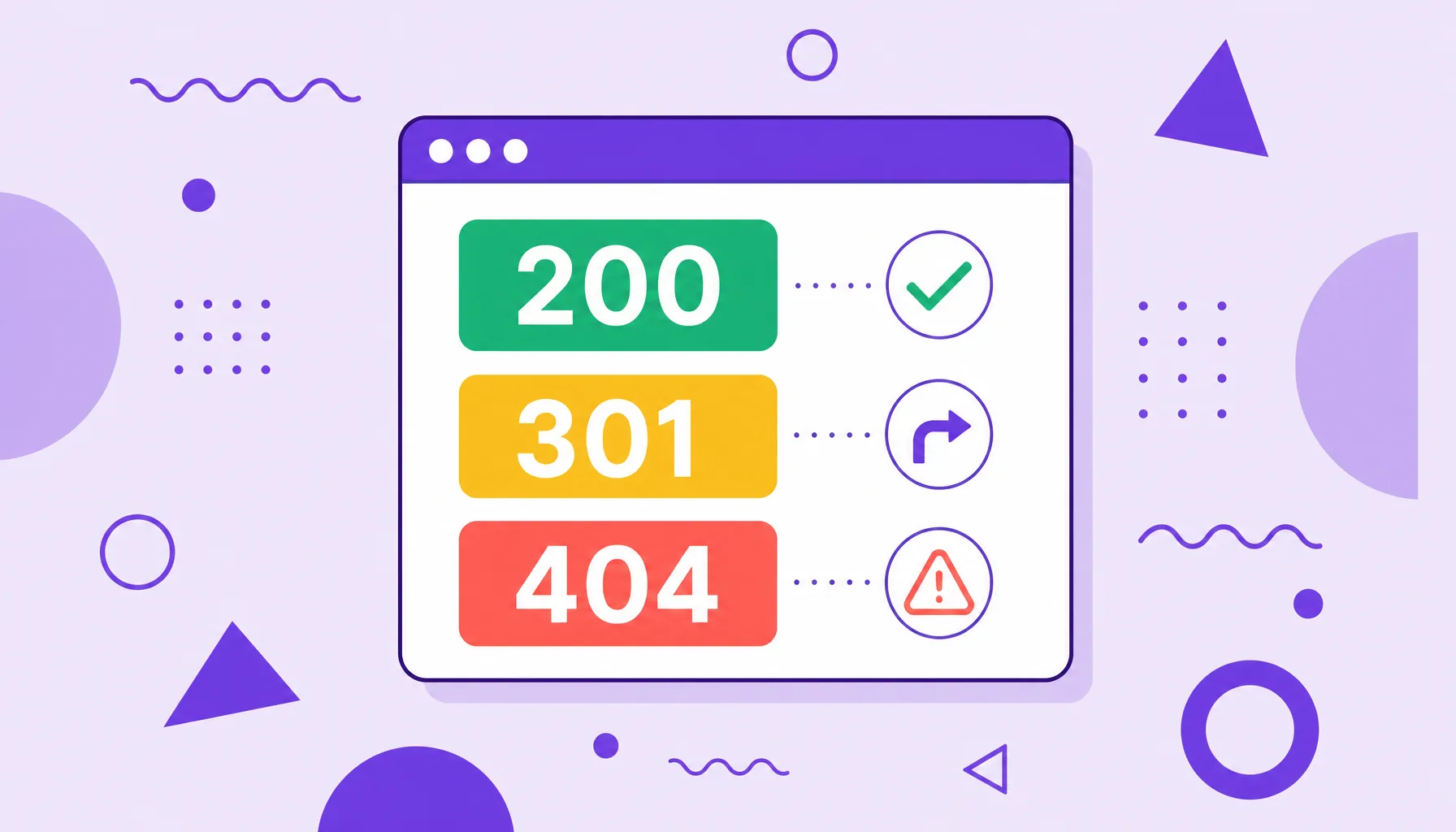
An HTTP status code is the three digit response a server sends for each request, signaling what happened with it. They fall into five classes:
- 1xx informational (request in progress);
- 2xx success (200 OK, 201 Created);
- 3xx redirection (301, 302);
- 4xx client error (404, 410);
- 5xx server error (500, 503).
What is an HTTP status code
An HTTP status code is a three digit number that a website's server returns every time it receives a request, whether from a browser or from a search crawler. This code is the standardized way for the server to say what happened with the request: whether everything worked, whether the page changed address or whether something failed.
The name comes from the HTTP protocol (Hypertext Transfer Protocol), the language browsers and servers use to talk on the web. Behind every page, image or file loaded there is at least one status code, even if you never see it directly.
For anyone working with SEO, these codes are essential: they determine whether Google can crawl and index a URL, whether it should follow a redirect or whether it will hit an error that needs fixing.
The five classes of status code (1xx to 5xx)
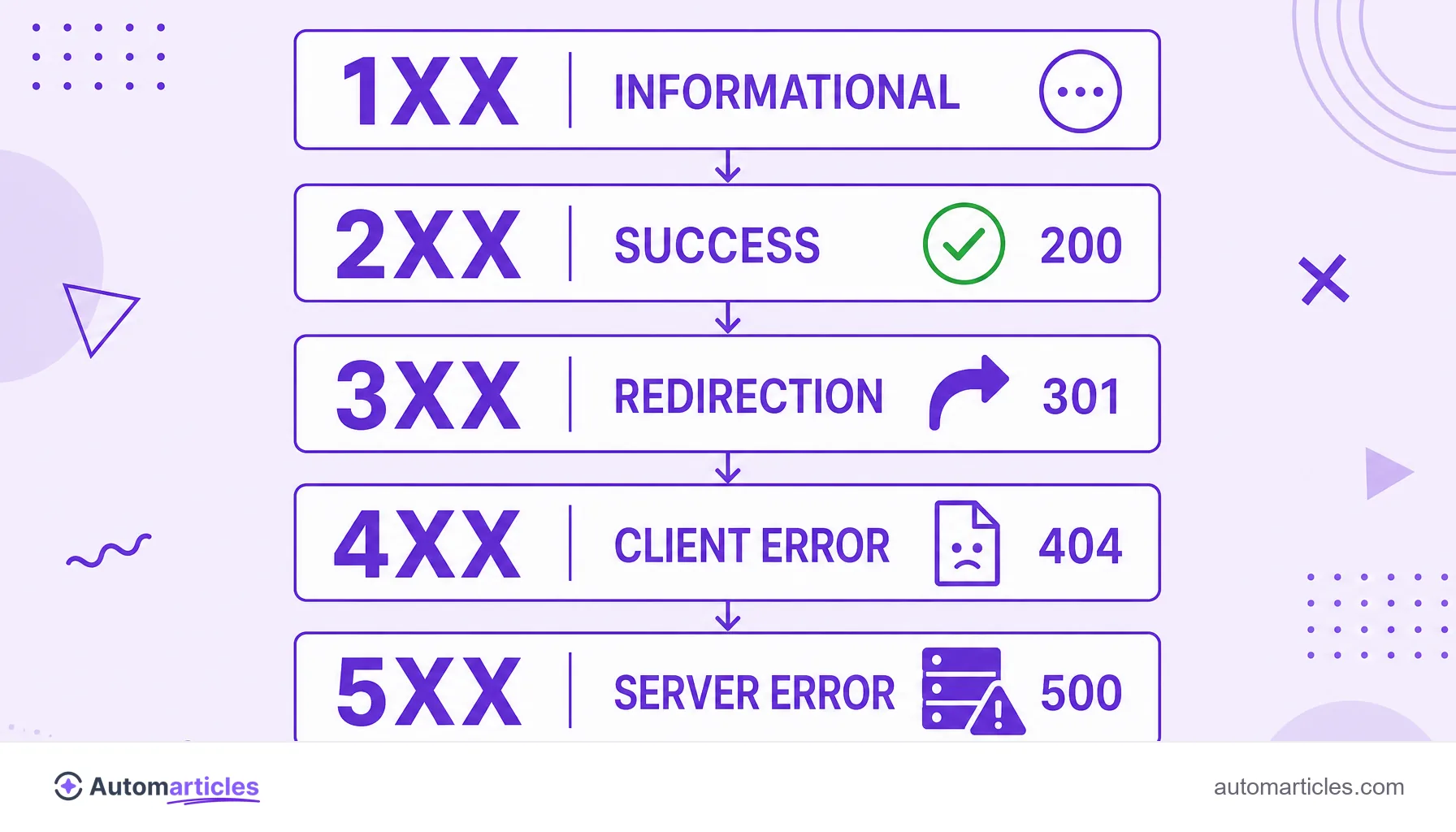
Every status code starts with a number from 1 to 5, and that first digit defines the class (the category) of the response. Understanding the five families already clears up most doubts:
| Class | Meaning | Examples |
|---|---|---|
| 1xx | Informational: the request was received and is still being processed. | 100, 101 |
| 2xx | Success: the request was completed without problems. | 200, 201, 204 |
| 3xx | Redirection: the resource changed address. | 301, 302, 304 |
| 4xx | Client error: the request has a problem (wrong URL, no permission). | 401, 403, 404, 410 |
| 5xx | Server error: the address exists, but the server failed. | 500, 502, 503 |
The practical rule is to look at the first digit: 2 is a good sign, 3 asks for attention to the redirect's destination, and 4 or 5 mean there is something to fix.
List of the most common HTTP status codes
There are dozens of codes, but in the daily life of a website most of them come down to about a dozen. These are the ones that show up the most:
- 200 OK: the request worked and the page was delivered normally. It is the status you want to see on most URLs.
- 201 Created: the request was completed and a new resource was created, common in form and API responses.
- 301 Moved Permanently: the 301 redirect signals that the page changed address permanently and passes authority to the new URL.
- 302 Found: the 302 redirect indicates a temporary detour, without transferring authority.
- 304 Not Modified: the page has not changed since the last visit, so the browser uses the cached version.
- 404 Not Found: the 404 error shows that the page was not found at that address.
- 410 Gone: the 410 error says the page was removed permanently and will not come back.
- 500 Internal Server Error: the 500 error points to a generic failure inside the server.
- 503 Service Unavailable: the server is temporarily offline or overloaded.
Memorizing the meaning of these few codes already covers the vast majority of situations you will run into while looking after a site.
HTTP status codes and SEO: why they matter
Each status code sends a direct signal to Google about what to do with the URL. That is why they closely influence indexing and how the site performs in search.
A 200 tells the search engine the page is valid and can be indexed. A 301 transfers the history and authority to the new address, preserving the ranking. A 404 or 410, on the other hand, signals that the page went offline, and Google ends up removing those addresses from the index. Extra care goes to the soft 404, which returns a 200 status on an error page and confuses the search engine.
The buildup of broken links is more common than it seems. A link rot study by Ahrefs, which analyzed more than two million sites, found that at least 66.5% of the links pointing to them were dead, many returning precisely a 404 error. When the server spends time serving these errors, it also consumes the crawl budget that could go to the pages that matter.
How to check a page's HTTP status code
You do not have to guess which status a URL returns. There are several simple ways to check:
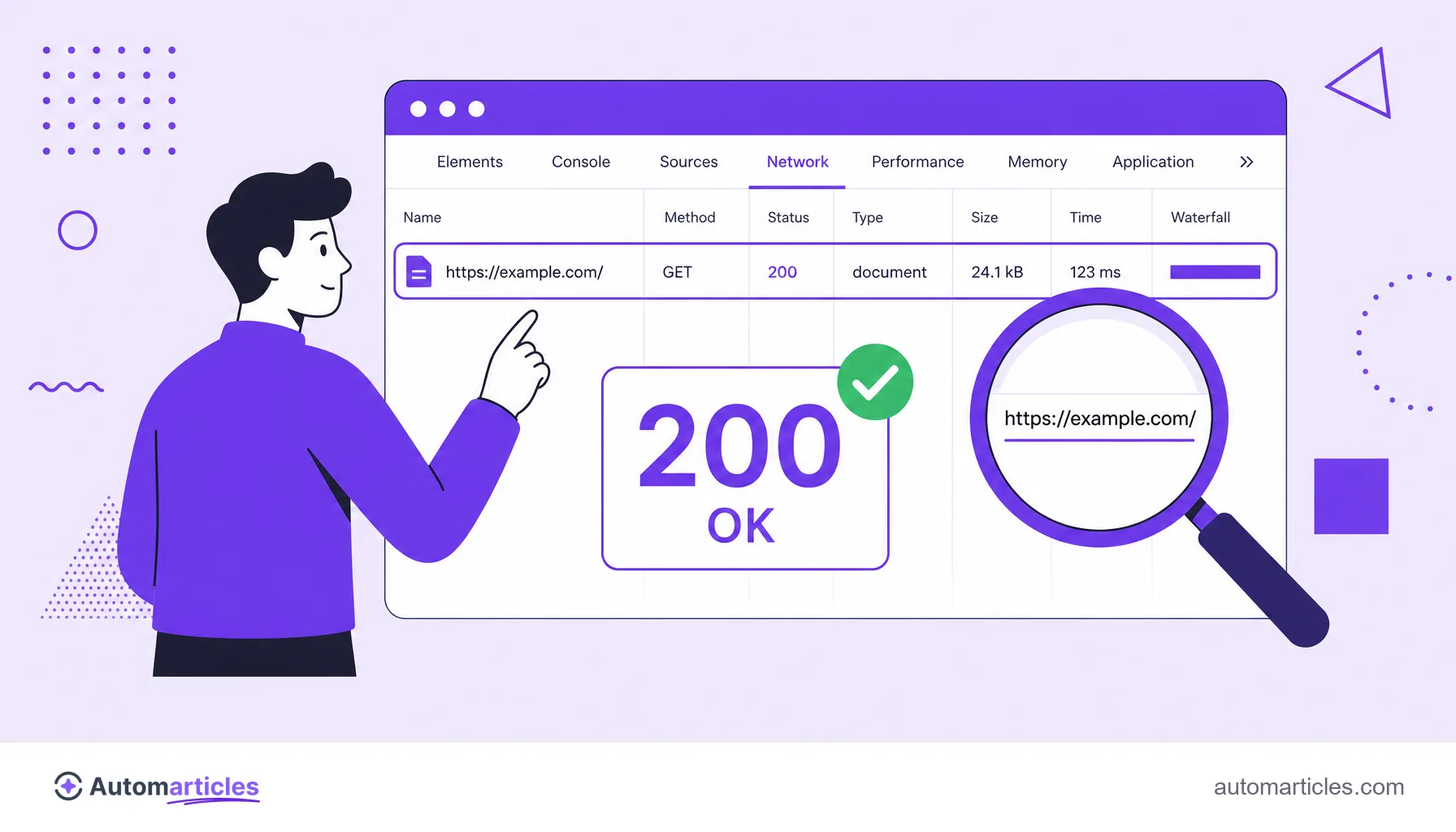
- Browser developer tools: open the panel (F12 key), go to the Network tab and reload the page to see the code of each request.
- Browser extensions: SEO plugins show the status of each link directly on the page.
- Online checkers: HTTP status checking sites return the code of any URL you paste.
- URL inspection on Google: the URL inspection tool in Google Search Console shows how Google itself sees the page's status and indexing.
Checking the status is part of any technical SEO audit, because a silent error can take entire pages down without warning.
How to fix HTTP status errors
The fix depends on the class of the error, but the reasoning is always the same: find the cause and return the right status. A quick guide:
- 4xx errors (client): if the page should exist, restore the content or apply a 301 redirect to an equivalent address. If the removal is permanent, a 410 is more honest than a 404.
- 5xx errors (server): check the server logs, disable recent plugins, verify file permissions and the database connection, and increase resources if memory is short.
- 3xx redirects: avoid chaining several detours in a row, because a redirect chain wastes crawling and slows down loading.
After fixing, confirm that the URL responds again with the expected status and, for errors that were affecting search, request a new validation in Google Search Console to speed up recovery.