
What INP (Interaction to Next Paint) is and how to improve it in Core Web Vitals
By Tiago CostaUpdated on July 2, 2026

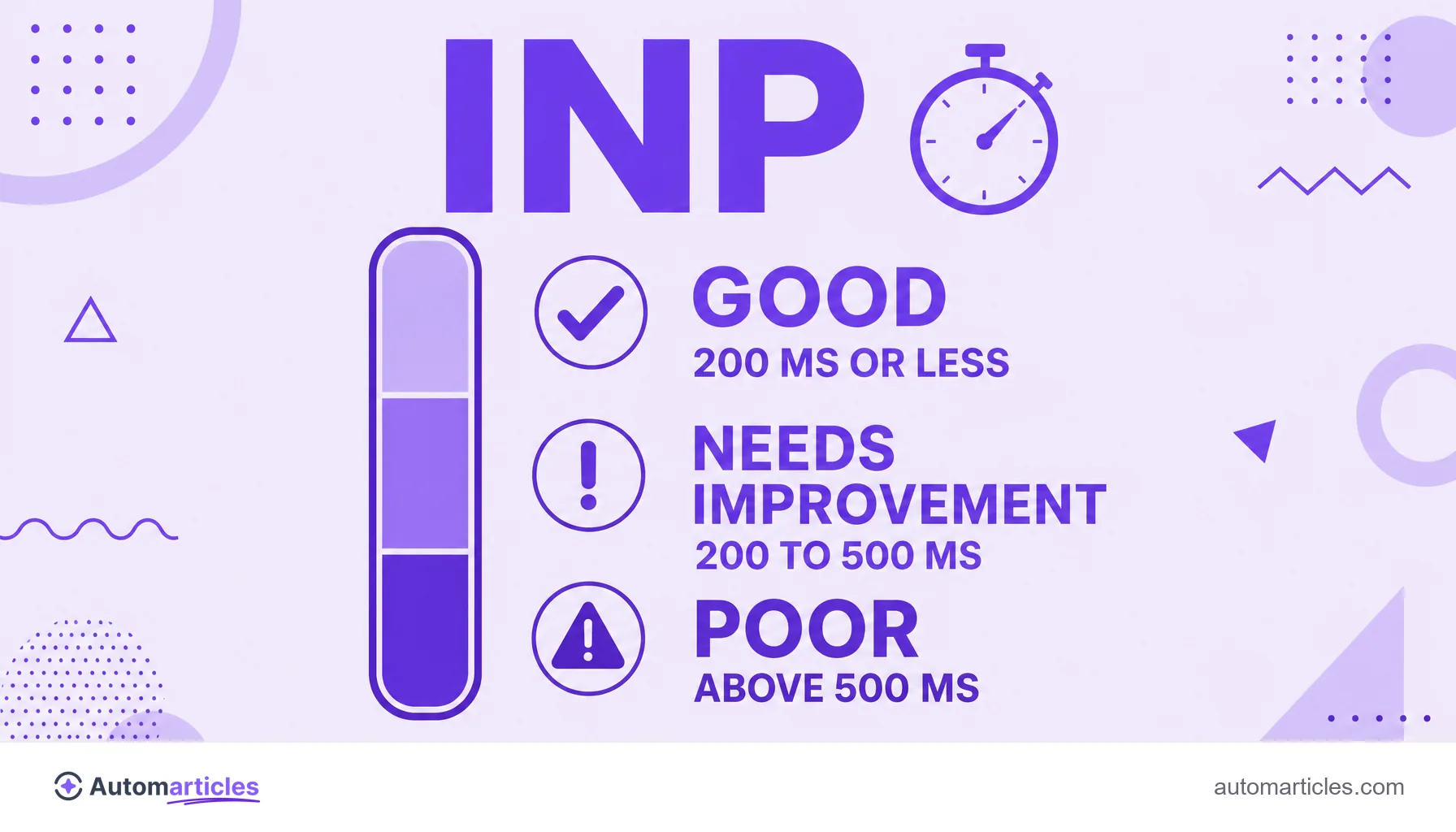
INP (Interaction to Next Paint) measures a page's responsiveness, from the user's click to the next visual update on screen. Measured at the 75th percentile, the reference values are:
- good: 200 milliseconds or less;
- needs improvement: between 200 and 500 milliseconds;
- poor: above 500 milliseconds.
What INP (Interaction to Next Paint) is
INP, or Interaction to Next Paint, is a metric that assesses a page's responsiveness, meaning how quickly it reacts to the actions of whoever is browsing. On every click, tap or keystroke, INP measures how much time passes until the page shows a visual response on screen.
A quick note for anyone searching in Portuguese: here INP is the web performance metric, not INPI, the industrial property institute. In this glossary, INP always means Interaction to Next Paint, one of the experience signals that Google uses to assess pages.
Unlike metrics that look only at the initial load, INP follows the page throughout the whole session, recording the worst (or near worst) delay between interactions. That is what makes it a good picture of the sense of smoothness the user actually feels.
How INP is measured and what a good value is
INP is always measured at the 75th percentile of visits, which means 75% of interactions need to stay within the limit for the value to count as good. According to the web.dev documentation from Google, the reference ranges are:
| Range | Time (75th percentile) | What it means |
|---|---|---|
| Good | 200 ms or less | Page responds fast |
| Needs improvement | 200 to 500 ms | Noticeably slow response |
| Poor | Above 500 ms | Page feels stuck |
The value is given in milliseconds: the lower, the better. A page that responds in 150 ms feels smooth, while one that takes 600 ms feels heavy and frustrating.
INP and the Core Web Vitals: where the metric fits
INP is one of the three Core Web Vitals, Google's set of page experience signals. Each one measures a different dimension:
- LCP: the Largest Contentful Paint measures the loading speed of the main content.
- INP: measures responsiveness to user interactions.
- CLS: the Cumulative Layout Shift measures visual stability, that is, how much elements jump around on screen.
INP took the place of the old FID (First Input Delay) and is considered a more complete measure: while FID only looked at the first interaction, INP assesses all of them across the visit. A page only passes the Core Web Vitals when it hits a good result on all three metrics at the same time.
What hurts INP
In practice, the number one villain of INP is heavy JavaScript. When a page has a lot of code to run, the browser's main thread stays busy and cannot respond to the user in time. The most common causes are:
- Long JavaScript tasks: blocks of code that lock the main thread for hundreds of milliseconds.
- Too many third party scripts: ad, chat and analytics tags competing for processing.
- Costly rendering: large layout changes right after the interaction.
- Weaker devices: entry level phones suffer more, since they process the same code with less power.
That is why INP is usually much worse on mobile than on desktop, and it is on mobile that most searches happen.
How to improve INP step by step
Improving INP is, almost always, about easing the main thread. A good playbook:
- Break up long tasks: split large blocks of JavaScript into smaller pieces, handing control back to the browser between them.
- Defer what is not essential: load third party scripts asynchronously or only when they are needed.
- Reduce JavaScript: remove unused code and ship less to the browser.
- Prioritize visual feedback: show an immediate response (a loading state, for example) before processing the rest.
- Test on real devices: validate INP on mid range phones, not just on your fast computer.
Taking care of this also improves the reading experience and the overall sense of quality of the site, which helps keep the visitor on the page.

INP and SEO: impact on Google
The Core Web Vitals, including INP, are part of the page experience signals that Google uses as a ranking factor. The weight is not huge, but in close contests a more responsive page has the edge, and a poor experience drives users away and lowers conversions.
The good news is that sites keep improving. According to a study by DebugBear, around 80% of mobile home pages had a good INP in 2025, a 7 percentage point improvement over 2024. There is still work to do, especially on script heavy sites.
To track your own INP, Google Search Console offers a Core Web Vitals report with real user data, and looking after this metric is a central part of technical SEO.