
What Time to First Byte (TTFB) is and how to reduce it
By Tiago CostaUpdated on July 2, 2026

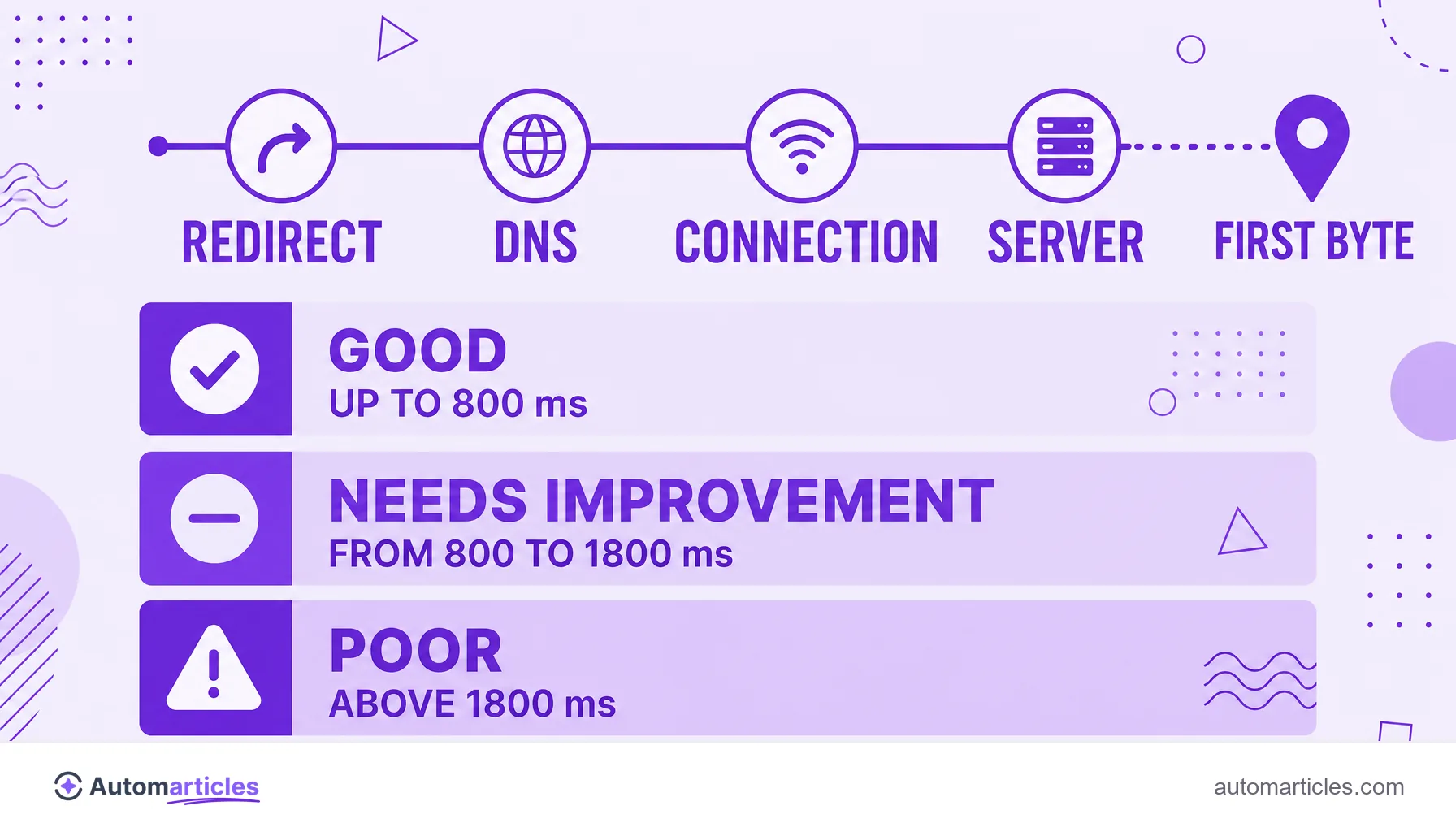
Time to First Byte (TTFB) is the time until the browser receives the first byte from the server. As a market reference:
- Good: up to 800 milliseconds;
- Needs improvement: between 800 and 1800 milliseconds;
- Poor: above 1800 milliseconds.
What Time to First Byte (TTFB) is
Time to First Byte, almost always shortened to TTFB, is the time between the browser sending a request and receiving the first byte of the server's response. It measures the very start of the load, before any image or text appears on the screen.
In practice, TTFB answers a simple question: how long does the server take to react to a request? If that time is high, the visitor stares at a blank screen while nothing happens, because not even the first piece of the page has arrived yet.
By measuring the server response, TTFB is one of the most basic technical SEO signals tied to speed. It does not tell the whole story of the load, but it defines the starting point: no page can be fast if the server is slow to give its first sign of life.
What TTFB is made of
TTFB is not a single step, but the sum of several phases that happen before the first byte arrives. Understanding each one helps you know where to cut time:
- Redirects: if the URL goes through a redirect chain, each hop adds a round trip before the real load begins.
- DNS resolution: the time to translate the domain into an IP address.
- Connection and TLS: opening the connection with the server and negotiating the security certificate (HTTPS).
- Server processing: the time the application takes to build the response, often the largest slice of TTFB.
Added together, these phases form the waiting time until the first byte. When TTFB is poor, the diagnosis starts by finding out which of these steps dominates the delay.
What a good TTFB value is
The industry works with reference bands for TTFB, useful to know whether your number is healthy:
| Band | TTFB time | What it means |
|---|---|---|
| Good | Up to 800 ms | Server responds fast |
| Needs improvement | 800 ms to 1800 ms | Noticeable delay |
| Poor | Above 1800 ms | Backend too slow |
These numbers match the real world. According to field data analyzed by DebugBear, sites with good loading performance have a median TTFB around 600 ms, while sites with poor loading reach about 2,270 ms at the 75th percentile. The gap of more than a second and a half shows how much the server weighs on the final experience.
How to measure TTFB
Measuring TTFB is simple and does not require paid tools. The most common ways:
- Chrome DevTools: open the Network tab, reload the page, click the first document and look at the Waiting (TTFB) field, which isolates exactly that time.
- PageSpeed Insights: shows the server response time with real user field data, when available.
- WebPageTest: lets you test from several locations and see TTFB in each one, useful to measure the effect of geographic distance.
- Command line: a request with the curl tool can quickly report the time until the first byte.
One important caution: always measure more than once and, preferably, with field data. The first access may come with no cache and inflate the number, while following accesses tend to be faster.
What raises TTFB
Several factors push TTFB up, almost always on the server side. The most common:
- Slow or overloaded hosting: a shared server crowded with sites takes longer to respond.
- Heavy database queries: when the page depends on many queries or poorly optimized ones, processing stretches out.
- Lack of cache: without cache, the server rebuilds the page from scratch on every visit instead of serving a ready version.
- Too many redirects: a poorly planned 301 redirect, or several in a row, adds round trips before the response.
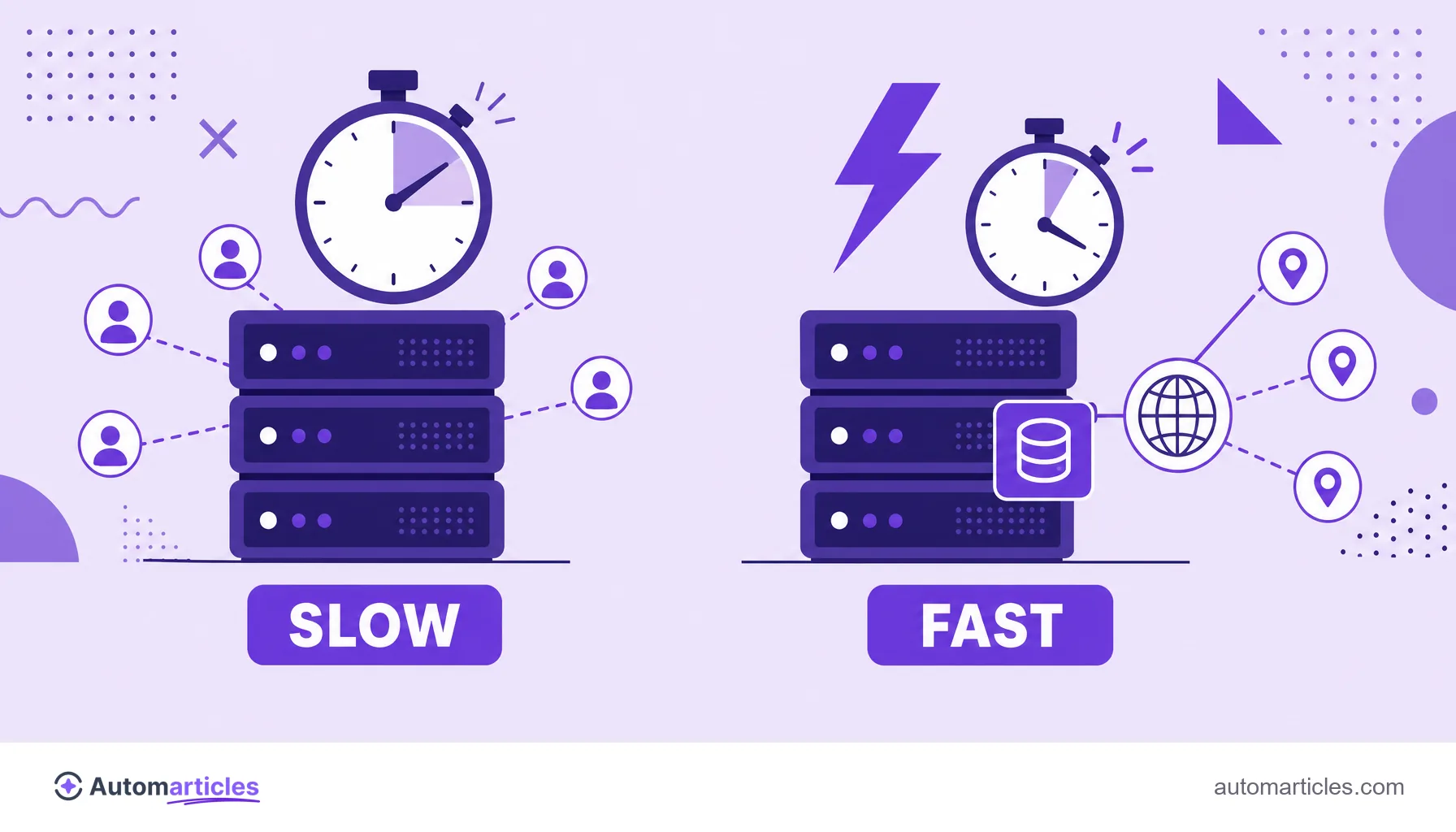
- Distance to the user: the farther the server is from the visitor, the greater the network time.
In most cases, the main culprit is server processing time or the absence of cache. Identifying which one weighs more is what directs the optimization.
How to reduce TTFB step by step
Reducing TTFB is, almost always, making the server respond sooner. A practical roadmap:
- Use good hosting: a server with resources suited to your traffic is the foundation of everything.
- Enable cache: page and server cache deliver a ready response, cutting repeated processing.
- Add a CDN: a distribution network serves content from a point close to the user, reducing network time.
- Optimize the backend: improve database queries, reduce external calls and trim the code that runs on every request.
- Eliminate unnecessary redirects: point links straight to the final URL and avoid chains.
It is worth the effort because TTFB is the foundation of speed. Since it precedes metrics like LCP, reducing it helps improve the Core Web Vitals as a whole. And a page that responds fast keeps the visitor, lowering the bounce rate even before the content appears.