
Robots.txt: what it is and how to use the file on your site
By Tiago CostaUpdated on July 2, 2026

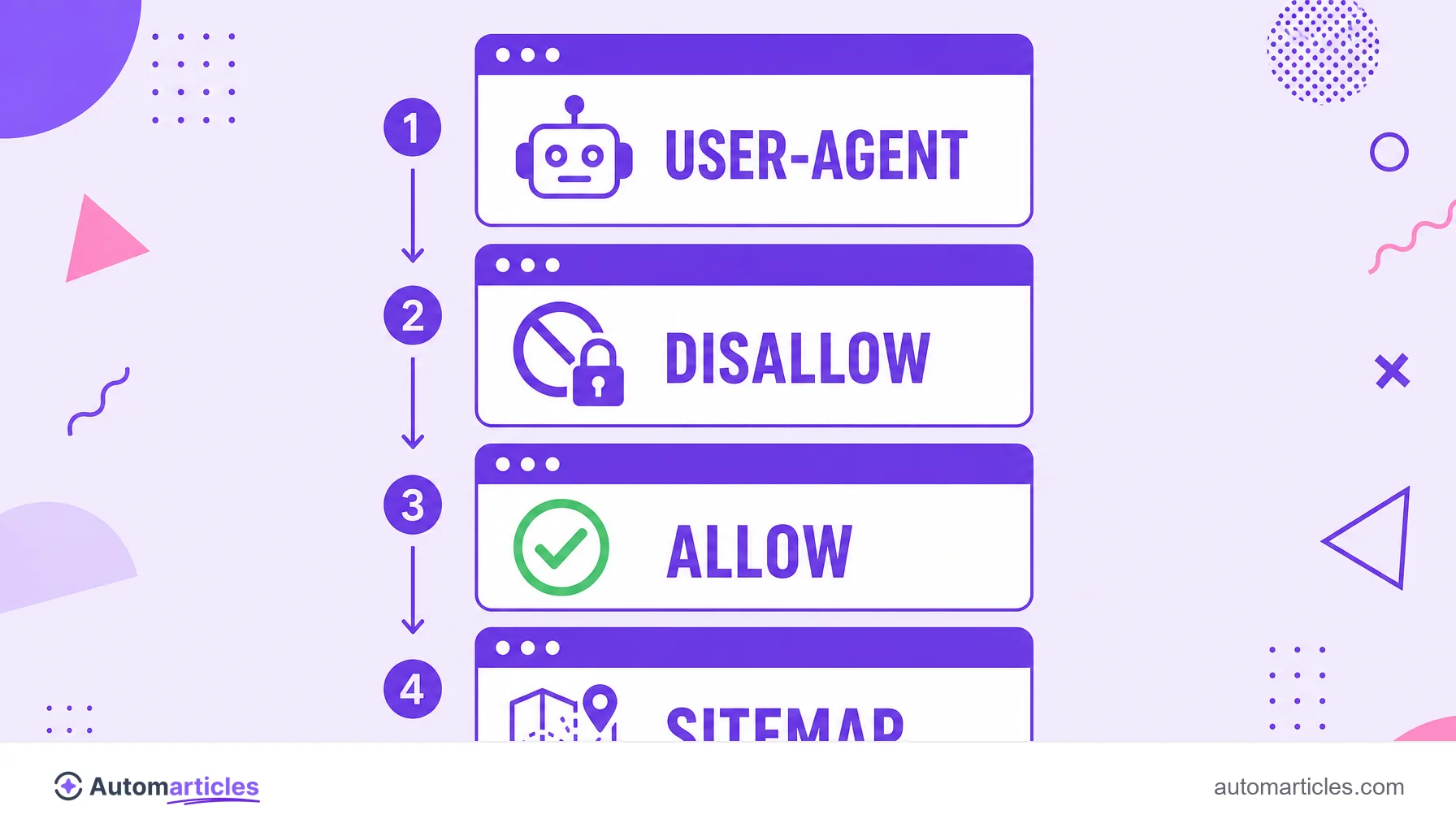
Robots.txt is a plain text file, placed at the root of a domain (at yourdomain.com/robots.txt), that guides search engine robots on which parts of the site they may crawl. It usually contains:
- a User-agent line naming the target robot;
- Disallow rules for paths that should not be crawled;
- Allow rules that open exceptions;
- a Sitemap line pointing to the site map.
What the robots.txt file is
Robots.txt is a simple text file, saved in the root of the domain (at yourdomain.com/robots.txt), that tells search engine robots which parts of the site they can or cannot crawl. It is the front door that every well behaved crawler checks before browsing the pages.
The file follows the Robots Exclusion Protocol (REP), a standard created in 1994 and adopted by virtually every search engine. The rules are public: anyone can open a site's robots.txt by typing the address in the browser.
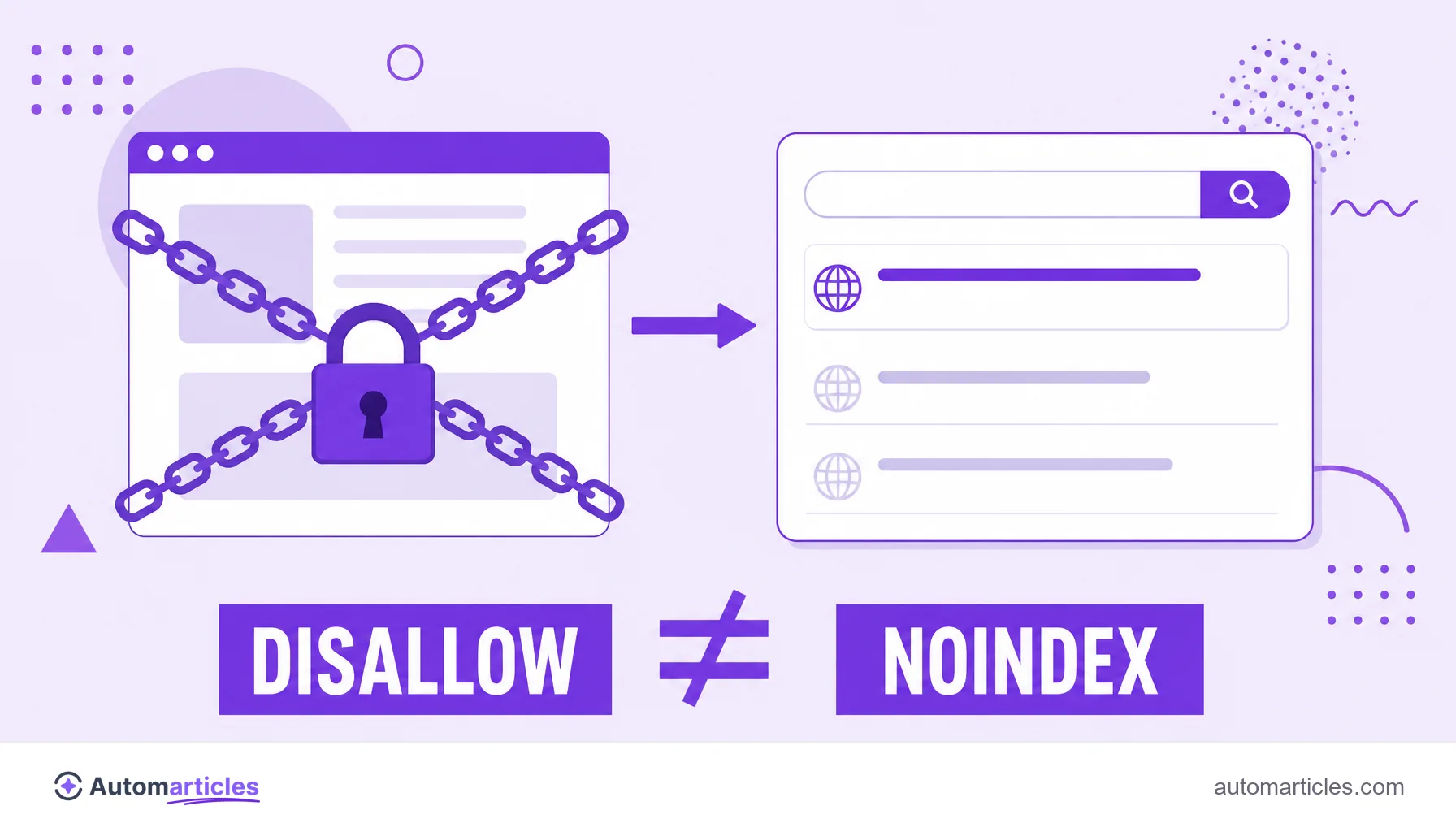
It helps to understand its role right away: robots.txt controls crawling, not indexing. In other words, it says where the robot may go, but it is not the right tool to hide a page from search results.
How robots.txt works in practice
Whenever a search engine visits a site, the first thing the search engine does is look for the file at /robots.txt. If it exists, the robot reads the instructions and respects them; if it does not exist, the robot assumes it can crawl everything.
The rules are organized into blocks, each starting with a User-agent (the target robot) followed by Disallow and Allow lines. A typical example:
- User-agent: * applies the rule to all robots;
- Disallow: /admin/ asks them not to crawl the admin folder;
- Allow: /admin/ajax.php opens an exception inside the blocked folder;
- Sitemap: https://yourdomain.com/sitemap.xml points to the site map.
It is important to remember that these rules are guidance, not a lock. Legitimate robots like Googlebot obey them, but malicious robots can simply ignore the file.
Syntax and main directives
Robots.txt accepts a small set of directives. Knowing each one avoids accidental blocks:
| Directive | What it does |
|---|---|
| User-agent | Defines which robot the following rules apply to (use * for all). |
| Disallow | Marks a path the robot should not crawl. |
| Allow | Frees a specific path inside a blocked area. |
| Sitemap | Provides the URL of the XML sitemap to help page discovery. |
There are technical limits to respect. According to the Google Search Central documentation, Googlebot processes only the first 500 kibibytes (about 512 KB) of a robots.txt file and ignores anything after that limit. Older directives such as Crawl-delay, by the way, are not interpreted by Google.
Robots.txt does not block indexing
This is the most expensive misunderstanding about robots.txt. Blocking a page with Disallow stops the robot from reading the content, but does not guarantee it stays out of Google. If other pages link to it, the search engine may index the URL even without crawling it, showing the result with no description.
Google Search Central's own documentation warns that robots.txt is not meant to keep a page out of search results. For that there is the noindex directive, applied on the page itself.
There is one more trap: if you block the page in robots.txt, Google cannot read the noindex tag inside it and the command is never obeyed. The practical rule to remove something from search is the opposite of the intuitive one: let the robot crawl and use noindex. Understanding the difference between crawling and indexing solves most of these cases.
Where robots.txt lives and how to create it on WordPress
Robots.txt always lives in the root of the domain, reachable at yourdomain.com/robots.txt. There is no robots.txt per subfolder: each domain (and subdomain) has its own.
On WordPress, the system generates an automatic virtual file when there is no physical one. To take control, you can:
- use an SEO plugin like Yoast or Rank Math, which offers a robots.txt editor right in the dashboard;
- create a physical file named robots.txt in the root folder of the installation, via FTP or a file manager;
- turn on the plugin's custom robots.txt option, which replaces the virtual file with your own rules.
Turning on the custom robots.txt means exactly that: swapping the default file generated by the platform for an editable version, where you manually define what to allow and what to block.
Common mistakes and best practices
Because it is a small and powerful file, robots.txt causes damage when misconfigured. The most frequent slips:
- Blocking the whole site: a Disallow: / left over after development takes every page out of crawling.
- Blocking CSS and JavaScript: blocking these files hinders Google from rendering the page and can hurt the assessment.
- Trusting robots.txt for privacy: since the file is public, listing sensitive folders in it ends up revealing the path.
- Forgetting the sitemap: including the Sitemap line helps the search engine discover your URLs faster.
After any change, test the file in Google Search Console and treat robots.txt as part of your technical SEO routine. Good use also helps steer the crawl budget toward the pages that really matter.