
What CLS (Cumulative Layout Shift) is and how to reduce it in Core Web Vitals
By Tiago CostaUpdated on July 2, 2026

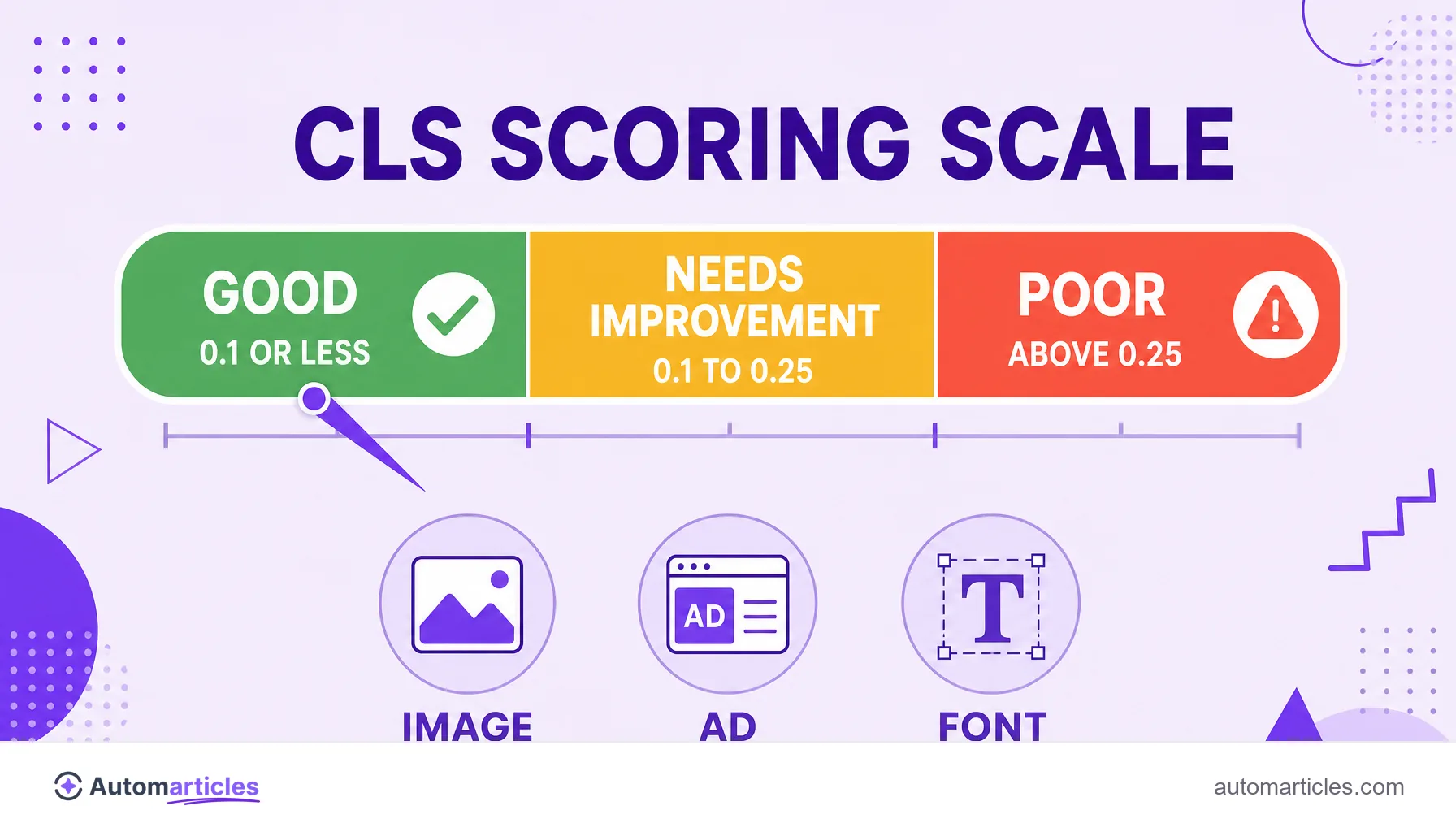
CLS (Cumulative Layout Shift) measures how much a page's elements move unexpectedly during loading. According to Google, the ideal value is:
- Good: 0.1 or less;
- Needs improvement: between 0.1 and 0.25;
- Poor: above 0.25.
What CLS (Cumulative Layout Shift) is
CLS, short for Cumulative Layout Shift, is the metric that measures the visual stability of a page while it loads. It is part of the Core Web Vitals, the set of experience metrics that Google uses as a ranking signal.
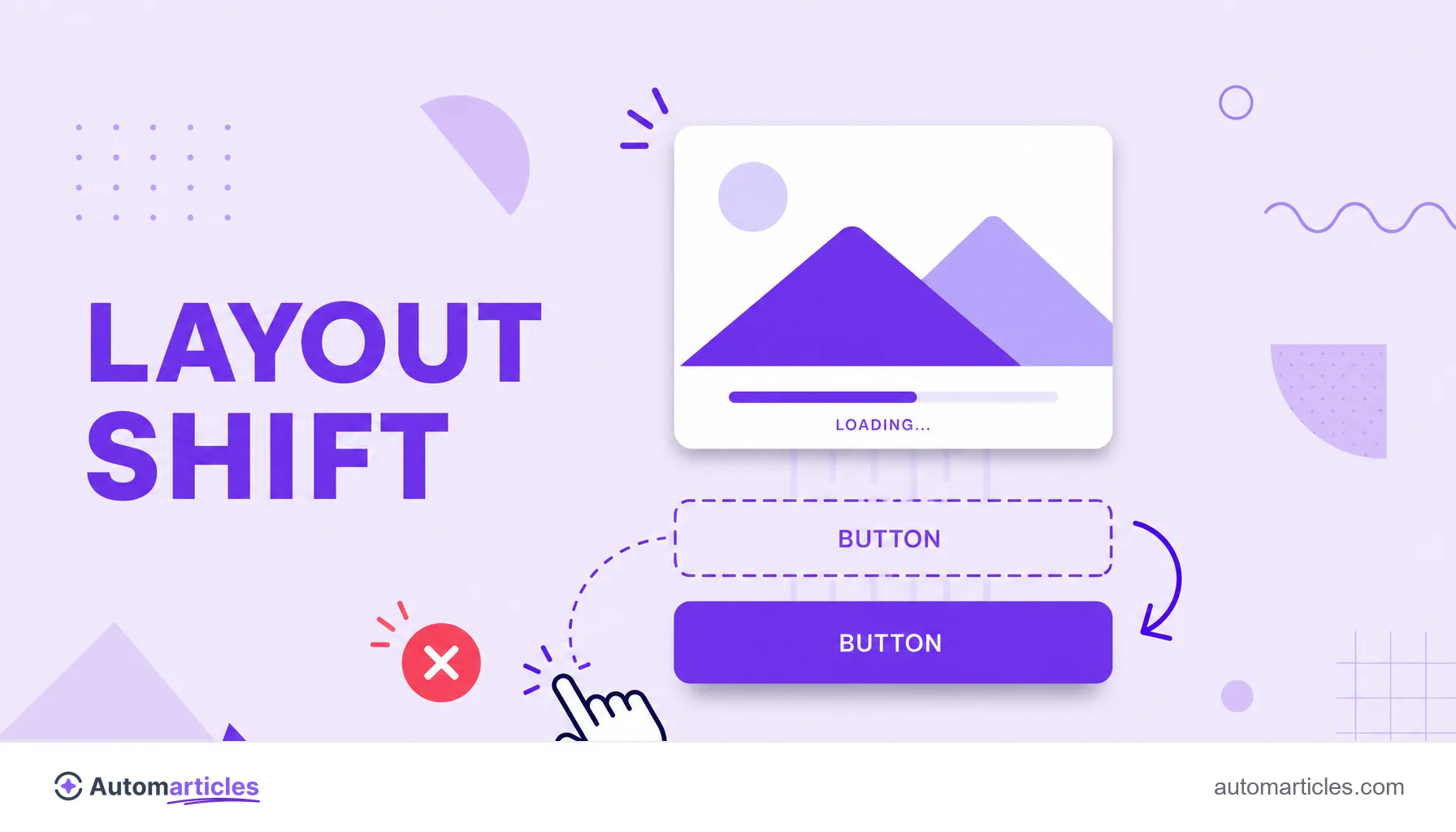
In practice, CLS captures that annoyance where you are about to click a button and, suddenly, a banner or an image loads, pushes everything down and you end up clicking the wrong place. Each unexpected jump of an element adds points to the CLS: the more the page moves on its own, the worse the score.
A quick note on the acronym: CLS is also the name of a Mercedes-Benz car model and of several companies. In this glossary, CLS always means the visual stability metric of the Core Web Vitals.
How CLS is calculated
CLS does not measure time, but movement. It comes from the combination of two factors at each layout jump: the impact fraction (how much of the screen the unstable element takes up) and the distance fraction (how far it moved). The score of a jump is the two multiplied together.
The search engine adds these jumps in session windows and takes the largest of them as the final score of the page. Only unexpected shifts count: if the element moves because of a user action, such as clicking to expand a menu, that movement is not penalized.
Because it is a field metric, CLS is usually measured with real user data. Technical SEO tools and Google's own report gather these numbers over time, at the 75th percentile of page loads.
What a good CLS value is
Google defines clear ranges for CLS. According to the web.dev documentation, the goal is to stay at 0.1 or less at the 75th percentile of page loads, on both mobile and desktop:
| Range | CLS value |
|---|---|
| Good | 0.1 or less |
| Needs improvement | between 0.1 and 0.25 |
| Poor | above 0.25 |
Unlike metrics measured in seconds, CLS is a unitless number: the closer to zero, the more stable the page. It forms the Core Web Vitals trio alongside LCP, which measures loading, and INP, which measures the response to interaction.
What causes layout shift
Layout jumps almost always have the same origins. The most common ones are:
- Images without dimensions: photos and videos without a defined width and height make the text jump when they finally load.
- Ads, embeds and iframes: variable size blocks that appear without reserved space push the surrounding content.
- Web fonts: when the custom font swaps out the default font, the text can change size and reflow the page.
- Dynamically injected content: cookie notices, banners and widgets inserted above what was already on screen shift everything down.
- Actions that wait on the network: elements that only appear after a server response and land in the middle of the content.
Recognizing the cause is half the way there: most of these problems are solved by reserving space before the element arrives.
How to reduce CLS: step by step
Stabilizing the page means, in practice, making sure each element already has its place before it loads. A good script:
- Set the width and height of media: declare the dimensions of images and videos so the browser reserves the exact space.
- Reserve area for ads and embeds: leave a fixed size container where the block will go.
- Take care of fonts: preload the main fonts and use display strategies that avoid the abrupt swap.
- Do not push the content: insert banners and notices without displacing what the person is already reading, ideally in fixed spaces.
- Animate with transform: prefer animations that do not change the layout flow.
After the adjustments, measure again with real data. Small changes in reserving space usually drop the score a lot.
CLS, experience and ranking: why it is worth it
Reducing CLS is not just a technical nicety. A stable page avoids wrong clicks, conveys quality and keeps the person reading, which improves business metrics from end to end.
The data backs this up. In a case study published by web.dev, Rakuten 24 improved the Core Web Vitals of a page, with CLS dropping about 92% compared to the original version, and recorded a 53.37% increase in revenue per visitor and a 33.13% increase in conversion rate. Since the Core Web Vitals are a ranking signal, the gain shows up in both experience and search.
To follow the progress, the Core Web Vitals report in Google Search Console shows which URLs are in the good, needs improvement and poor ranges, based on real users. That is where you prioritize what to fix first.