
What the 500 (Internal Server Error) is and how to fix it
By Tiago CostaUpdated on July 2, 2026
The 500 (Internal Server Error) is an HTTP response that signals an internal server failure, leaving it unable to deliver the page. The most common causes are:
- an error in the site's code or a script;
- an incorrect server configuration;
- lack of memory or an overloaded server;
- a faulty plugin, theme or database.
What the 500 (Internal Server Error) is
The 500 error, whose full name is Internal Server Error, is the server's way of saying that something went wrong on its side. The browser managed to connect and requested the page, but the server hit an unexpected condition and could not complete the request.
The contrast with other errors matters. A 404 error says the page does not exist, while the 500 says the page should exist but the server failed to build it. That is why the 500 almost always points to a problem in the site itself (code, server or database), not to a mistyped address.
According to the MDN Web Docs, the 500 is a generic response, used when the server does not know (or does not report) the exact cause of the failure.
What the 500 status code means
Every time a browser requests a page, the server answers with an HTTP status code. Codes that start with 5, like the 500, make up the server error family, the ones where the fault lies with the server, not with the visitor.
It helps to tell the 500 apart from other similar 5xx codes:
- 500 Internal Server Error: a generic, unexpected failure inside the server.
- 502 Bad Gateway: one server received an invalid response from another server.
- 503 Service Unavailable: the server is temporarily down or overloaded.
- 504 Gateway Timeout: one server waited for another's response and time ran out.
Because the 500 is generic, the first step to fixing it is always to check the server logs, which usually record the real cause behind the message.
Main causes of the 500 error
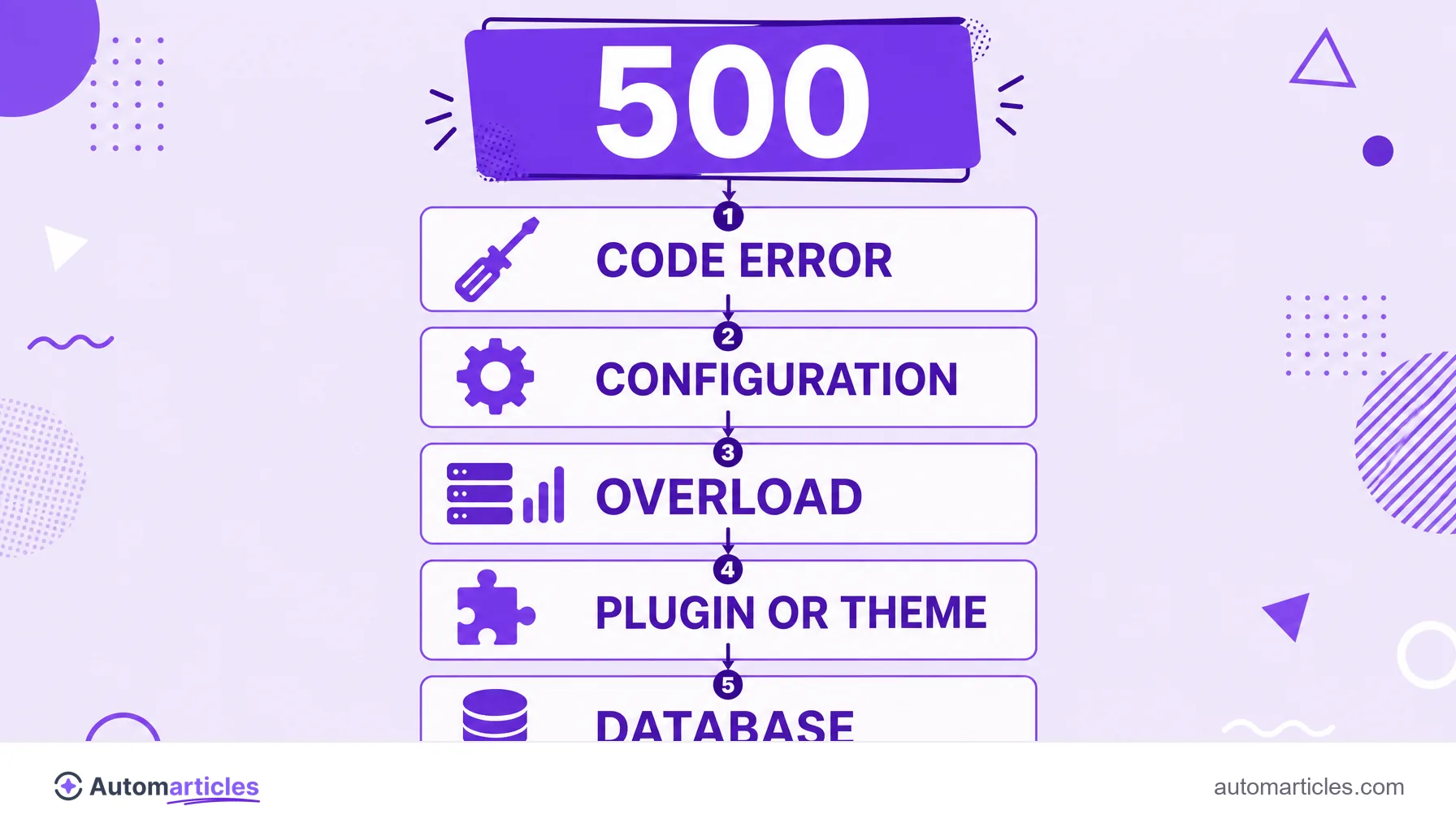
The 500 error has many possible origins, almost always tied to something that broke in the site's environment. The most frequent are:
- Code error: an unhandled exception in PHP, Python, Node or another language stops execution.
- Incorrect configuration: a misconfigured file such as .htaccess or wrong file permissions.
- Overloaded server: lack of memory or a traffic spike the server cannot handle.
- Faulty plugin or theme: in a CMS like WordPress, an incompatible extension takes the whole site down.
- Database failure: a lost connection or a query that stalls the page's generation.
Figuring out which of these groups the problem falls into is what turns a scary 500 into an objective fix.
The 500 error and SEO: why Google cares
A one off 500 error rarely hurts SEO. The problem shows up when the failure is recurring or long lasting, because Google's bot reads that as an unstable site.
When the crawler hits many 500s in a row, it slows down its crawl rate to avoid overloading the server further, which eats into your crawl budget. Worse: according to the crawling documentation from Google Search Central, URLs that persistently return a server error end up being removed from the index. In other words, a 500 that lasts for days can cost rankings and traffic.
That is why monitoring the site's technical health through Google Search Console, which reports the server errors it finds, is part of any serious technical SEO routine.
How to fix the 500 error step by step
Faced with a 500 error, follow a sequence from the simplest to the most complex:
- Reload and clear the cache: sometimes the error is momentary, and a reload or a browser cache clear solves it.
- Check the server logs: the error log points to the line or resource that broke, the fastest path to a diagnosis.
- Disable plugins and themes: in a CMS, turn off recent extensions one by one to find the culprit.
- Check permissions and .htaccess: wrong file permissions or an invalid rule take the site down.
- Increase resources: if it is a memory shortage, raising the memory limit or the hosting plan fixes it.
- Confirm the database: test the connection and the database credentials.
After the fix, request a new validation in Google Search Console to speed up the return of the affected pages to the index.
The 500 error on mobile and in other contexts
Many people search for the 500 error on their phone, in apps or in specific services, and the logic is always the same: the problem is on the server, not on your device. Switching networks or restarting the phone rarely helps, because the failure is on the other side.
When the 500 appears while using an app or calling an API, the message means that service's server failed to process the request. In those cases, all the user can do is wait and try again later, since the fix depends on whoever runs the system.
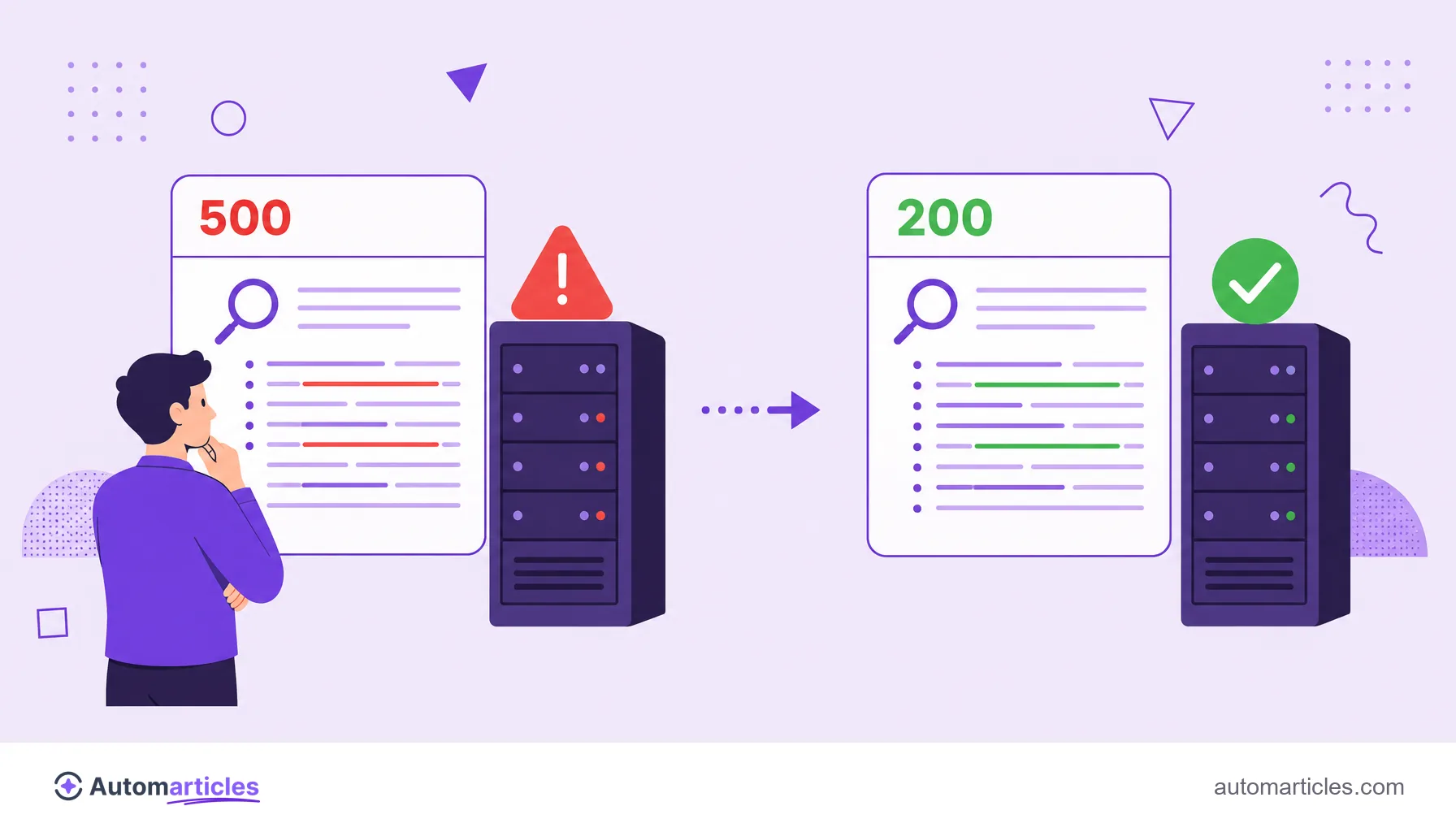
If the error is on your own site, though, the responsibility is yours: the sooner the server goes back to responding with a 200 (success) code, the lower the risk of losing crawling and search visibility.