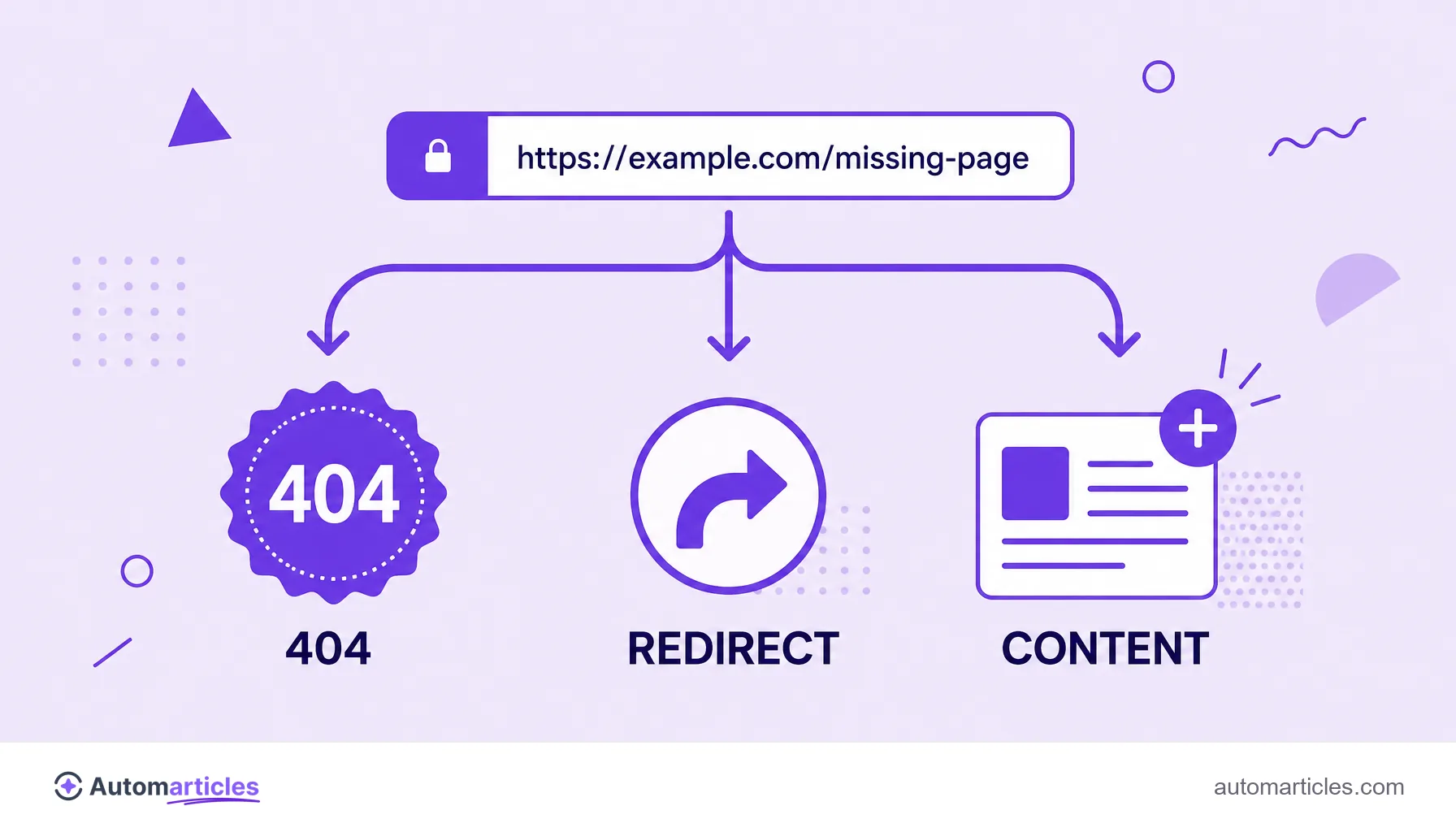
Soft 404: what the error is and how to fix it
By Tiago CostaUpdated on July 2, 2026
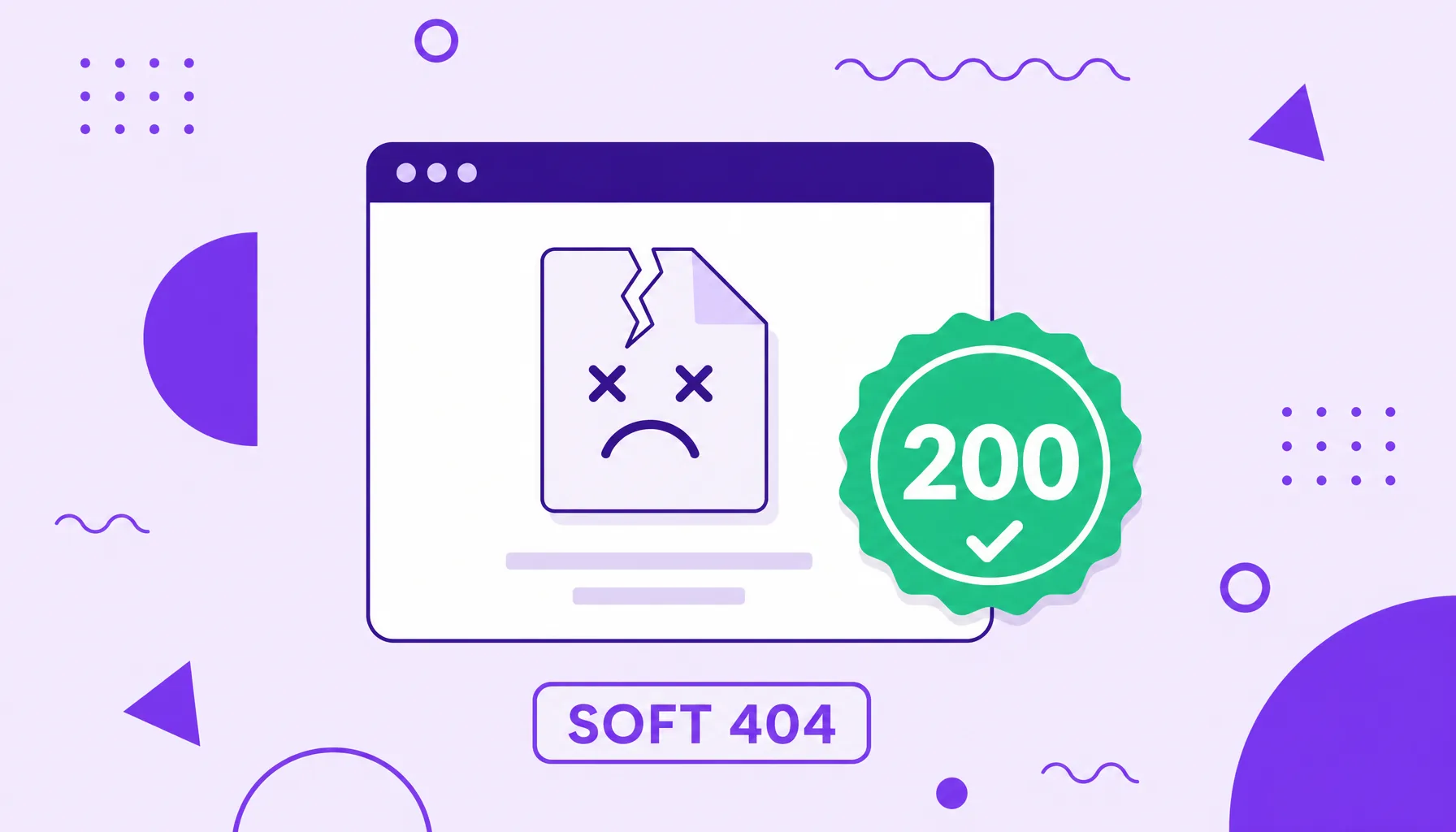
A soft 404 is a page that returns the HTTP status 200 (success), but whose content is actually an error message or a nearly empty page. In short:
- the server says the page exists, but it delivers no useful content;
- Google detects that contradiction and classifies the URL as a soft 404;
- pages in this state are usually removed from the index;
- the right move is to respond with the correct code (404 or 410) or add real content.
What a soft 404 error is
A soft 404 is a mismatch between what the server responds and what the page shows. When you visit an address, the server sends an HTTP status code along with the page. Code 200 means success, that is, the page exists and has content. The problem appears when that 200 comes with a screen that, to the user, is clearly an error.
Imagine a URL that displays the message product not found, but responds with status 200 instead of 404. To the visitor, it is an error page. To the server, it is a normal page. Google, reading both signals, understands that something is wrong and creates its own category for this case: the soft 404, or light 404.
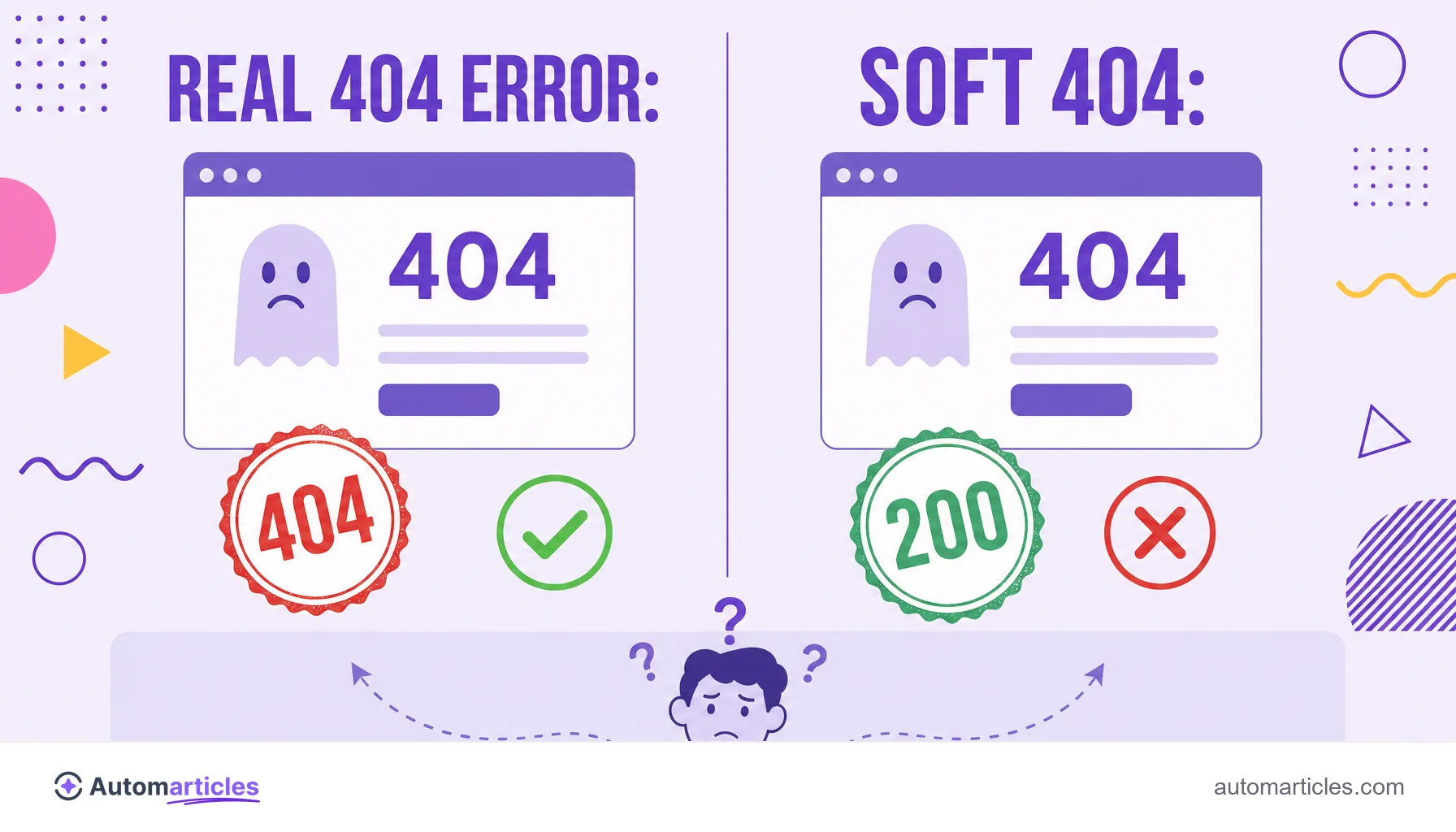
The word soft contrasts precisely with a real 404 error, which is explicit. In a soft 404, the error is masked by a success code, and it is that mask which confuses the search engine and hurts the page's indexing.
Soft 404 and real 404 error: the difference that confuses Google
Both refer to a nonexistent page, but they behave in opposite ways for search engines:
| Situation | HTTP status | What Google understands |
|---|---|---|
| Real 404 error | 404 (Not Found) | The page does not exist. The search engine removes or does not index it, cleanly. |
| Soft 404 | 200 (OK) | Contradictory signal: the code says it exists, the content says it does not. It creates confusion. |
| 410 error | 410 (Gone) | The page was removed on purpose and will not return. An even stronger signal than the 404. |
That is why a well configured 404 error is not an SEO problem: it simply communicates honestly that the page is gone. The soft 404 is the bad one, because it lies to the search engine. When the removal is permanent, the ideal is often even a 410 error, which makes the intent even clearer.
What causes a soft 404
A soft 404 is rarely intentional. Most of the time, it is a side effect of how the site was built. The most common causes are:
- Error pages that return 200: the CMS shows a not found screen, but the server forgets to send the 404 status.
- Empty or too thin content: pages with almost no text, like a category with no products, which Google reads as worthless.
- Poorly built redirects: sending every old URL to the home page instead of a relevant destination often becomes a soft 404.
- Resources that vanished: out of stock products, past events or removed profiles that stay online with no content.
- JavaScript failures: pages that rely on scripts to load content and fail before rendering anything useful.
The pattern behind all these cases is the same: the URL stays online responding success, but delivers nothing useful to whoever arrives, be it a person or a crawler.
Why a soft 404 hurts SEO
A single soft 404 does not sink a site, but at scale it costs a lot. The first damage is direct: pages classified as soft 404 almost always leave the index, so they have no chance to rank or to receive organic traffic.
The second damage is quieter and affects the whole site. Each URL that responds 200 with no content consumes part of the crawl budget, the time Google devotes to visiting your domain. If the bot spends that time on disguised error pages, less is left to crawl the pages that really matter.
There is also the experience cost. Someone who clicks a result and lands on an error screen simply goes back to search, which signals dissatisfaction. Added up, these effects make the soft 404 a technical problem worth hunting down and eliminating.
How to identify a soft 404
The good news is that Google hands you the diagnosis for free. In the Google Search Console, the Page Indexing report has a specific line called Soft 404, which lists every URL marked that way. It is the most reliable starting point.
To confirm case by case, use the URL inspection inside Search Console itself and see how Google views that page. You can also check the HTTP status with third party tools or the browser's network panel: if an error page is responding 200, there is the problem.
It is worth cross referencing that list with the pages' real behavior. Open the flagged URLs and ask: does this deliver useful content, or is it an empty screen disguised as success? The answer shows whether it is a case of fixing the content or accepting that the page no longer exists.
How to fix a soft 404
The fix depends on what the URL was supposed to be. For each page marked as a soft 404, pick one of the paths:
- The page should exist and have content: add real, useful content and make sure it responds status 200 legitimately.
- The page really does not exist: configure the server to return a real 404, or a 410 if the removal is permanent.
- There is a relevant replacement: use a 301 redirect to the closest equivalent page, never to the generic home.
- It is a page that should not be indexed: in specific cases, apply noindex to keep it out of the results without confusing the bot.
After fixing, go back to Search Console and use the fix validation to ask Google to reassess the URLs. The search engine will recrawl the pages and, if the signal is now consistent, it removes the soft 404 flag.