
Alt text (alternative text): what it is and how to write it
By Tiago CostaUpdated on July 2, 2026

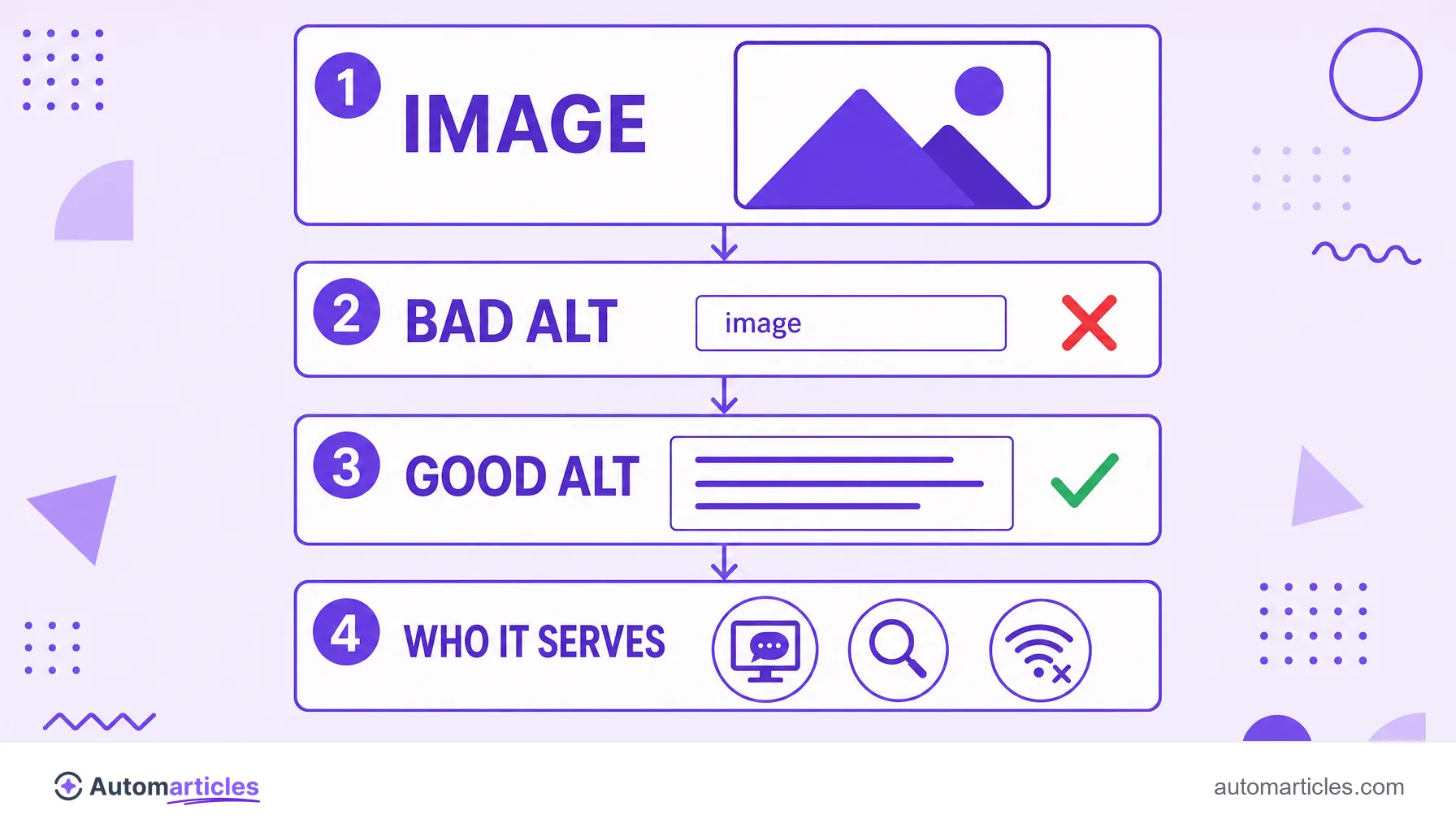
Alt text (alternative text) is the description of an image in the HTML alt attribute. It serves to:
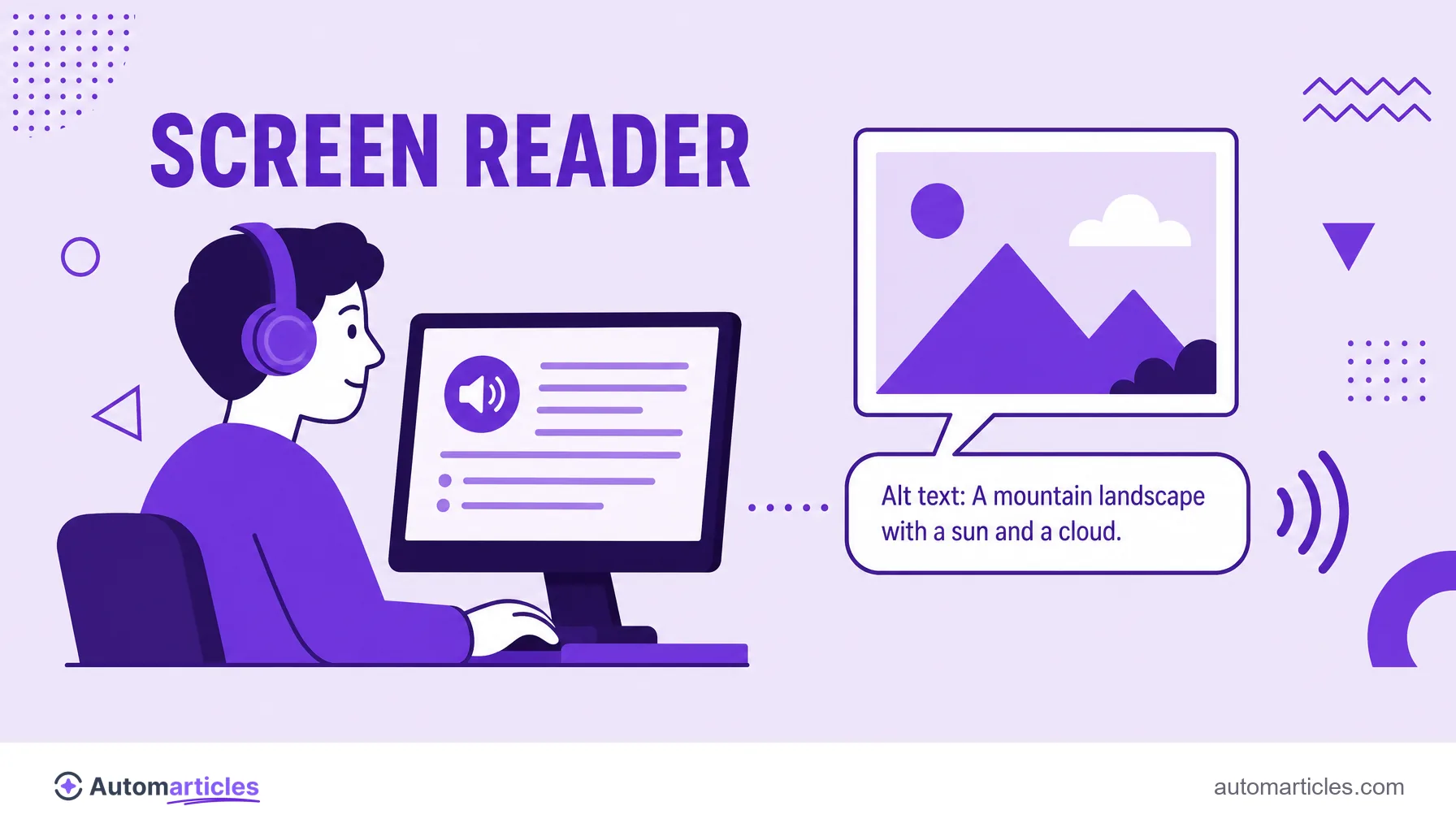
- be read by screen readers, ensuring accessibility;
- appear when the image does not load;
- help Google understand and index the image;
- give context when the image is also a link.
Example: instead of photo, use woman analyzing an organic traffic report on a laptop.
What alt text (alternative text) is
Alt text, or alternative text, is the text description that goes with an image on the web. In the code, it lives in the alt attribute of the image tag, something like alt="bar chart of organic traffic growth". This text usually does not appear on the screen for those who can see the image, but it is essential for those who depend on it.
It plays three roles at the same time. First, it is read aloud by screen readers, allowing people with visual impairments to understand the image. Second, it is displayed in place of the image when it fails to load, due to a connection or file path error. Third, it is one of the main clues search engines use to know what the image represents.
It helps to separate alt text from other texts tied to the image, such as the title (title), the visible caption and the file name. Each has its function, but alt text is the only one that serves accessibility and indexing at the same time, which makes it a mandatory item in any on-page SEO work.
What alt text is for: accessibility and SEO
Alt text was born as an accessibility resource, and it remains that first and foremost. For millions of people who browse with screen readers, an image without alt is a void: the software announces only "image" or reads the file name, without conveying any useful information.
The scale of the problem is large. According to the WebAIM Million report of 2026, which analyzed the home page of 1 million sites, 16.2% of all images had no alternative text, and alt failures appear among the most common accessibility errors on the web year after year. In other words, doing alt well already puts your site ahead of much of the competition.
On the SEO side, the benefit is direct. Alt text helps the search engine understand the image content and display it in image search, an often forgotten source of traffic. It also reinforces the relevance of the page as a whole and improves the experience, two signals that connect with technical SEO and with the perceived quality of the content.
How to write good alt text step by step
Writing good alt text is a matter of clearly describing what matters in the image, in the context where it appears. A simple roadmap:
- Describe the essentials: say what the image shows in an objective way, without starting with "image of" or "photo of", since the screen reader already announces that it is an image.
- Be specific, but concise: a good description usually has up to 125 characters. Focus on what is relevant to the surrounding text.
- Take context into account: the same photo can have different alts depending on the page. Describe the detail that matters in that content.
- Do not do keyword stuffing: forcing the keyword into the alt is keyword stuffing, it hurts the experience and can be penalized.
- Leave decorative images empty: icons and ornaments with no information should have
alt="", so the screen reader skips them without noise.
See the difference in practice for a photo of a chart:
| Quality | Alt text |
|---|---|
| Bad | image1.png |
| Weak | chart |
| Good | line chart showing organic traffic doubling in six months |
Clear descriptions also make the content easier to understand in parts, reinforcing the page's scannability for those who use assistive technology.
Alt text and image SEO
For the search engine, an image is an opaque file: without help, it does not know whether that JPG is a product, a chart or a cat. Alt text is the main signal that translates the image into language the search engine understands, alongside the file name and the surrounding text.
This has concrete effects:
- Image search: a descriptive alt increases the chance of the image appearing in image results and bringing visitors.
- Page relevance: well described images reinforce the overall topic of the content for the search engine.
- Images that are links: when an image is clickable, the alt works as the anchor text of that link, giving context to the destination.
An important technical caveat: alt text does not replace weight optimization. Heavy images hurt loading and the LCP, so describing the image well goes hand in hand with compressing and sizing the file correctly.
Alt text in Canva, WordPress and other tools
You almost never need to touch the code to add alt text. Most platforms offer a dedicated field for it:
- WordPress: when you insert an image, the media library shows an "Alternative text" field in the sidebar. Just fill it in before publishing.
- Canva: when you export or publish, Canva lets you add an alt text description to each element, useful when the design becomes an image on a site.
- Site builders and e-commerce: platforms like Wix, Shopify and Webflow have the alt field in the settings of each image.
- Text editors and presentations: tools like Word, Google Docs and PowerPoint also have the alt text option, thinking about document accessibility.
The common point is clear: whenever the tool offers a description or alt text field, fill it in. It is one of the accessibility and on-page SEO gains with the best effort-to-result ratio.
Alt text on Instagram and social media
Social networks have also adopted alt text, both for accessibility and to describe images automatically. How it works varies by platform:
- Instagram: when posting, tap "Advanced settings" and then "Write alt text" to add your own description. If you do not write one, Instagram generates an automatic alt, almost always generic.
- Facebook and LinkedIn: offer the option to edit the alt text of each image before publishing.
- X (Twitter): lets you add a description to images, with an ALT badge indicating that it has alternative text.
Keep in mind that social media alt serves accessibility within the platform, not your site's SEO. For the search engine, what counts is the description of the images hosted on your own pages. For social sharing, what controls the link's appearance is Open Graph, not alt text.