
Scannability: what it is and how to apply it to content
By Tiago CostaUpdated on July 2, 2026
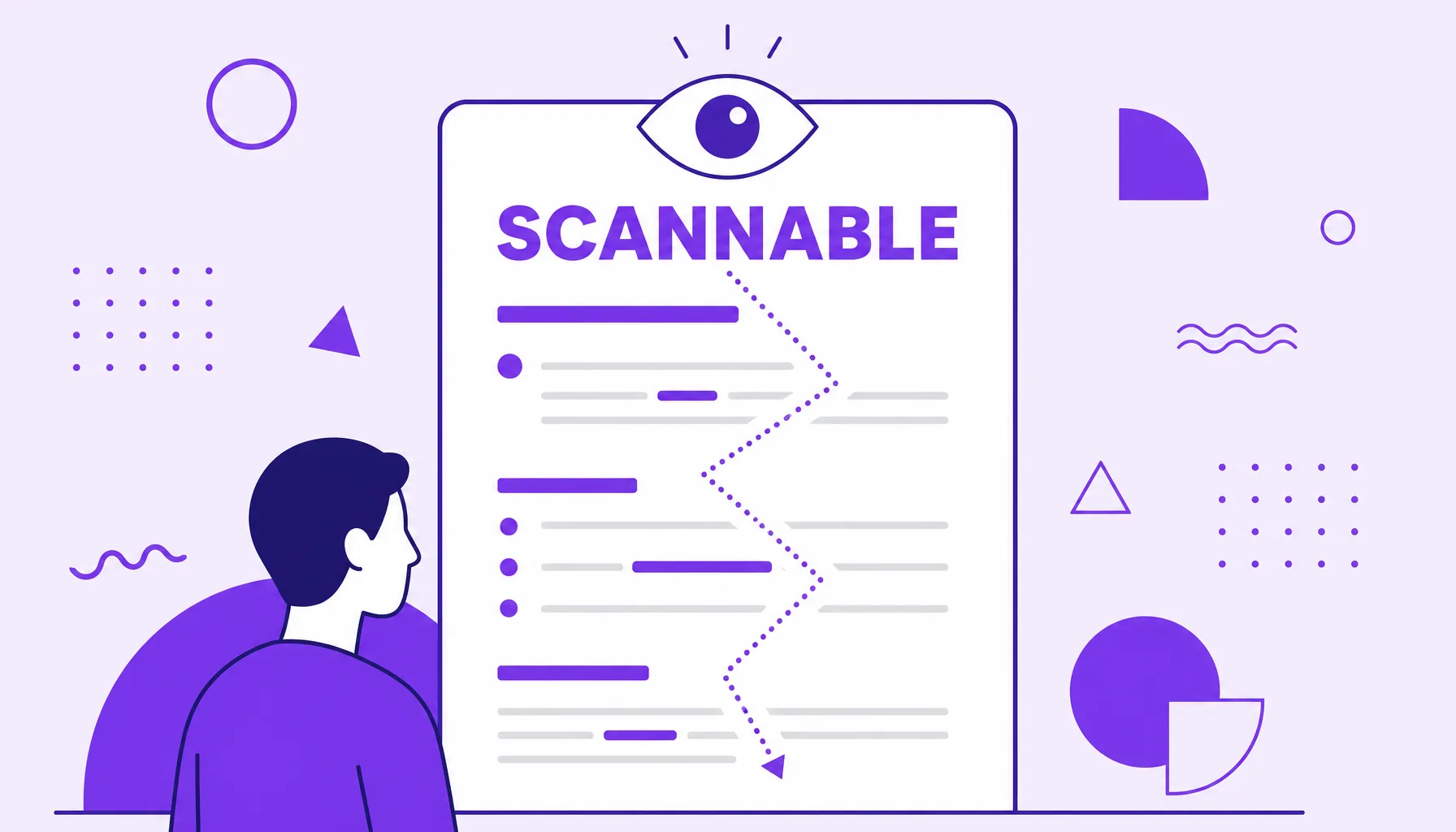
Scannability is how easily you can run your eyes over a text and grasp the essentials without reading it all. To make content scannable:
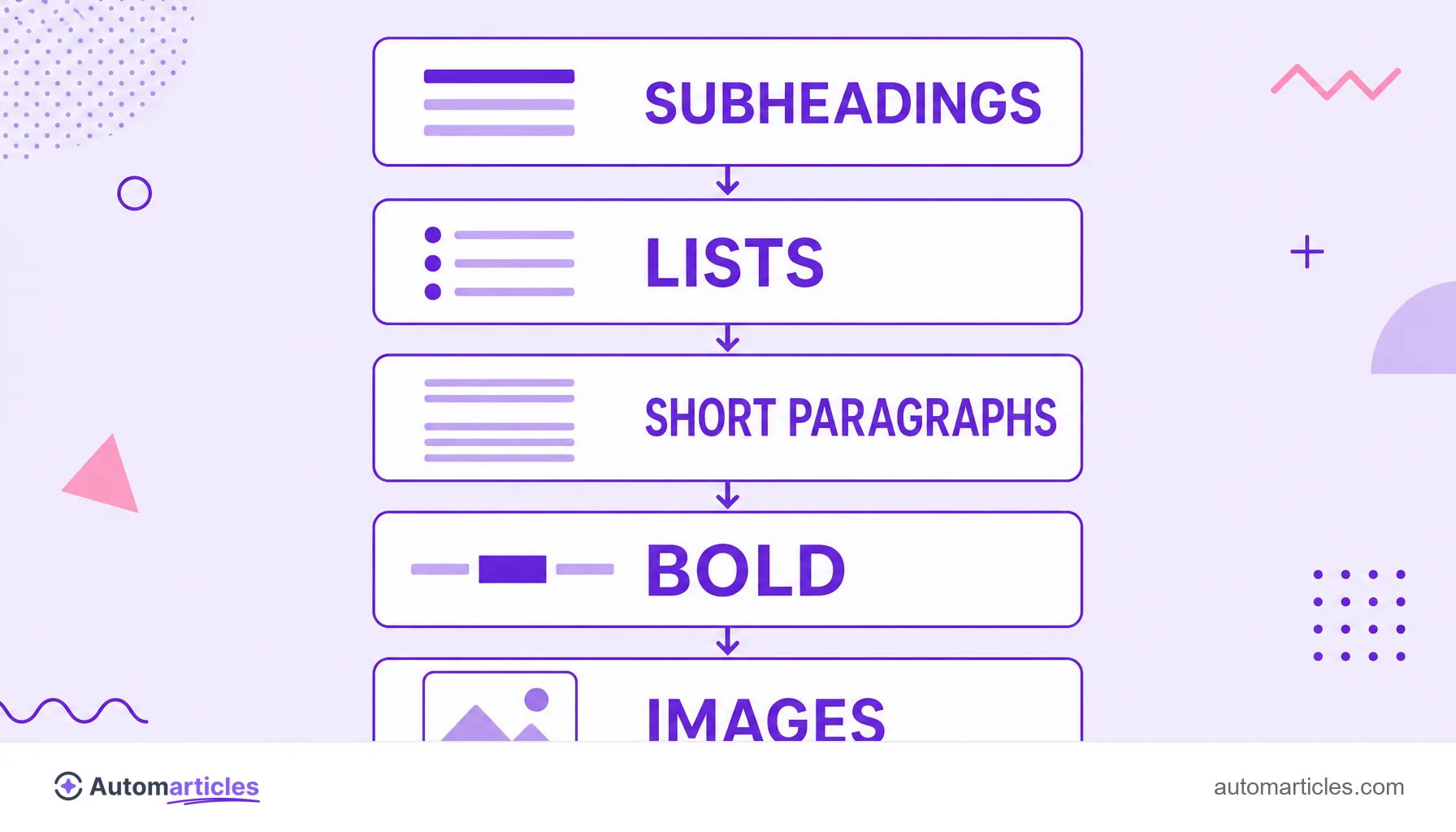
- break the text up with clear subheadings;
- use lists and short paragraphs;
- highlight the important terms in bold;
- open each section with the direct answer.
What scannability is
Scannability is how easily a reader can run their eyes over a piece of content and understand what it is about without having to read every word. A scannable text lets itself be skimmed diagonally: the subheadings deliver the structure, the lists sum up the points and the bold highlights what matters.
The idea comes from a simple behavior. Online, almost no one reads line by line the way they would with a book. People glance around, look for the information that interests them and only stop to read carefully when they find the right passage. Writing for that quick reading, rather than against it, is what separates content that holds attention from a wall of text that makes the visitor give up.
That is why scannability walks alongside other on-page optimization concerns: a well-structured text is easier for the person to read and easier for the search engine to interpret.
Why people scan instead of reading
Scanning is not laziness, it is the natural way to consume information on screen. The reader arrives with a specific question and wants to confirm, in seconds, whether the page will solve it before investing time in it.
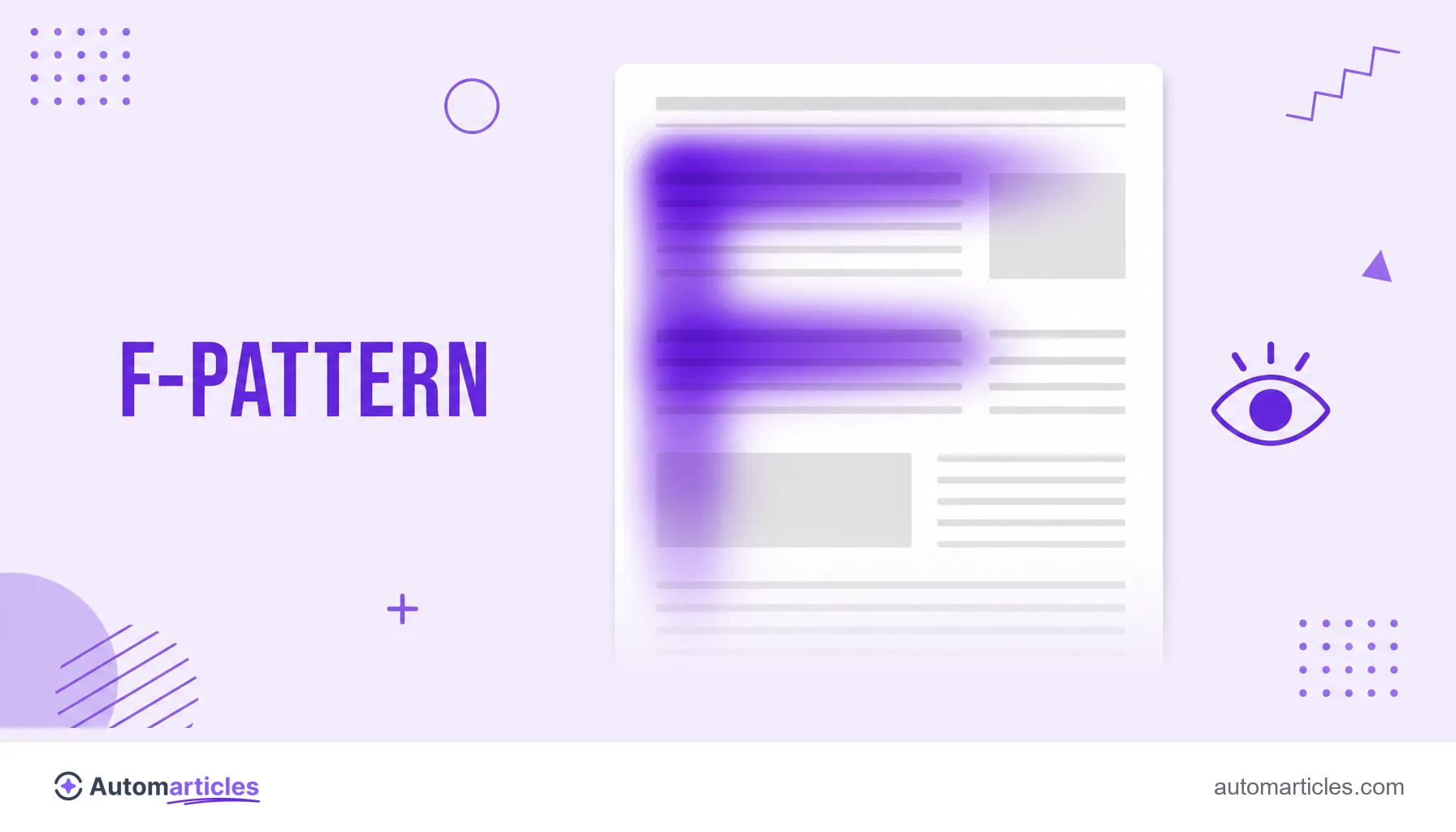
This pattern is old and well documented. In a classic study on web reading, the Nielsen Norman Group found that 79% of users always scan a new page and only 16% read word by word. In other words, for the overwhelming majority, the first contact with your text is a quick sweep of the eyes, not a full read.
The practical conclusion is direct: if the content only delivers value to those who read everything, it loses most of its audience right at the entrance. Scannability exists precisely to serve that hurried reader without punishing whoever wants to dig deeper.
Scannability and readability: what is the difference
The two concepts are neighbors and get confused all the time, but they look at different things. Readability measures how easy the text is to read, something tied to sentence length, vocabulary and clarity of ideas. Scannability measures how easy the text is to skim, something tied to the visual structure of the page.
| Aspect | Readability | Scannability |
|---|---|---|
| Focus | How easy the text is to read | How easy the page is to skim |
| Depends on | Sentences, words and clarity | Subheadings, lists and highlights |
| Question it answers | Is each sentence easy to understand? | Do I find what I want in seconds? |
In practice, the two add up. A text can be very readable sentence by sentence and still be tiring because it is a wall with no breathing room. The best experience is born when clear writing meets a structure that invites reading.
Elements of a scannable text
Making content scannable is, to a large extent, giving the reader footholds for the eyes. The main resources are:
- Subheadings: H2 and H3 subheadings and the other header tags break the text into sections and work as a visual index of the page.
- Lists: turn sequences and comparisons into items that are easy to skim, like this one.
- Short paragraphs: blocks of two to four lines avoid the wall of text and give the reading room to breathe.
- Bold: highlights keywords and conclusions, guiding the eye to what matters most in each passage.
- Images and tables: break the rhythm and explain visually, as long as they have good alt text.
- Descriptive links: a clear anchor helps the reader decide whether it is worth clicking, which is why the anchor text should describe the destination.
None of these resources is decoration. Each one creates a stopping point where the reader can anchor attention and move on.
How to make your content scannable: a step by step
You can apply scannability to any text with a few simple habits:
- Start with the answer: open each section with the main information, not with a preamble, so the reader finds it right away.
- Use self-explanatory subheadings: anyone who reads only the titles should understand the logic of the text from start to finish.
- Break up long paragraphs: one idea per paragraph keeps the rhythm and avoids visual fatigue.
- Prefer lists to loaded sentences: whenever there are steps, types or examples, a list communicates faster.
- Highlight in moderation: too much bold becomes noise and stops highlighting anything.
It is worth measuring the result with your own eyes. Scroll the page quickly, as a visitor would, and see whether you can grasp the subject just from the titles, lists and bold passages. If you can, the text is scannable.
Scannability also helps AI read your content
The structure that makes the reader's life easier also makes the machines' life easier. Search engines and language models interpret well-divided content, with clear titles and objective answers, better than a run-on, ambiguous text.
This gained weight with answers generated by artificial intelligence, such as Google's AI Overviews. To be cited in those answers, the content needs to deliver clear, easy-to-extract passages, exactly what good scannability produces. It is no coincidence that a scannable structure is one of the core recommendations of optimization for AI search engines.
In short, writing in a scannable way is no longer just a matter of reading experience. It is also a quality signal that helps the page be found, read and reused, by people and by machines.