
External links: what they are and how to use them in SEO
By Tiago CostaUpdated on July 2, 2026
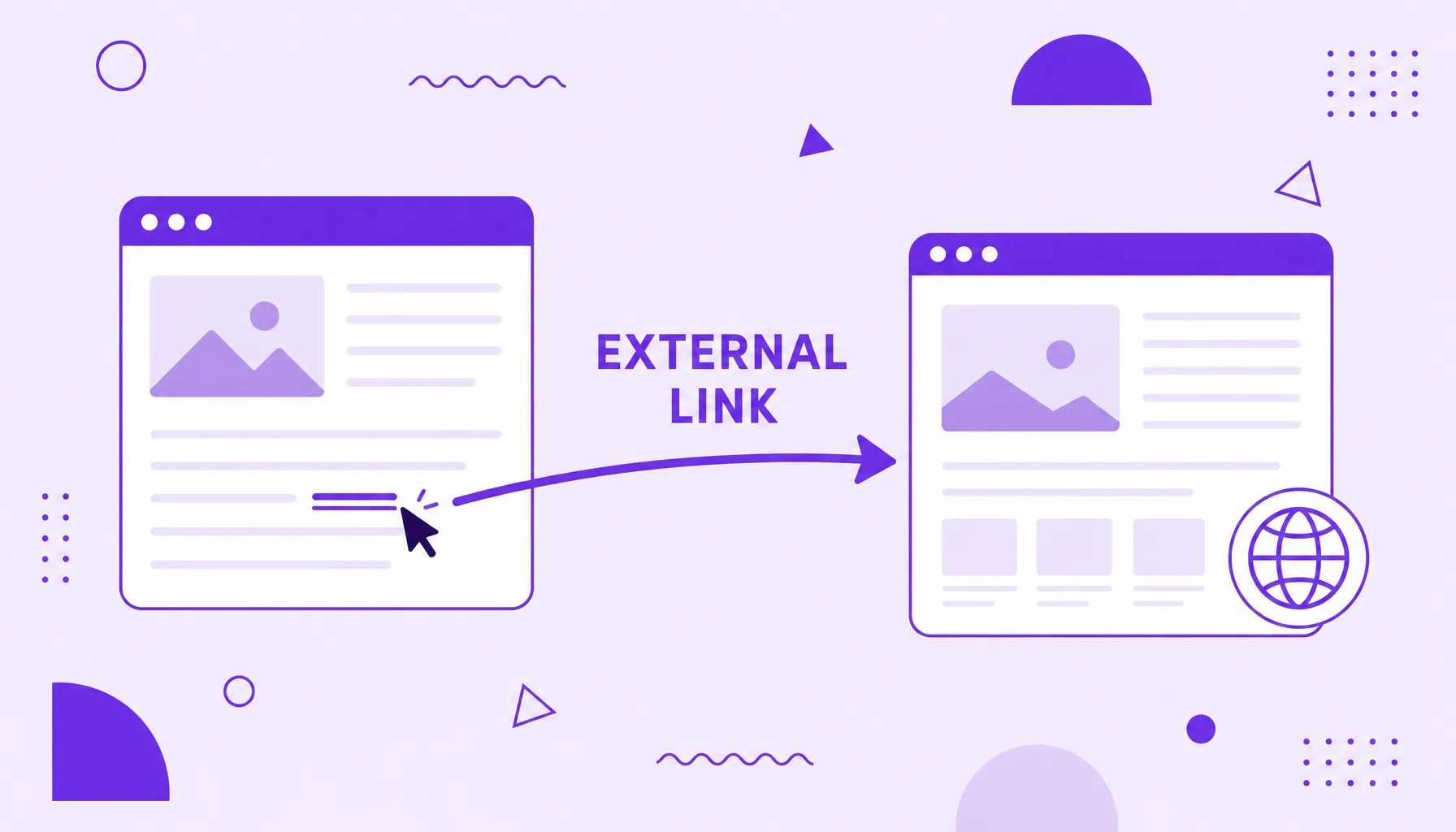
An external link is a link that points from a page to another domain. It is used to:
- cite the source of a data point or claim;
- indicate a reference or further reading;
- give the search engine context about the page's topic;
- reinforce credibility by pointing to trustworthy sites.
What an external link is
An external link (or outbound link) is any link that leaves a page on your site and leads to an address hosted on another domain. If, in the middle of an article, you link to a study, a news story or a partner's site, you just created an external link.
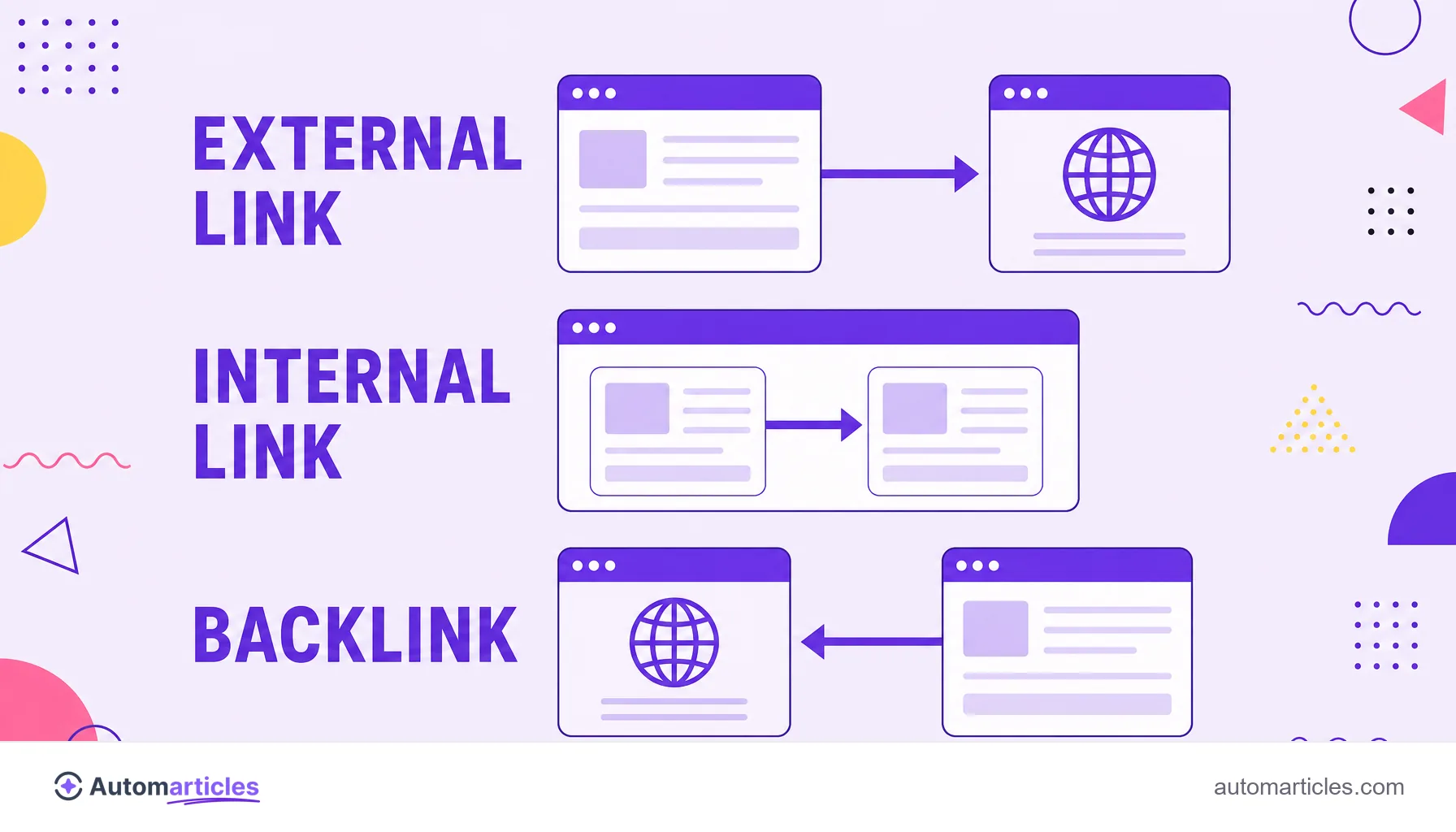
The key difference is the destination. An internal link connects two pages on the same site; the external link points outside of it. And there is a third angle: when another site links to you, that same link is, from your point of view, a backlink. Outbound link, internal link and backlink are therefore the same element (the link) seen from different positions.
A context note: in some searches, the phrase external link refers to placing a link in an Instagram bio or story. Here the focus is the SEO concept, the editorial connection between your page and another domain.
External link, internal link and backlink: the differences
The three terms revolve around the same element, the link, but describe different relationships between pages:
| Type of link | Where it leaves from | Where it points to |
|---|---|---|
| External link (outbound) | Your page | Another domain |
| Internal link | Your page | Another page on the same site |
| Backlink (inbound) | Another site | Your page |
Notice that one site's external link is another site's backlink. When you link to a partner, you are giving them a backlink; when they link back, you receive yours. That is why outbound links are part of the broader conversation of off-page SEO, the optimization that happens in the relationships between domains.
Why use external links in your content
There is an old myth that linking out leaks authority and hurts SEO. Practice shows the opposite. Good outbound links bring clear gains:
- Credibility: citing the source of a data point with a link shows the reader (and the search engine) that the information is grounded.
- Topical context: the sites you point to help Google understand what your page is about.
- Reader experience: pointing to a trustworthy reference to dig deeper is a service, not a waste.
There is even experimental evidence. In a controlled experiment by Reboot Online, ten new sites were published with the same content: five with outbound links to high authority pages (the universities of Oxford and Cambridge and the Genome Research Institute) and five with no external links. After five months, the five sites that linked to trustworthy sources ranked above the five that did not. The message is direct: linking out, with judgment, helps rather than hurts.
Best practices for using external links
A well placed external link goes unnoticed because it feels so natural. To get there:
- Link to trustworthy sources: prefer studies, original data and sites recognized on the subject; avoid dubious addresses.
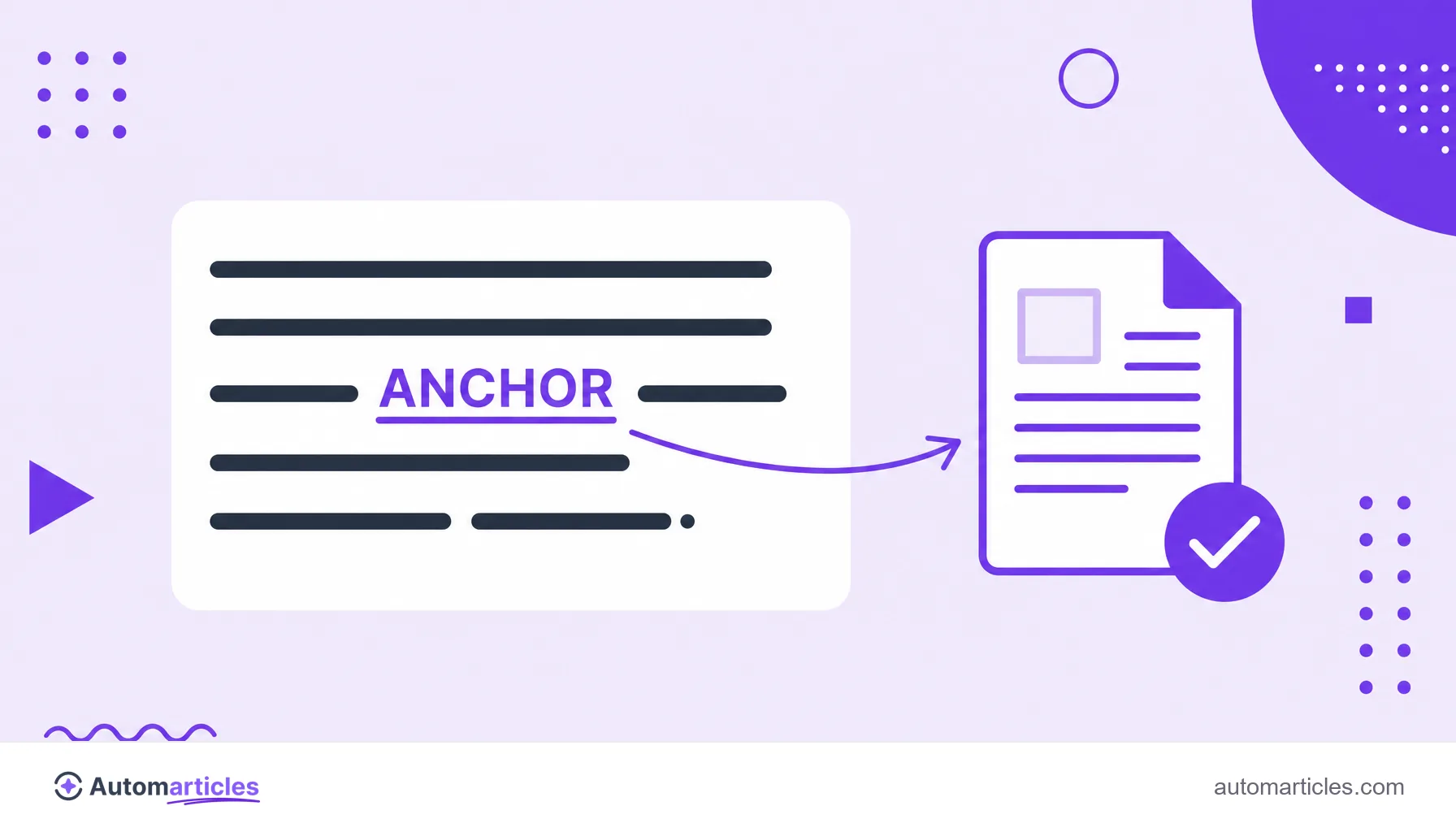
- Use a descriptive anchor: the anchor text should describe the destination within the sentence, never a click here or the raw URL.
- Let the link flow in the text: the best reference is the one that appears naturally in the explanation, not in a loose see also list.
- Dose the quantity: a few accurate links are worth more than dozens scattered around that split attention.
- Open in a new tab when it makes sense: so the reader does not lose your content while checking the source.
These habits are part of any serious link building strategy, since the way you link out tends to influence how others link back to you.
Dofollow and nofollow external links: when to use each
Every external link carries, by default, the dofollow attribute, which passes a bit of authority to the destination. In most editorial citations that is exactly what you want: an honest vote for a good source.
In some cases, though, the ideal is to use nofollow or specific markups, which ask the search engine not to pass authority:
- rel="sponsored": for paid, sponsored or affiliate links.
- rel="ugc": for links created by users, such as comments and forums.
- rel="nofollow": when you cite a site but do not want to endorse it.
The practical rule: a spontaneous editorial link to a good source can be dofollow; a paid or unendorsed link should be marked. That keeps your link profile clean and aligned with the guidelines.
Common mistakes when using external links
A few slips undermine the value of a good outbound link. Watch out for:
- Broken links: pointing to pages that went offline hurts the experience; review them from time to time.
- Too many outbound links: filling the text with external links scatters the reader and dilutes focus.
- Weak sources: linking to low quality sites associates your content with a bad neighborhood.
- Paid links without markup: selling or receiving dofollow links without rel="sponsored" violates the guidelines and can trigger a penalty.
- Generic anchor: a click here wastes the context that a good anchor would give the search engine.
Avoiding these points, the external link fulfills the role it exists for: enriching the content, helping the reader and reinforcing trust in your page.