
Header tags (H1 to H6): what they are and how to use them for SEO
By Tiago CostaUpdated on July 2, 2026

A header tag (or heading tag) is the HTML markup, from H1 to H6, that defines the hierarchy of the titles on a page. In practice, each level has a role:
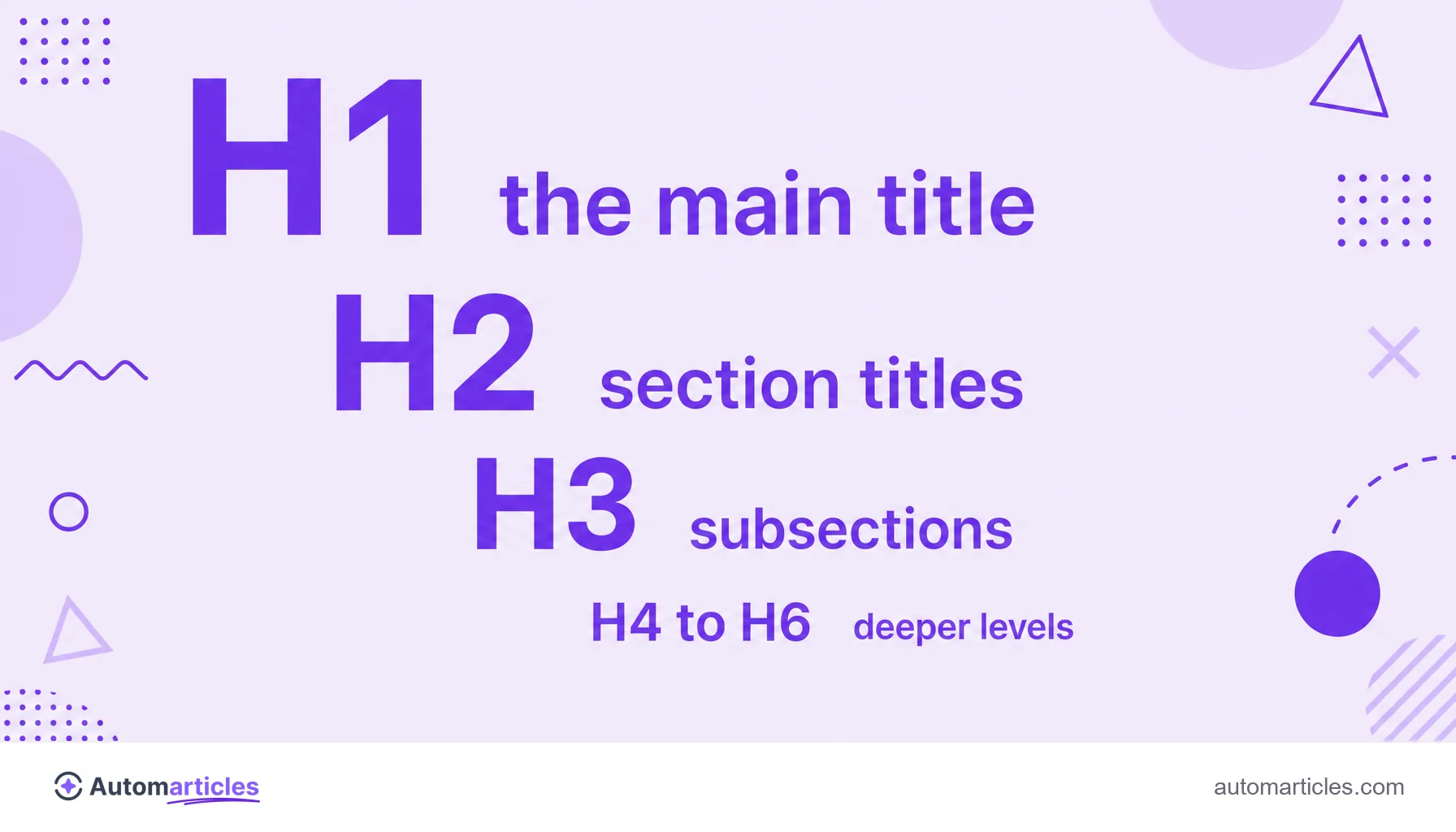
- H1: the main title, one per page, with the central topic;
- H2: the titles of the main sections;
- H3 to H6: subdivisions inside each section;
- together, they organize the content for the reader and for the search engine.
What header tags (H1 to H6) are
In HTML, header tags (or heading tags) are the title elements that go from H1 to H6 and mark the titles and subtitles of a page. The H1 is the most important title, and the other levels descend in hierarchy, from H2 to H6, forming a kind of outline of the content.
It is important not to confuse two meanings of the word. The header of a Word document or a school assignment (that strip at the top of the page, with a name, date or logo) is something else: a visual layout element. Here, a header is the structure of titles that organizes the text of a web page, starting with the H1.
Each header announces what the block of content right below it is about. It works like the title of a chapter and the subtitles of a book: they guide the eye and explain the logic of the document even before a full read.
The hierarchy of titles: from H1 to H6
The six heading levels work like a tree, from the most general to the most specific. Understanding this order keeps you from messing up the page structure:
| Tag | Function |
|---|---|
| H1 | Main title of the page, with the central topic. Usually one per page. |
| H2 | Titles of the main sections, which split the content into blocks. |
| H3 | Subsections inside an H2, detailing a point. |
| H4 to H6 | Deeper levels, used in long and heavily structured content. |
The golden rule is not to skip levels: an H3 comes after an H2, not an H5. The H2 and H3 subheadings are the most used day to day, because they handle most articles without requiring an overly deep hierarchy.
Why headers matter for the reader
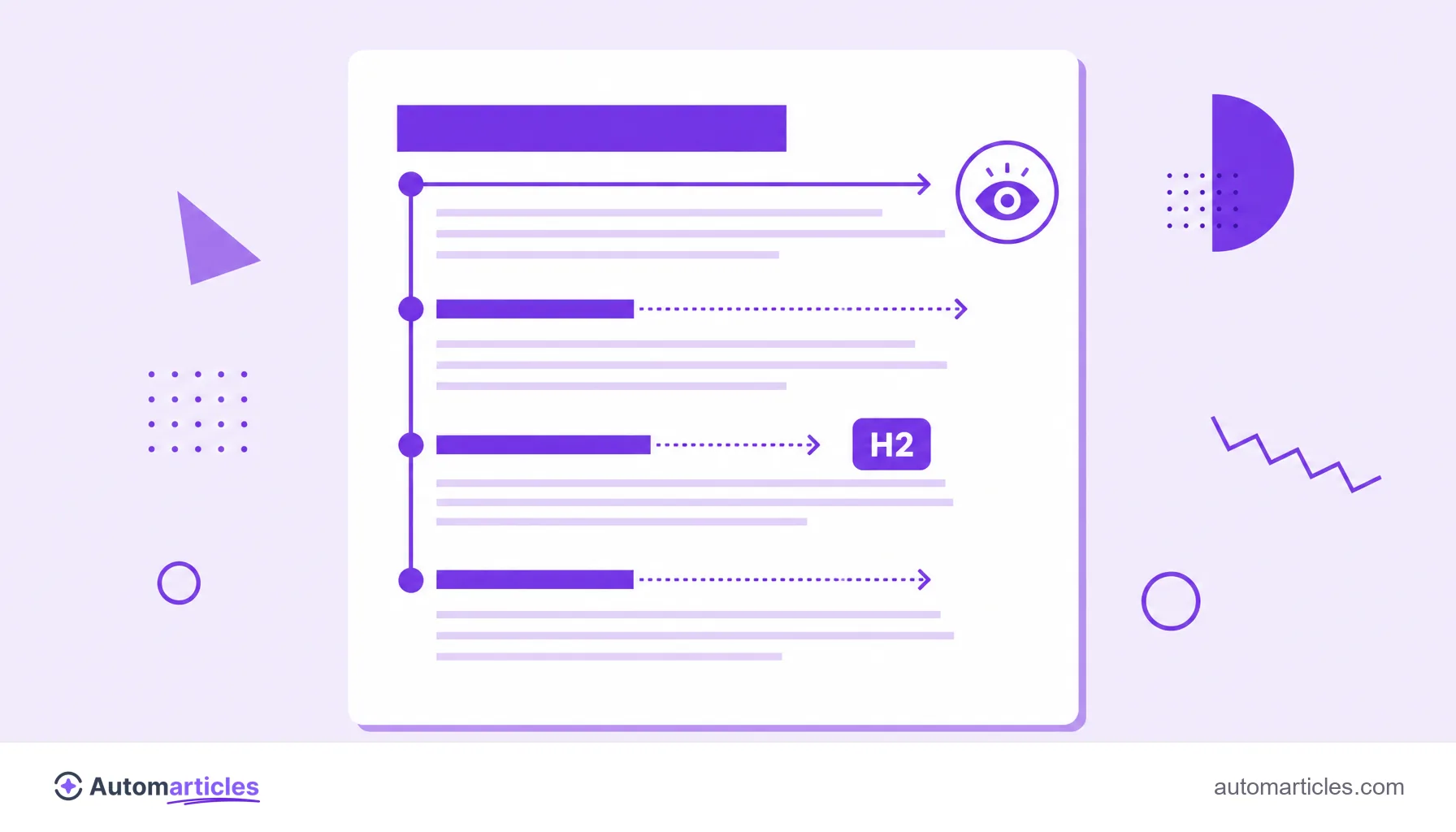
Few people read an entire page word by word. They sweep the text looking for the passage that answers their question, and headers are exactly the signals that guide that movement.
The classic research from the Nielsen Norman Group shows that, on an average visit, a user reads at most around 28% of the words on a page, and the most likely figure is closer to 20%. Another study from the same group points out that most people scan the page before deciding whether to read it carefully.
Clear headers turn a wall of text into content with scannability, where each section is easy to locate. That improves readability, reduces frustration and keeps the reader around longer, an indirect quality signal for the search engine.
Headers and SEO: what Google reads in your titles
For Google, headers help make sense of the structure and topic of a page. The H1 tends to reinforce the main subject, and the H2 and H3 show how that subject breaks down, which supports on-page SEO and the semantic reading of the content.
Still, it pays to have realistic expectations. The study by Backlinko, which analyzed 11.8 million search results, concluded that having the keyword in the H1 has a very weak relationship with higher positions. In other words, a well built H1 is almost a ticket to entry: it helps the page compete, but on its own it does not decide the top spot.
The practical takeaway is simple: use headers to organize content clearly and to include terms naturally, without treating them as a magic ranking button.
How to use header tags in practice
A good header structure follows simple principles that serve both the reader and the search engine:
- Use a single H1 per page: it names the central topic and should not repeat.
- Organize sections with H2: each major block of the text starts with a descriptive H2.
- Detail with H3 and below: open subsections inside an H2 when the subject calls for it, without skipping levels.
- Describe the content, not just the keyword: the header should summarize the section; stacking terms becomes keyword stuffing and hurts the experience.
- Keep it consistent: titles at the same level should carry a similar weight of importance.
When in doubt, read only the page headers from top to bottom. If they alone already tell the story of the content, the structure is well built.
Common mistakes with headers
A few slip ups with headers show up all the time and undermine the page structure:
- Using a header just to make text bigger: applying an H2 only to increase the font size confuses the hierarchy. For styling, the right tool is CSS.
- Skipping levels: jumping from an H2 straight to an H4 breaks the logic that the reader and the search engine expect.
- Several H1s with no criteria: even with HTML5 allowing more than one in certain cases, the safest path is to keep one clear H1 per page.
- Vague headers: titles like "Introduction" or "More information" say nothing. Prefer concrete descriptions of what comes next.
Fixing these points is usually quick and improves both the reading experience and the clarity of the page for search engines at once.