
H1 tag: what it is and why it matters for SEO
By Tiago CostaUpdated on July 2, 2026

The H1 tag is the main heading of an HTML page, the highest level heading that sums up what the content is about. A good H1 usually:
- is unique on the page, with one H1 per URL;
- clearly describes the central topic;
- includes the main keyword in a natural way;
- appears at the top, before the H2 and H3 subheadings.
What the H1 tag is
The H1 tag is the HTML element that marks the main heading of a page. In the code, it appears as <h1>your title</h1> and sits at the top of the heading hierarchy, above H2, H3 and so on.
In practice, the H1 answers in a few words the question "what is this page about?". It is the first thing the reader notices and one of the signals Google uses to understand the central topic of the content. That is why the classic recommendation is to have a single, clear and specific H1 per page.
It is worth separating two concepts that often get mixed up: the H1 is the title the person sees inside the page, while the title that shows up in the browser tab and in search results is the title tag. They are different elements with complementary roles.
H1, title tag and headings: what is the difference
Confusing the H1 with the title tag is one of the most common mistakes for anyone starting out in SEO. Although they often have similar text, they live in different places and play distinct roles. The table below sums it up:
| Element | Where it appears | Function |
|---|---|---|
| Title tag | Browser tab and search result | Attract the click on the SERP |
| H1 | At the top, inside the page | Announce the topic to whoever entered |
| H2 and H3 | Throughout the content | Organize sections and subtopics |
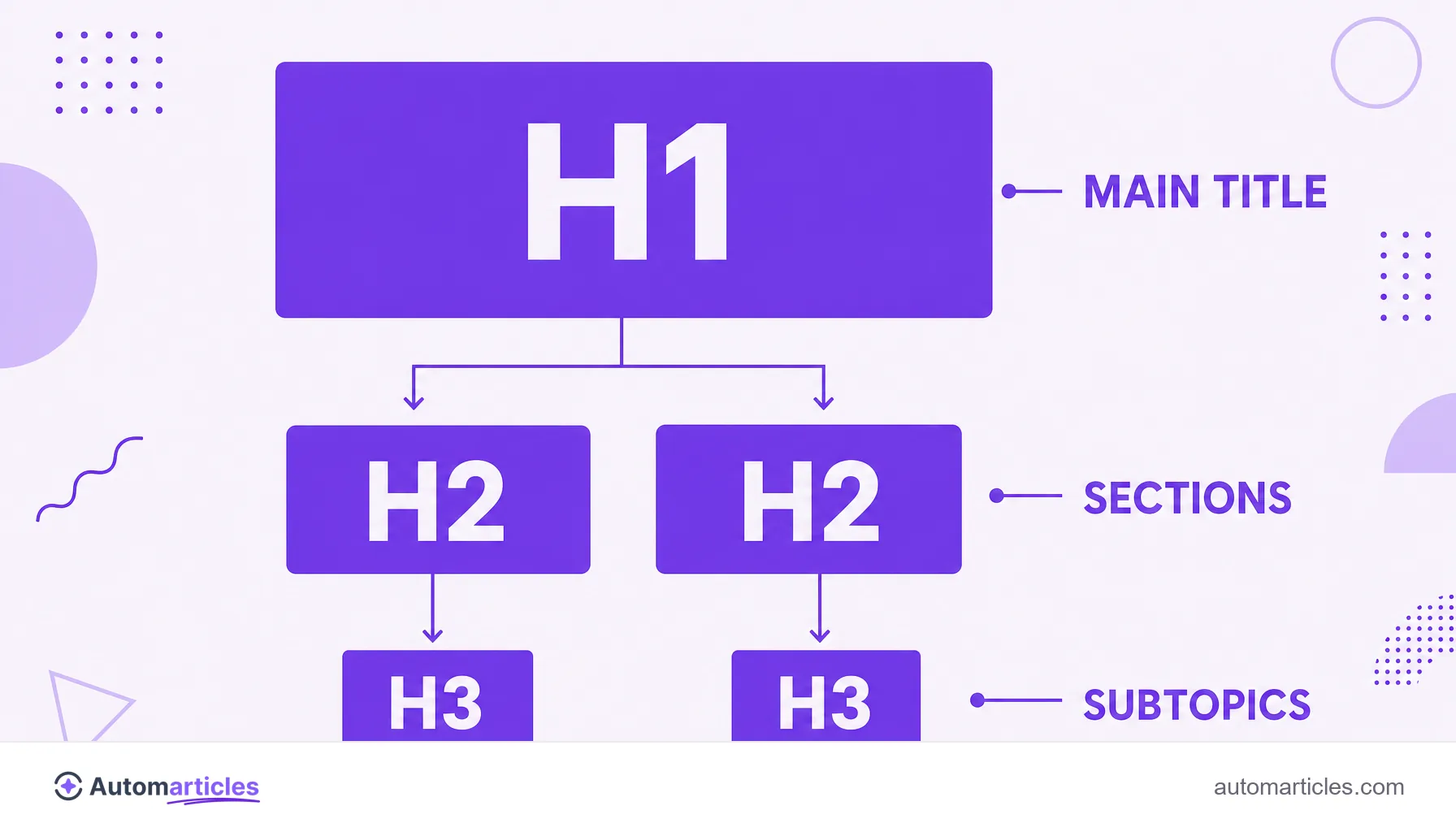
The H1 opens the structure of subheadings that gives rhythm to the text. After it, the H2s split the big blocks and the H3s detail each one, in a logical hierarchy that helps both the reader and the crawler understand how the content is organized.
Why the H1 matters for SEO
The H1 plays two roles at once. For the user, it confirms in a second that they reached the right place, which reduces bounce. For the search engine, it reinforces the page's topic and helps connect it to the keyword it wants to target.
This does not mean an H1 stuffed with terms will catapult the page to the top. In an analysis of 11.8 million search results, Backlinko found that H1s with the exact keyword have a weak relationship with higher positions, working more as an organizational fundamental (a ticket to entry) than as a magic ranking lever.
The right reading is to treat the H1 as basic on-page SEO hygiene: a clear, unique title aligned with the content. Combined with good scannability, it improves the reading experience, which indirectly sustains the page's performance over time.
How to write a good H1: best practices
An effective H1 balances clarity for the reader and a clear signal for the search engine. Some on-page SEO best practices:
- Use a single H1 per page: it should sum up the central topic, without competing with other titles of the same level.
- Include the main keyword: in a natural way, preferably near the start of the title.
- Be specific and descriptive: "H1 tag: what it is and how to use it" communicates better than a vague title like "Welcome".
- Keep a reasonable length: short, direct titles tend to be easier to read and understand.
- Align H1 and title tag: they do not need to be identical, but they should tell the same story so as not to confuse the user.
In the end, the best test is human: if, by reading only the H1, the person already knows what they will find on the page, the title is doing its job.
Common mistakes with the H1 tag
A few slip ups with the H1 keep repeating and weaken the page. The most frequent:
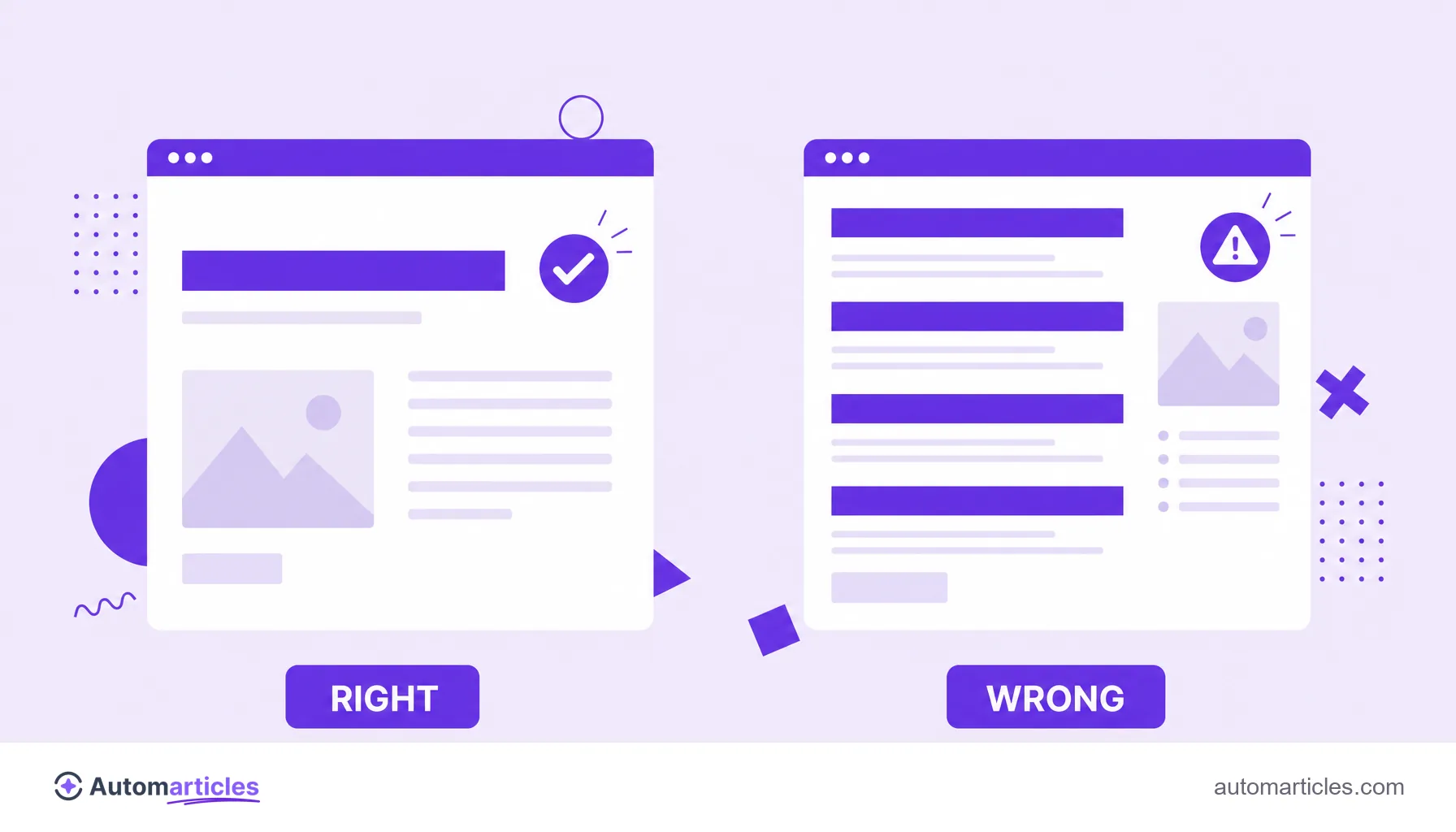
- Several H1s on the same page: it dilutes the topic signal and confuses the hierarchy; prefer just one.
- No H1 at all: pages without a main heading lose an easy context boost.
- H1 used only for styling: applying the tag to text just because the font gets big breaks the semantic structure; for size, use CSS.
- Stacking keywords: turning the H1 into a list of terms borders on keyword stuffing and hurts readability.
- H1 misaligned with the content: promising in the title something the page does not deliver increases bounce.
Fixing these points is usually quick and immediately improves both clarity for the user and the semantic reading the search engine does of the page.
H1 beyond SEO: other meanings of the term
Outside the web world, the combination "H1" appears in very different contexts, which explains a good share of the confusing searches. It names TV shows, publishers, apps and even signage plates.
In places like hospitals or large buildings, for example, "H1" can be just the code of a wing, a floor or a room on a wayfinding sign, with no connection to technology. In those cases, the meaning depends entirely on the location and the signage of each institution.
In this glossary, however, H1 always means the main heading of a web page, the highest level heading in HTML. That is the concept that matters to anyone working with content, SEO and page optimization.