
PerplexityBot: what the Perplexity crawler is and how to control site crawling
By Tiago CostaUpdated on July 2, 2026
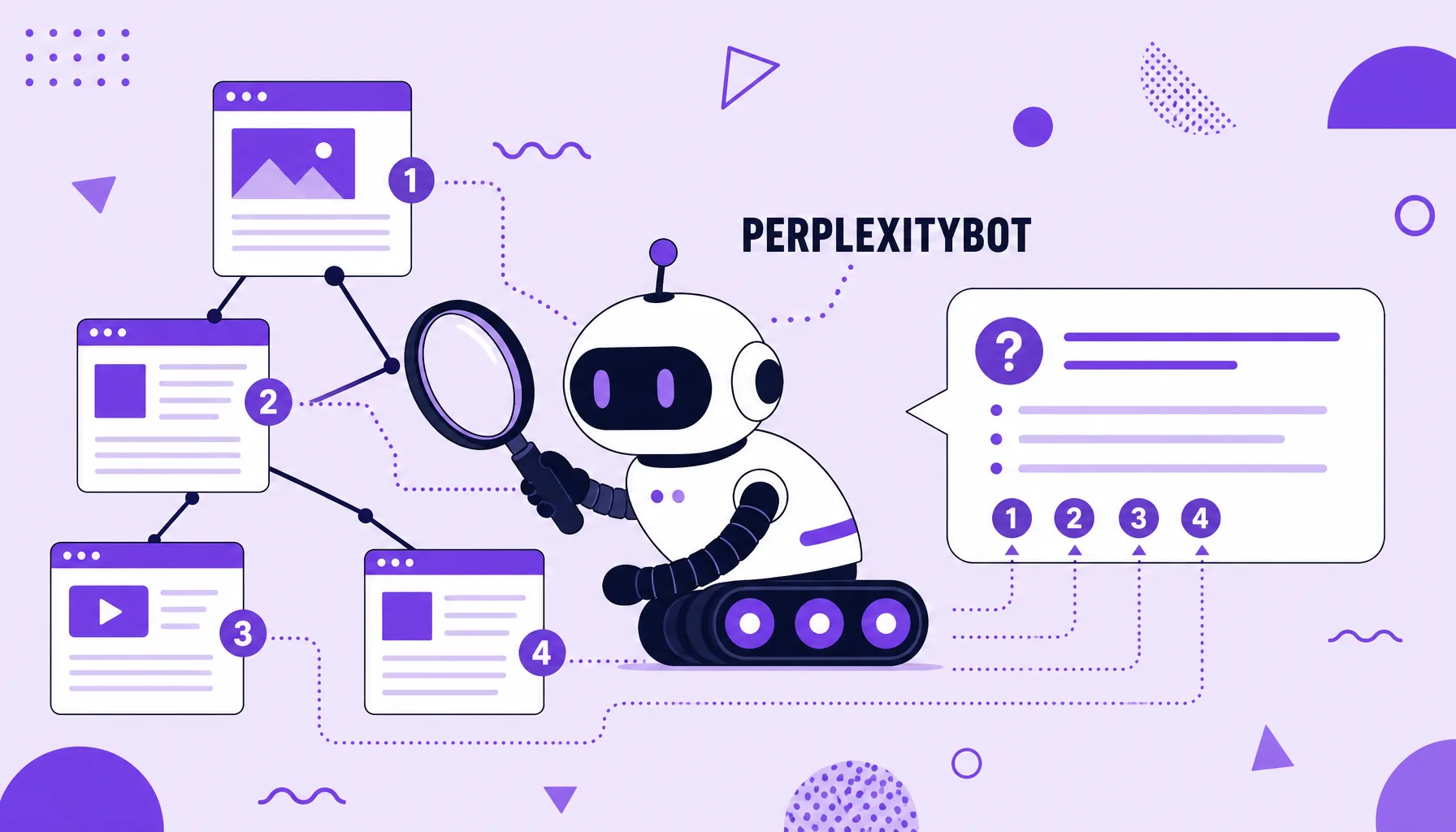
PerplexityBot is Perplexity's crawler, the AI search engine that answers questions while citing sources. In practice, PerplexityBot:
- visits public pages and indexes them for lookup;
- helps Perplexity build answers with links to the origins;
- identifies itself with the PerplexityBot user-agent in server logs;
- should respect robots.txt, which is where you allow or block access.
What PerplexityBot is
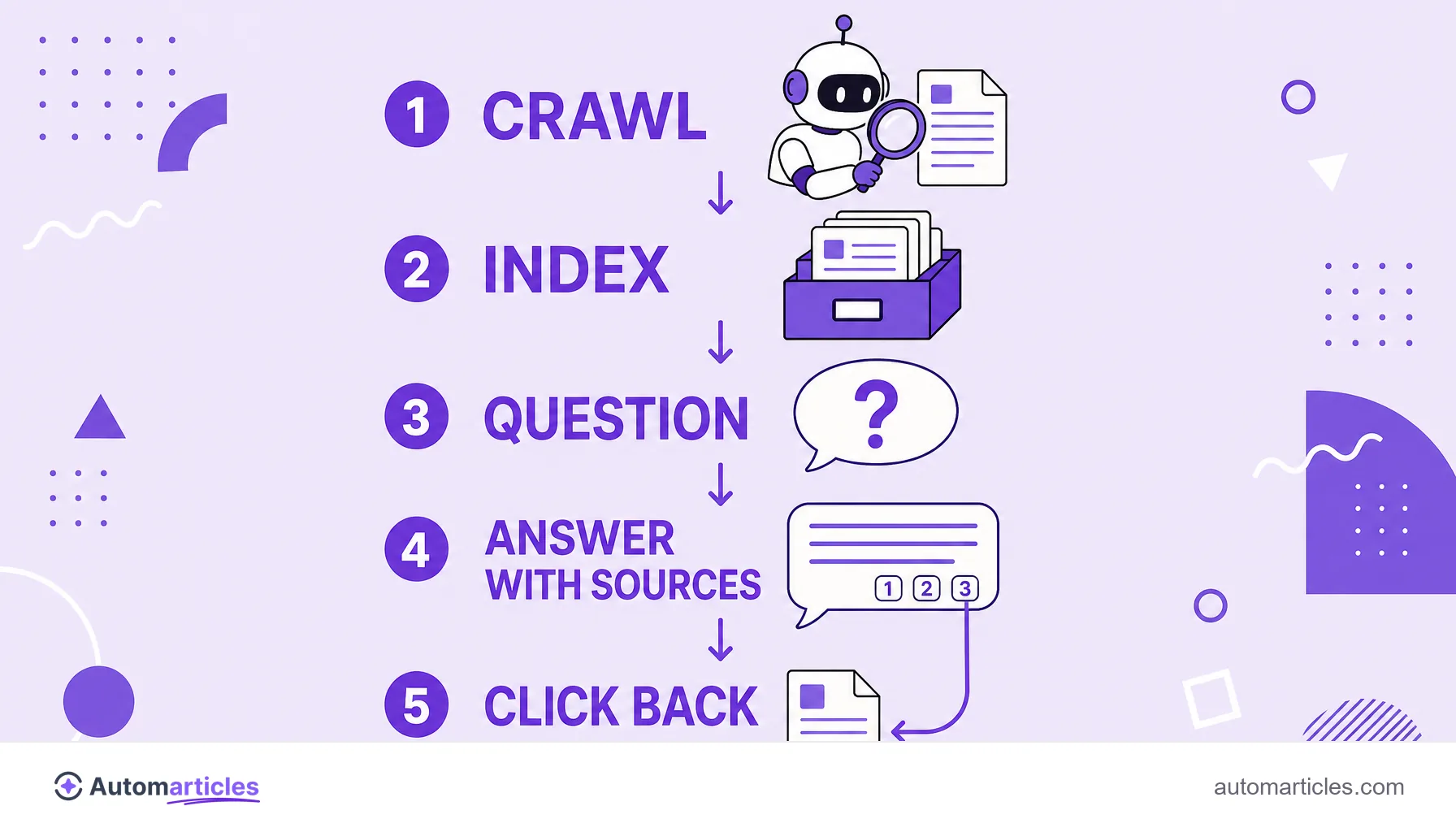
PerplexityBot is the automated crawler run by Perplexity, a tool that mixes search and artificial intelligence to answer questions in natural language, always with links to the sources. For that cited answer to exist, Perplexity first has to know the content of the web, and that is where the bot comes in.
Like any crawler, PerplexityBot travels public pages, reads the text and stores it in an index. The difference from a pure training crawler lies in the use: the material serves for Perplexity to find and cite current information when answering, not only to train a model once. That is why PerplexityBot values fresh, well structured content.
For anyone who publishes on the web, this changes the logic of the decision. Blocking PerplexityBot protects the content, but it also removes your site from the list of sources Perplexity can cite, with links that bring visits back.
PerplexityBot and Perplexity-User: two agents, two purposes
A detail that confuses many people is that Perplexity runs more than one agent, and each behaves differently. Understanding the difference is essential to write rules that do what you expect:
- PerplexityBot: the crawler that indexes the web systematically to feed the search engine's index. This is the one you control in robots.txt.
- Perplexity-User: triggers a visit to a specific page when a user asks a question that requires checking that address in real time. Because it acts on a person's request, Perplexity treats this access differently from mass crawling.
This distinction has practical consequences. A rule that blocks PerplexityBot may not affect the agent that fetches on the user's request, which is often the source of misunderstandings about blocks that seem not to work.
What is PerplexityBot's user-agent
In your server logs, Perplexity's crawler appears with a user-agent that contains the word PerplexityBot, in a format similar to PerplexityBot/1.0 accompanied by a Perplexity contact address. The user-triggered agent appears with the Perplexity-User identifier.
Knowing how to read this identifier is the first step to monitor how much Perplexity crawls your site and to confirm whether a hit is really from it. Remember that the user-agent is just text declared by the visitor itself, so it can be copied. Solid confirmation comes from cross-checking the name with the official IP ranges and with the access behavior, not just from the line that shows up in the log.
How to allow or block PerplexityBot in robots.txt
The main control point is the robots.txt file at the root of the site. To block PerplexityBot from crawling, use:
- User-agent: PerplexityBot
- Disallow: /
To allow it, simply do not block, or use Allow: /. If you also want to stop the user-triggered agent, you need a specific rule for Perplexity-User, aware that Perplexity argues that searches made on a person's request work like a browser acting on their behalf.
Here lies an important warning: robots.txt relies on the bot's goodwill. And in Perplexity's case, that goodwill was called into question, as the next section shows. For content you truly need to protect, robots.txt alone may not be enough.
The controversy over Perplexity's stealth crawling
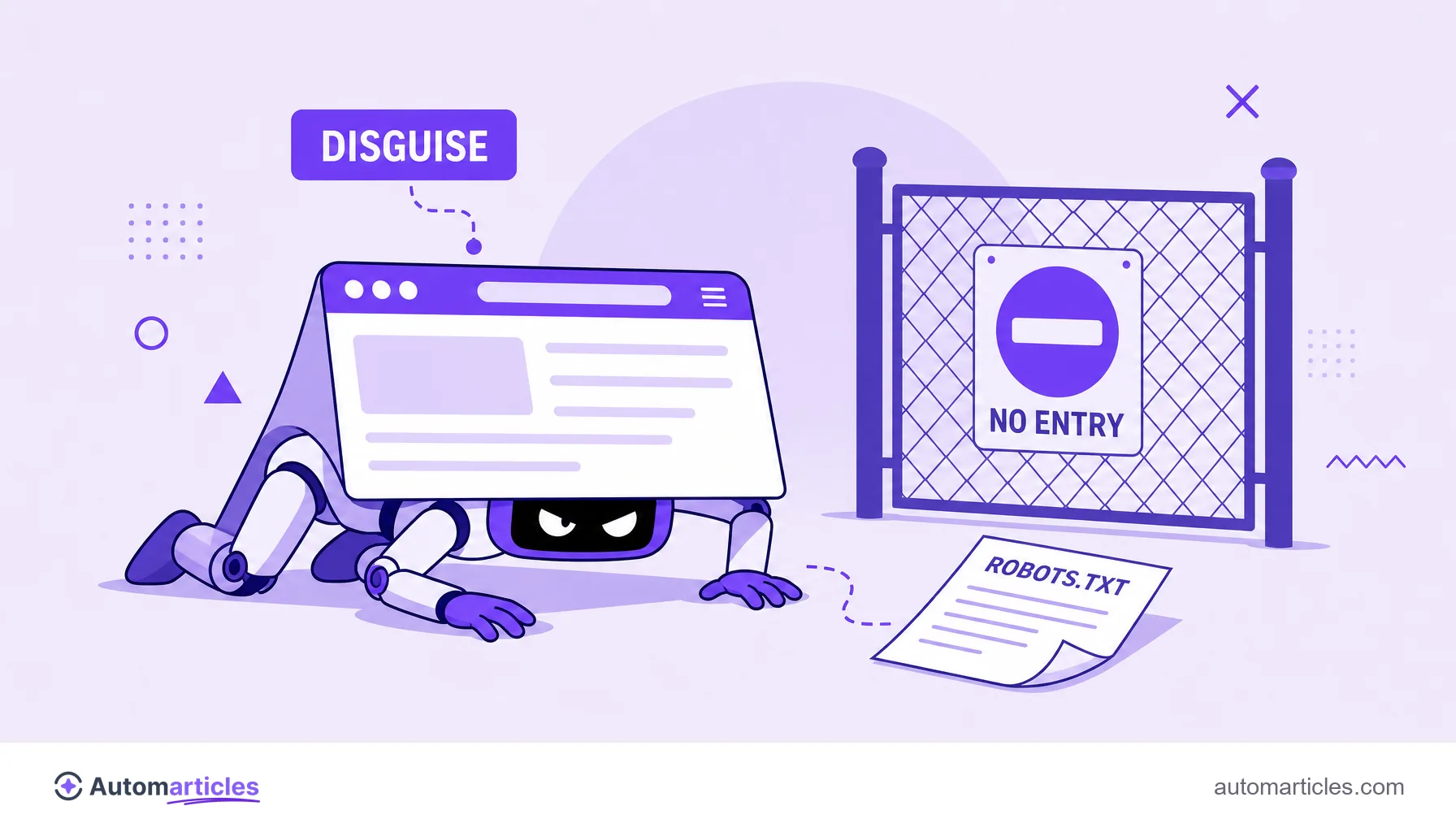
Not all of Perplexity's crawling happened in the open. In 2025, Cloudflare published an investigation claiming that, when Perplexity's declared bots hit blocks, the company resorted to undeclared crawlers that disguised themselves as an ordinary Chrome browser to access content from sites that had asked not to be crawled. According to Cloudflare, this behavior was observed across tens of thousands of domains and reached millions of requests per day.
Cloudflare reported having created new, undisclosed domains, configured to deny access to all bots, and even so Perplexity was said to have managed to retrieve and display the content of these test sites. In response, Perplexity disputed the accusation, claiming that part of the traffic attributed to it came from a third-party service and that its user-requested searches act like a browser, not like a training scraper.
Regardless of how the debate ends, the lesson for site owners is clear: robots.txt is a guideline, not a physical barrier. If the goal is to actually block access, not merely signal a preference, you need technical backup at the server level or from an application firewall.
PerplexityBot and GEO: becoming a cited source
From a GEO (Generative Engine Optimization) standpoint, Perplexity is one of the most interesting targets, precisely because it cites and links the sources of its answers. Each citation is a real chance to appear to the user and to receive a click back, something not every AI assistant offers.
To be a candidate for this kind of AI citation, the path starts by allowing PerplexityBot and following the content best practices for answer engines: answer the question directly at the start, back up claims with data and sources, and organize the text into blocks that are easy to extract. Current, specific content tends to be preferred, since Perplexity focuses on answering with recent information.
As a complementary signal, the llms.txt file is being adopted to indicate to models which content on the site to prioritize. It forces nothing, but it helps communicate organization and intent to those who want to be well represented in AI answers, rather than simply disappearing from them.