
Keyword cannibalization: what it is and how to fix it
By Tiago CostaUpdated on July 2, 2026
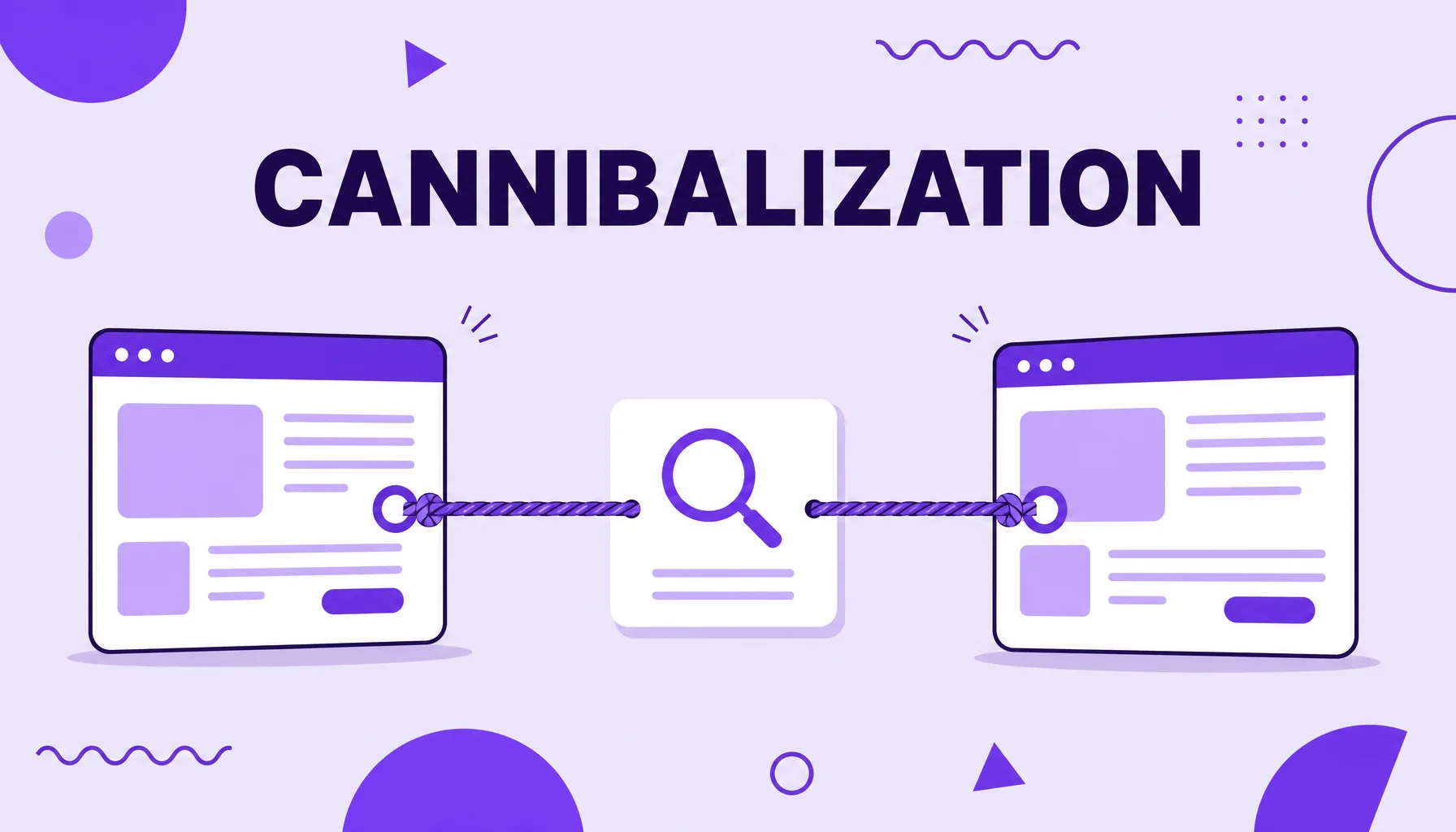
Keyword cannibalization is when several pages on the same site compete for the same search. It tends to hurt because it:
- splits the relevance signals between similar pages;
- confuses Google about which page to show;
- fragments clicks, backlinks and authority;
- makes positions swing instead of climb.
What keyword cannibalization is
Keyword cannibalization is the problem that arises when two or more pages on the same site try to rank for the same query. Instead of one strong page, the site presents several similar pages competing for the same space, and ends up competing against itself.
The name comes from the idea that one page eats part of the other's performance. The signals that should concentrate on a single piece of content, such as clicks, links and relevance, spread across several addresses. Google, unsure which one is the best answer, may alternate between them, show the least suitable one or push them all down.
It is worth distinguishing from legitimate cases: having different pages for different search intents is not cannibalization. The problem appears when two pages cover the same question, with the same intent, fighting for exactly the same audience.
Why cannibalization hurts SEO (and when it does not)
When two pages target the same search with the same intent, they weaken each other. The most common damages are:
- Authority dilution: backlinks that could point to a single page split across several.
- Confusing signals: Google does not know which page to reward and may swing between them.
- Fragmented clicks: the traffic that would go to one strong result splits between weaker versions.
- Internal competition: on commercial searches, this also drops the conversion rate, because the visitor lands on less prepared pages.
But not every repetition is a problem. An analysis by Ahrefs reviewed a sample of 80 keywords where a site ranked with more than one page and concluded that only one case actually needed action. In many situations, having two pages in the top can even take up more space on the SERP. The real warning sign is when the pages share the same intent and performance gets worse, not the mere existence of multiple rankings.
Signs that you have cannibalization
Before you start changing things, you need to confirm the problem exists. Some typical signs:
- Swinging positions: the URL that ranks for a term keeps switching from one week to the next.
- Several pages for the same search: when you search the term with the site:yourdomain.com command, several nearly identical results appear.
- The wrong page ranks: Google shows a secondary article instead of the one you optimized for the term.
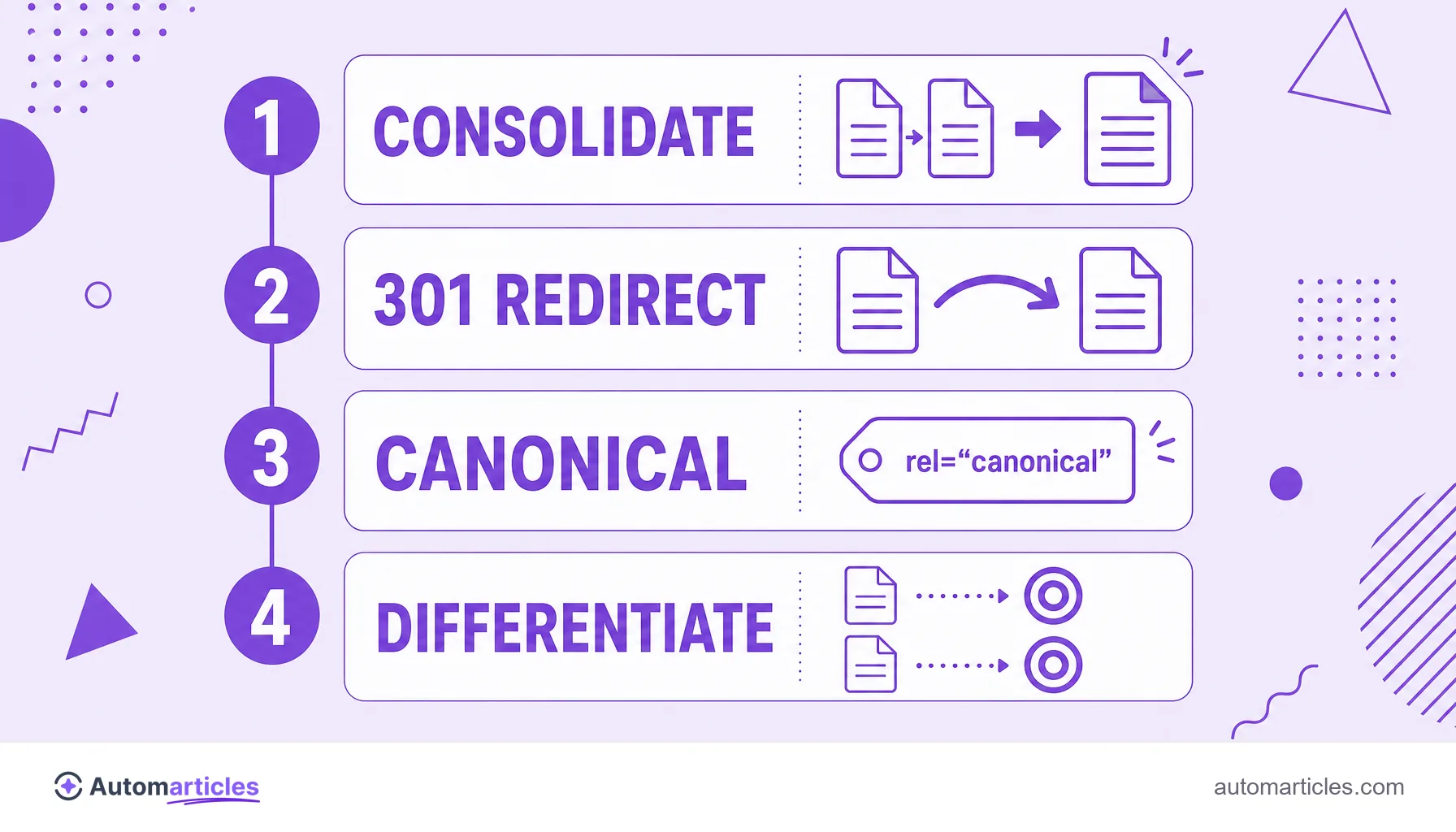
- Split clicks in the report: in Google Search Console, the same query appears split between two or more URLs.
None of these signs alone is definitive proof. But when several appear together for the same term, your pages are very likely competing against each other.
How to identify cannibalization step by step
Confirming cannibalization is a simple investigation you can do with free tools:
- Use the site: command: search Google for site:yourdomain.com keyword and see how many of your pages compete for the same term.
- Filter by query in Search Console: in the Performance report of Google Search Console, filter by a query and look at the Pages tab. If several URLs receive impressions and clicks for the same search, there is cannibalization.
- Build a keyword map: list your URLs and the target word of each one. Terms repeated on different rows raise the alert.
With the map in hand, it is easy to see where there is real overlap. The goal is for each important search to have a single page responsible for it.
How to fix keyword cannibalization
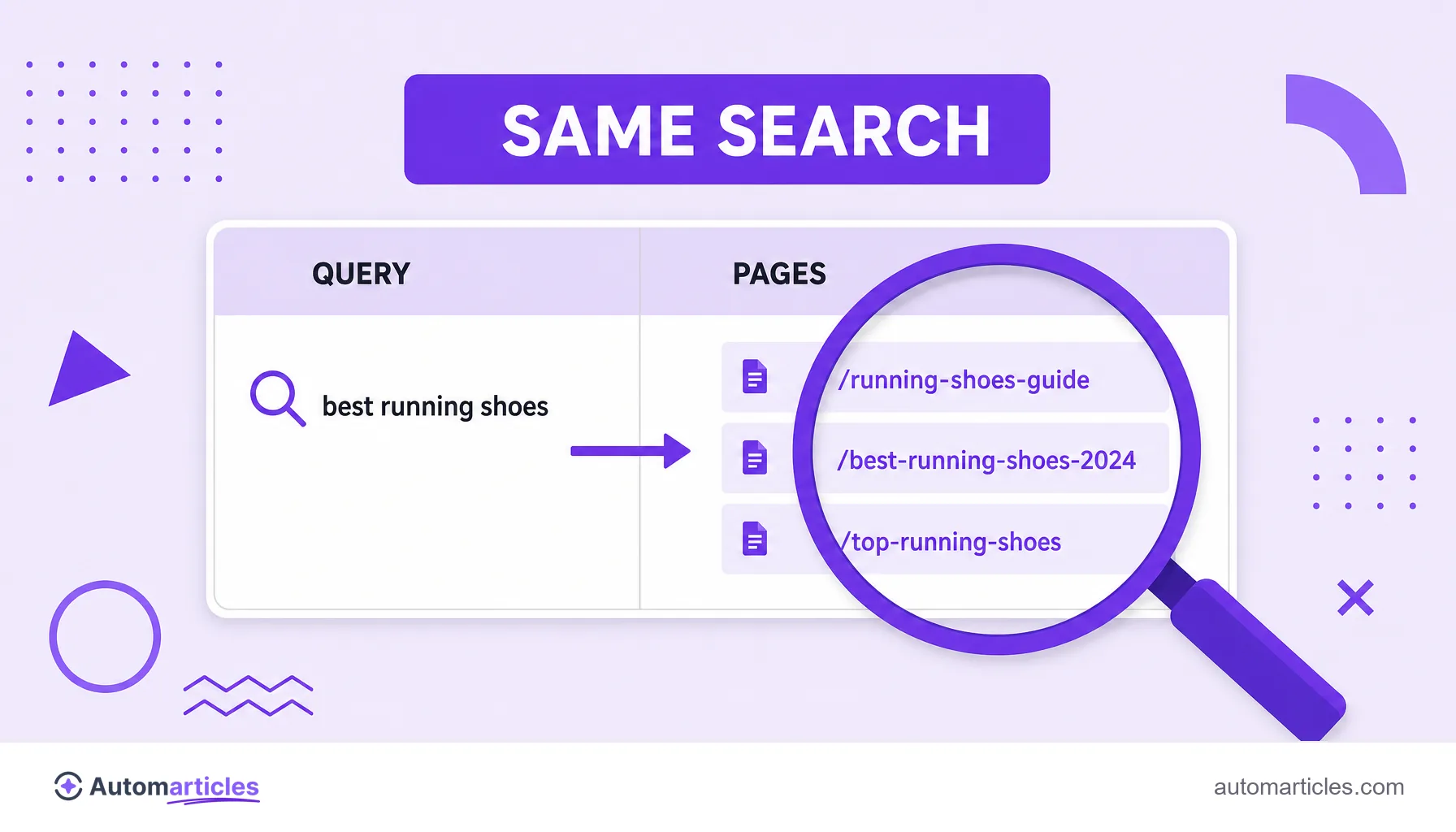
Once you spot the overlap, there are a few paths to fix it, from the most radical to the most subtle. The choice depends on how similar the pages are:
| Situation | Recommended fix |
|---|---|
| Nearly identical pages, same intent | Merge both pieces into one and apply a 301 redirect from the old page to the definitive one. |
| One page is clearly the main one | Point the canonical URL of the secondary versions to the main page. |
| Similar content, but worth keeping | Differentiate the focus of each page toward distinct intents and reduce the overlap. |
| Many loose pages on the theme | Reorganize into a pillar page with a content cluster around it. |
Whatever the route, the principle is the same: concentrate the strength on one winning page instead of spreading it among internal competitors. Consolidating well usually recovers positions and clicks that were divided.
How to prevent cannibalization: the keyword map
Better than fixing is preventing cannibalization from happening. Prevention starts in content planning:
- One theme per page: each URL should have a main keyword and a clear intent, without invading another's territory.
- Keep a living keyword map: before creating a new article, check whether the theme is not already covered by an existing page. If it is, update the old one instead of creating a competitor.
- Use internal links wisely: good internal linking signals to Google which page is the main one for each theme.
- Think in clusters: organizing content by themes helps decide what becomes its own article and what is just a section within another page.
This editorial care connects to keyword difficulty: instead of creating ten weak pages for the same hard term, it pays to concentrate effort on one strong page, with a much better chance of beating the competition.