
Google related searches: what they are and how to use them
By Tiago CostaUpdated on July 2, 2026
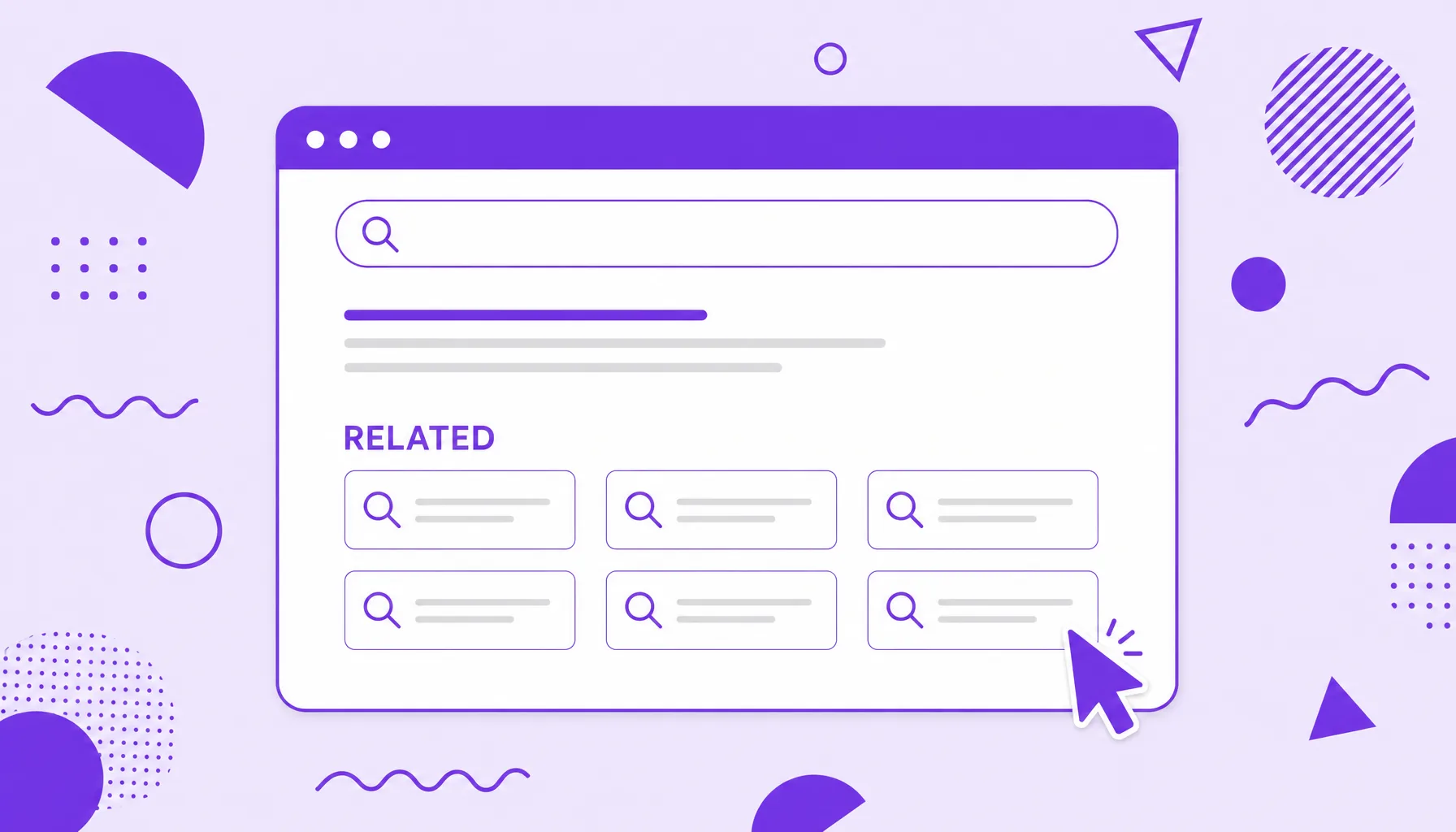
Related searches are the suggestions Google shows at the bottom of the SERP. They help you:
- reveal terms and variations people search about the topic;
- show questions and related intents around the original query;
- get free keyword and topic ideas;
- map out the subtopics of a subject.
What Google related searches are
Related searches are a block of suggestions that appears at the end of the Google results page. After scrolling to the bottom, you find six to eight terms tied to what you searched, each one clickable and able to open a new search.
These terms are not random. Google builds them from the real behavior of millions of people, that is, queries that tend to come before, after or instead of yours, plus variations that share the same theme. That is why related searches work like a snapshot of the search intent behind a word, showing what matters most to whoever looks for that subject.
In short, it is Google itself handing you, for free, a map of the questions that orbit a topic. Ignoring this block means leaving valuable ideas on the table.
Where they appear and how Google builds the suggestions
The classic spot for related searches is the bottom of the SERP, in a grid of boxes with arrows. But Google has been spreading this kind of suggestion across other points of the page, which raises the chance you run into them:
- At the bottom: the traditional list of related terms, right below the last organic result.
- In the middle of the page: "People also search for" boxes that pop up when you return to the SERP after visiting a result.
- In autocomplete: the suggestions that appear as you type into the search bar, before you even press enter.
All these sources draw from the same well, the audience's search patterns. The difference is timing. Autocomplete tries to guess the query before you finish, while related searches expand the subject after you have already seen the results.
Related searches, People Also Ask and autocomplete: the differences
It is easy to mix up the SERP suggestion features, but each plays a different role in the research journey:
| Feature | Where it sits | Format |
|---|---|---|
| Related searches | Bottom of the SERP | Short, clickable terms that open a new search. |
| People Also Ask | Middle of the SERP | Accordion questions, each with a short answer. |
| Autocomplete | Search bar | Suggestions that complete the phrase as you type. |
In practice, the ideal is to use all three together. People Also Ask reveals the audience's exact questions, great for turning into subheadings and FAQs; autocomplete shows where the search starts; and related searches widen the map with neighboring themes you might not have considered.
How to use related searches in keyword research
Related searches are a cheap shortcut for keyword research. The step by step is simple:
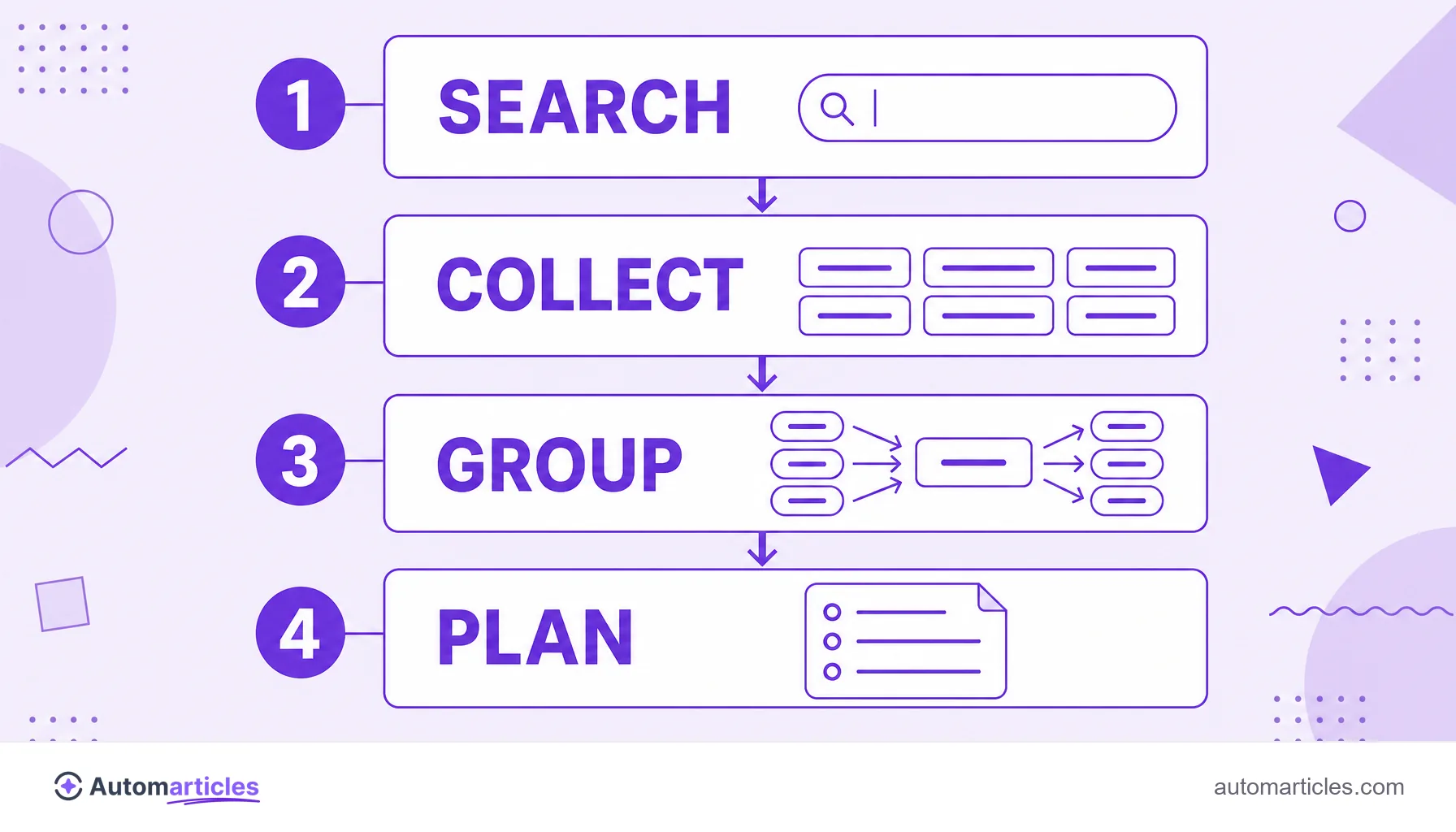
- Start with a broad word: search your main theme, a seed keyword, and scroll to the bottom.
- Note the suggested terms: each suggestion is a real variation someone types into Google.
- Dig in a chain: click one of the suggestions and watch the new related searches that appear. Repeating this, you unfold the subject into dozens of variations.
- Split by intent: group the terms by goal (learn, compare, buy) to understand what kind of content each one calls for.
Much of what you find there is long-tail, and that is exactly where the opportunity lives. Ahrefs estimates that nearly 93% of the keywords in its database get 10 searches or fewer per month. These are individually low-volume terms that, added together, form the largest slice of searches and tend to convert more. Exploring these long-tail keywords is a way to escape the competition of the more obvious searches.

From suggestion to topic: building content from related searches
Collecting terms is only the first step. The real value shows up when you turn those suggestions into organized content. A good path:
- Group by subject: gather the related searches that deal with the same sub-idea. Each group can become an article section or a whole post.
- Build a cluster: use the central theme as the main page and the term groups as supporting content, forming a content cluster that covers the subject completely.
- Fill the gaps: suggestions you have not covered yet point to holes in your content, that is, a content gap ready to be worked on.
Covering a topic in depth, answering the variations Google itself suggests, is what helps build topical authority and rank for many words from a single well-planned effort.
Tools and limits of related searches
Related searches are free, but they have limits. They show few terms at a time, bring no search volume or difficulty and change with location, language and history. To scale the collection, it is worth combining them with tools:
- Google Trends: compares interest over time and shows rising queries.
- SEO tools: platforms like Semrush, Ahrefs and Ubersuggest gather suggestions, volume and competition in one place.
- Extensions and collectors: pull all the autocomplete and related search suggestions for a term at once.
The best flow mixes both worlds: use related searches to capture the audience's real language, for free, and the tools to measure and prioritize what is worth attacking first.